Free AI Studio Ghibli Image: Make your own Ghibli Photos!

Step into a World of Wonder: Let’s Easily Transform Your Photos into Enchanting Masterpieces and Bring the Magic of Studio Ghibli to Life!
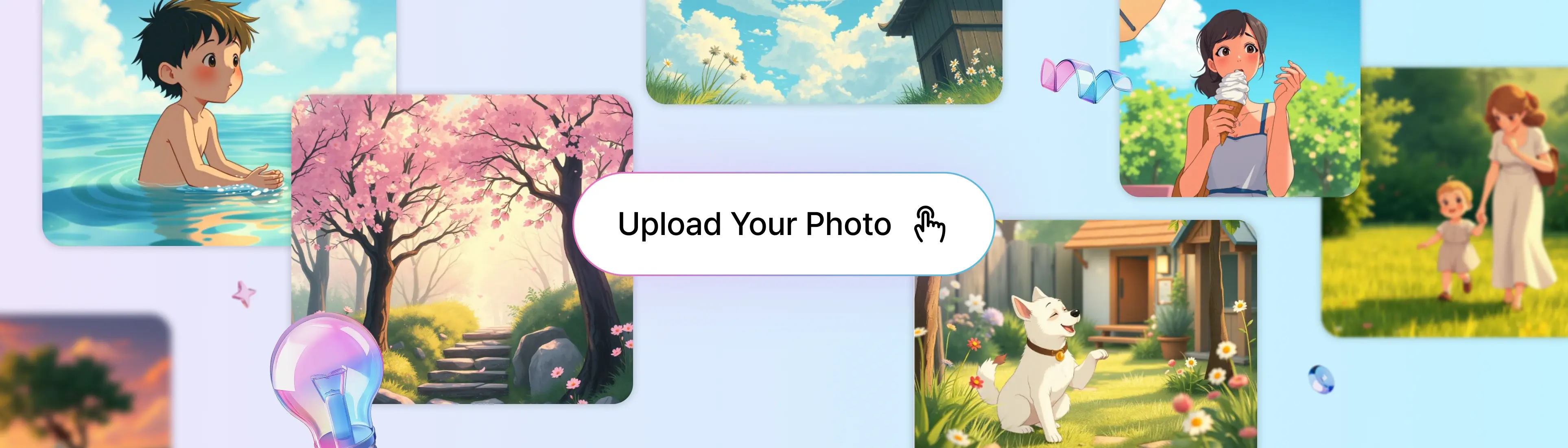
Upload screen for generating Ghibli-style AI images

Step into the World of Ghibli: Turn Your Selfies into Enchanting Ghibli Style with Just a Click!

Experience the Timeless Charm of Hand-Drawn Art: Reimagine Your Portraits with Ghibli-Inspired Styles, Ideal for Crafting Unique Profile Pictures, Special Gifts, or Simply Exploring Your Creative Side with the Magic of Studio Ghibli!

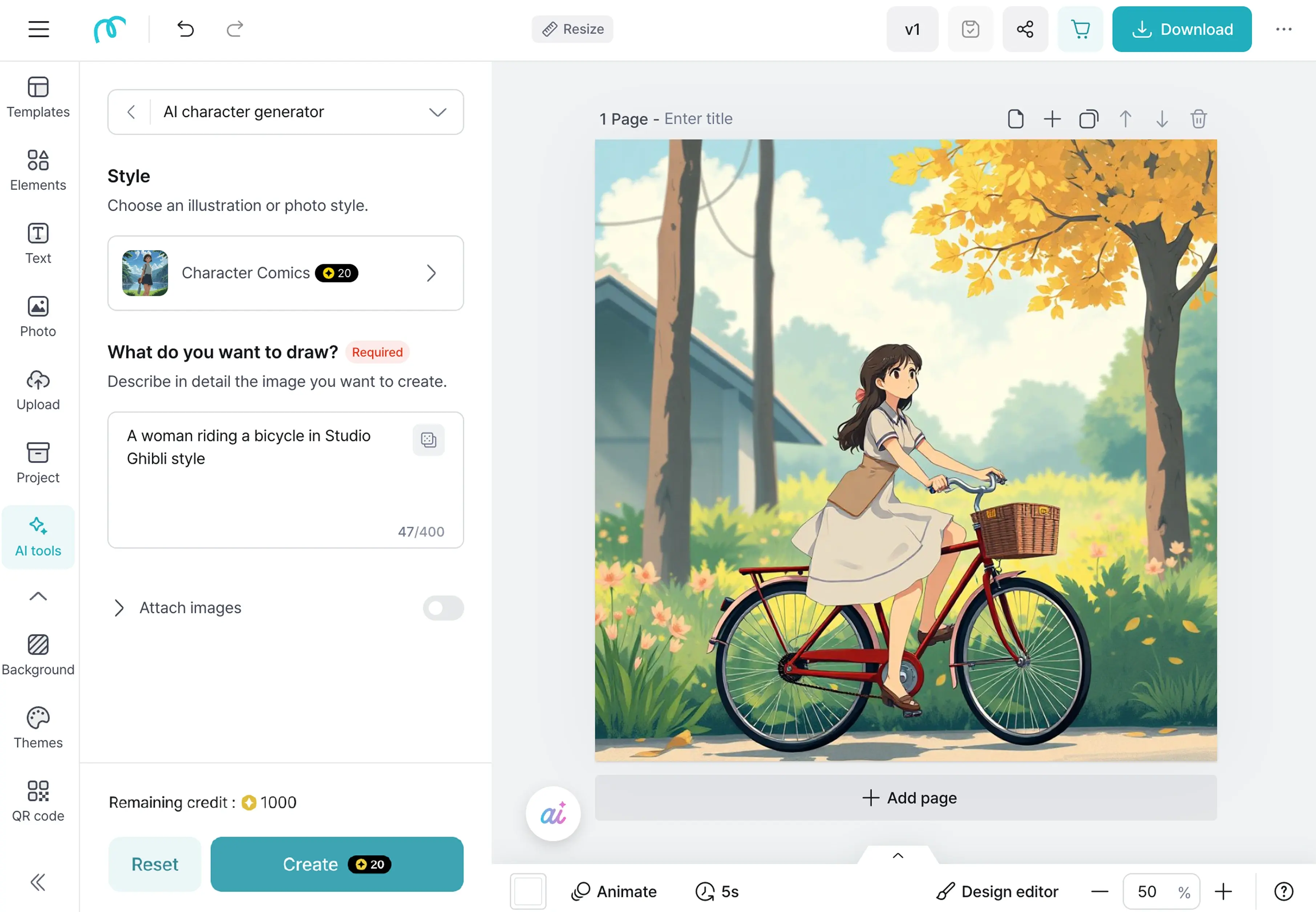
Create Ghibli Image
Image editor showing a Ghibli-style illustration generated from a prompt
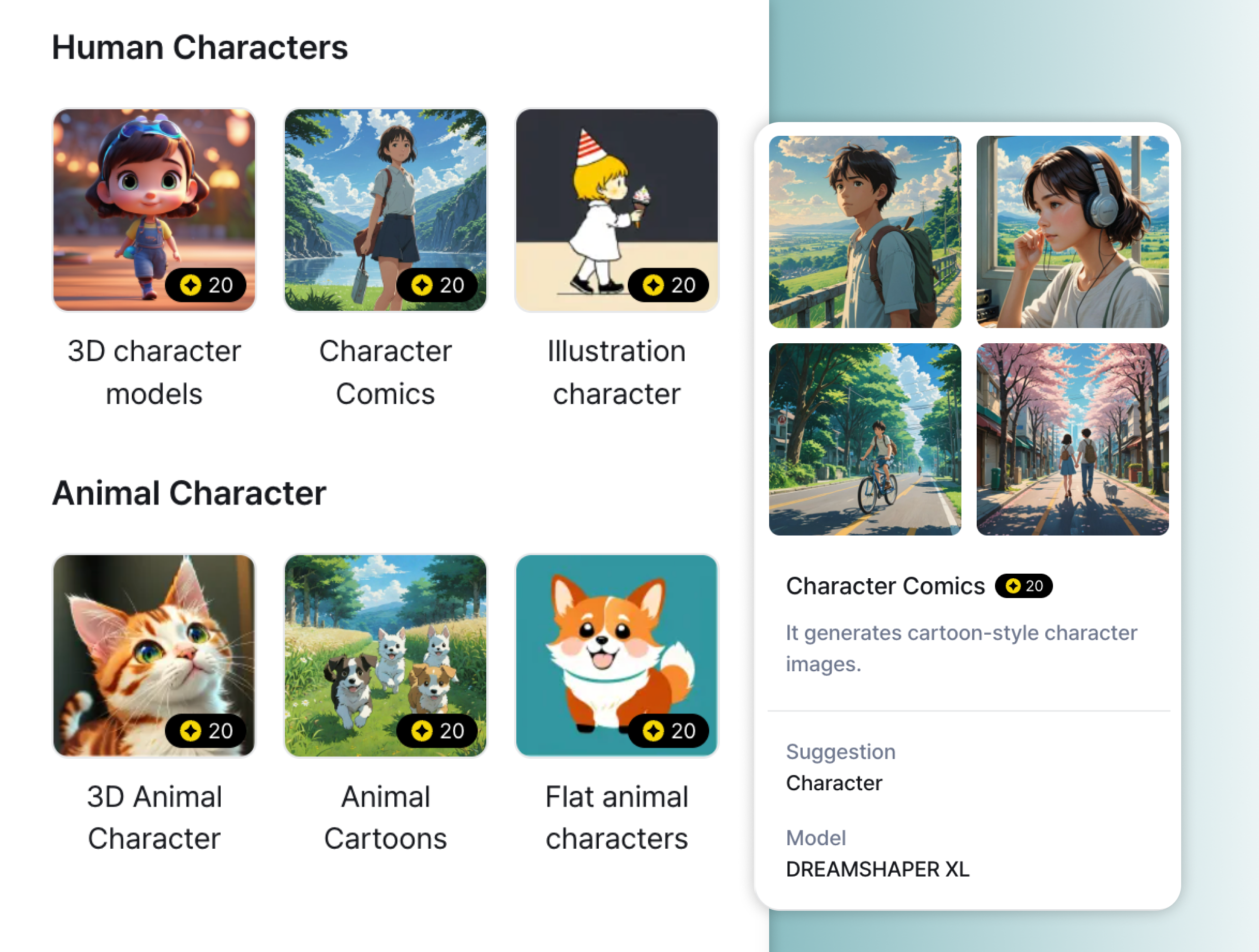
Style selection screen for generating various AI characters, including Ghibli-style

No Image? No Problem: Easily Craft Beautiful Image with Just a Few Words, All for Free!

Create stunning visuals effortlessly by using our tool to transform simple text into captivating images. With 31 diverse styles available, you can customize your image to match your unique taste or project needs. Whether you're designing a social media post or exploring your creativity, our platform offers a seamless and enjoyable experience—all at no cost.

Generate AI Images

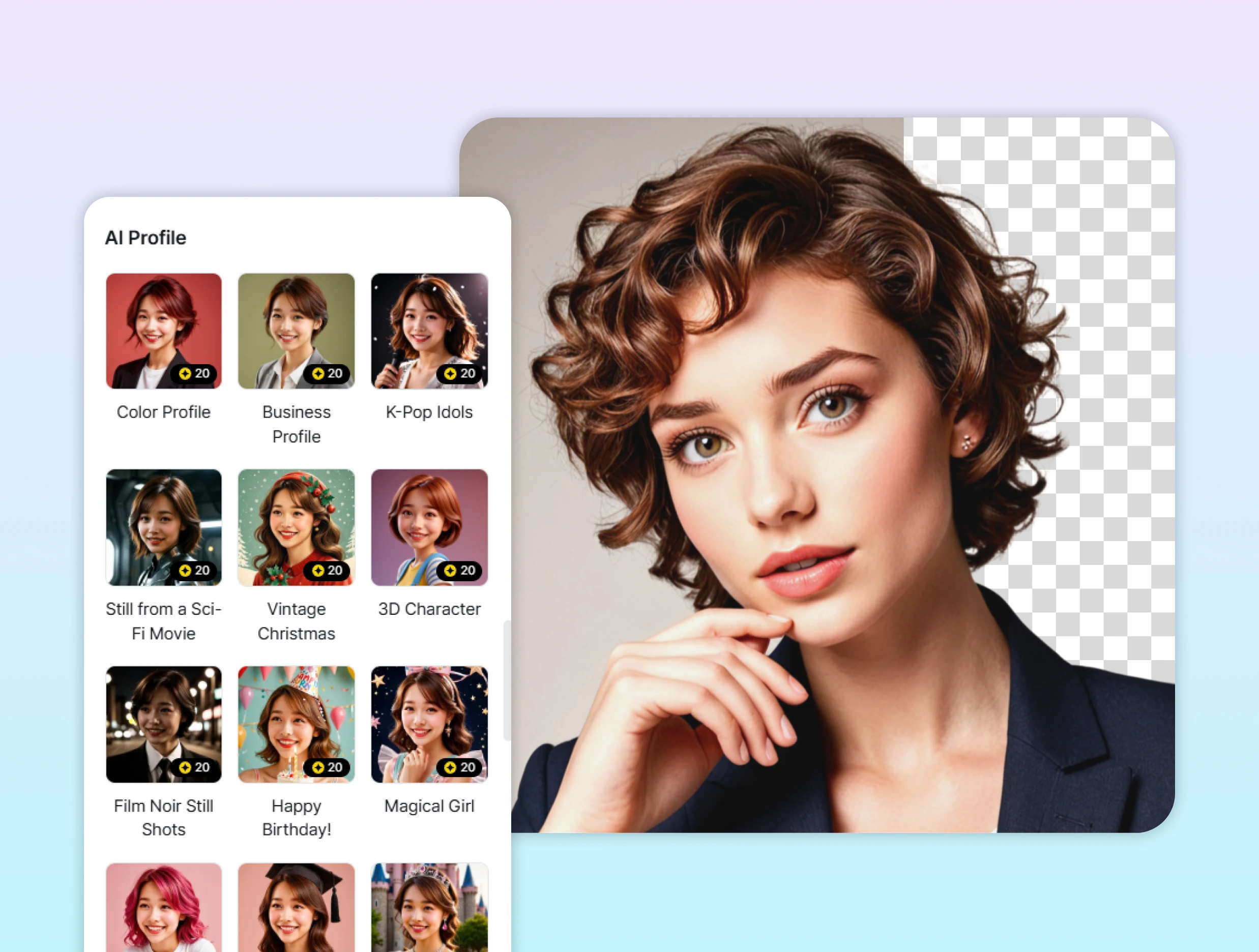
Explore Unique Photo Filters: Transform into a K-pop Idol, Spaceman, or Aristocrat!

Dive into a world of creativity with our diverse range of photo filters. Whether you dream of becoming a K-pop idol, a daring spaceman, or a regal aristocrat, our unique filters can bring your vision to life. In addition to these exciting styles, we offer 18 more filters, each designed to add a distinctive flair to your photos. Try them today and see how easily you can transform your images into something truly extraordinary!

Exiperience Diverse Filters
Interface for generating character portraits using different AI profile styles

How to Use

Example of a 3D animation-style dog illustration generated from the AI image interface
1

Click the "AI tools" icon in the editor.

2

Select the type of image you want to create (drawing, photo, illustration, logo, etc.).

3

Choose a style to set the mood and look of your image.

4

Add details like features, colors, and components for more accurate results.

5

Review your generated image, apply filters or effects if needed, and download or use it right away.

Generate AI Images

FAQ

Can I modify or edit AI-generated images?

Yes! You can edit AI-generated images directly in the MiriCanvas editor. Add filters, effects, adjust colors, or insert text and graphics to make your design even more polished.

How long does AI image generation take?

It usually takes just a few seconds to about a minute. The time may vary depending on the complexity and resolution, but you’ll get high-quality results fast.

How does AI image generation work?

MiriCanvas analyzes the text you enter, picks the best style, and automatically creates the image for you. Just choose the type (photo, illustration, drawing, logo, etc) and add details — AI will handle the rest and generate something unique.

Is AI image generation free?

Yes, MiriCanvas’ AI image generation feature is free to use! You get a set amount of daily credits, and the amount used depends on the style you select. Credits reset every day at midnight, and if you need more, you can get extra credits with the Pro plan.

Start designing today!

Create a design

Care for Cookies? Check out our policy here.

We can use cookies to improve your Miricanvas experience and ensure site security. Learn more about your choices in our cookie policy.

Accept all
