Tools

AI資料作成
AIプレゼンテーション
BEST
AI文章作成·作文
AI ポスター
AIかんたん作成
AI画像生成
AI動画生成
HOT
AI キャラメーカー
AI アイコン作成ツール
AI アイコンメーカー
AIイラスト生成
AI ロゴメーカー
AI フリー背景素材
AIクイック編集
AI画像編集
背景除去
高画質化
写真イラスト化
HOT
New!

イラスト一覧を見る
幅広いシーンで使える高品質イラストをご用意しています。
Plans


Turn your content in ChatGPT or Claude into slides with professionally designed templates. Fine-tune every detail in MiriCanvas without using more tokens.
[Special Launch Offer]
Connect MiriCanvas to ChatGPT or Claude now and get 7 days of free access to all MiriCanvas Pro features!
For more details on this offer and how to connect, visit our [Help Center].
In Claude, go to Settings -> Connectors -> Add Custom Connector
Enter "MiriCanvas" as the name and
https://mcp.miricanvas.com/mcp
as the URL
Log in with your MiriCanvas account and approve the connection
*Claude Free users can also add one custom connector.
In the left sidebar, go to [Plugins] > click [Add] in the top-right corner > select [Add Custom MCP].
Enter a name, description, and URL
https://mcp.miricanvas.com/mcp
> click [Create Plugin].
When the connection window appears, click [Continue with MiriCanvas] > select your MiriCanvas workspace > click [Allow].
*ChatGPT Free users can also connect a custom MCP server (plugin).
Once MiriCanvas is officially listed, you can find and add it in the [Connectors] or [Plugins] menu.
Until then, follow the guide above to connect manually.
We’re working to make MiriCanvas available in more AI tools.
Looking for presentations that don’t look AI-generated? MiriCanvas combines professionally designed templates with AI instead of creating designs from scratch, giving your slides a more natural, polished look.
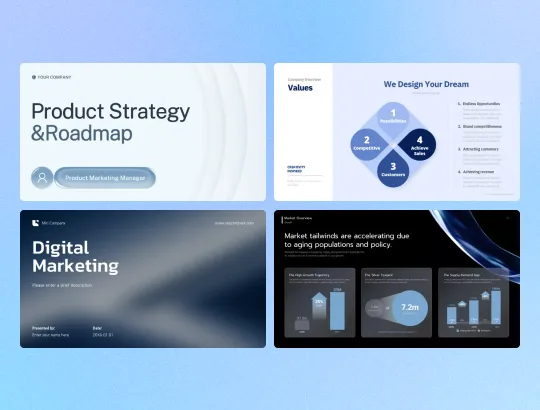
MiriCanvas uses over 800,000 professionally designed templates instead of generating designs from scratch. Say goodbye to generic AI visuals and create polished presentations with the attention to detail of human-crafted design.
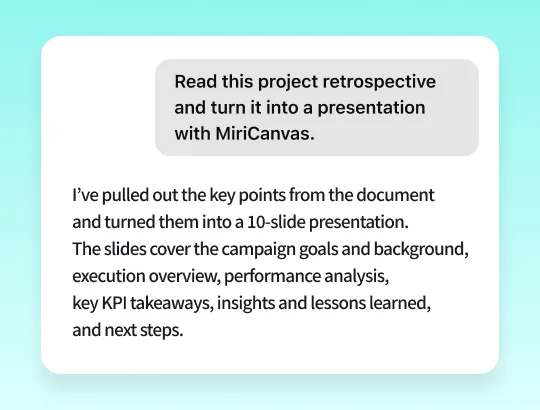
Turn rough notes or meeting minutes into well-structured presentations. MiriCanvas recommends suitable templates, organizes your content into a logical flow, condenses lengthy documents, and transforms data into clear, easy-to-understand charts.
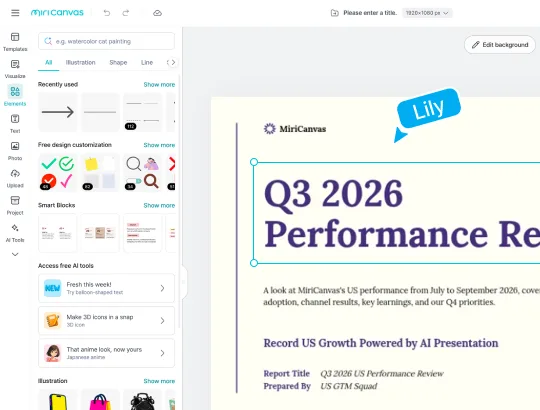
No more wasting time and tokens regenerating slides over minor details. Make as many adjustments as you need directly in the MiriCanvas editor, add your personal touch, and present with confidence.
Ask your AI tool to create a presentation directly from your conversation, or provide a document to turn into slides for a talk or report.
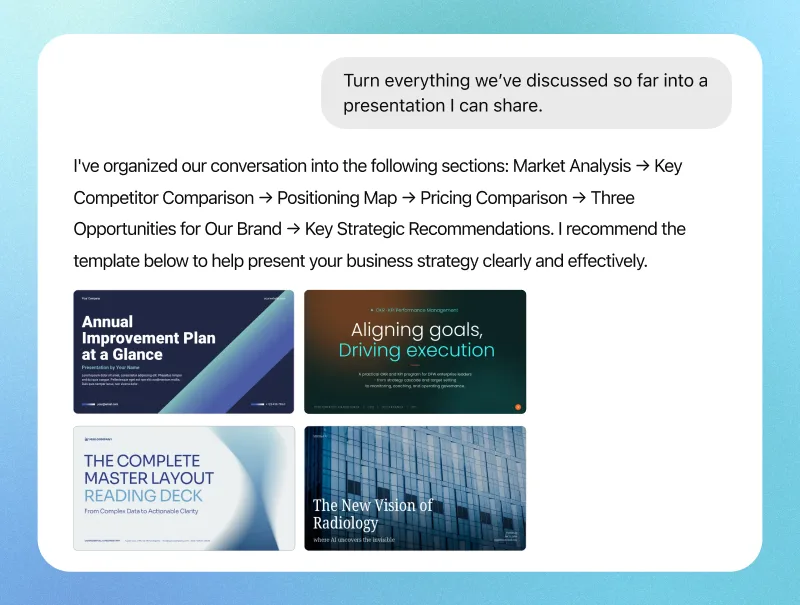
Your conversation with AI can be your starting point. Just say, “Turn what we’ve discussed into a 10-slide presentation with MiriCanvas.” It uses the flow of your conversation to structure your slides and recommend a suitable template.
Paste in your rough notes, meeting minutes, or draft proposals. MiriCanvas pulls out the key points, organizes them into sections, and turns numbers and processes into clear diagrams and charts.
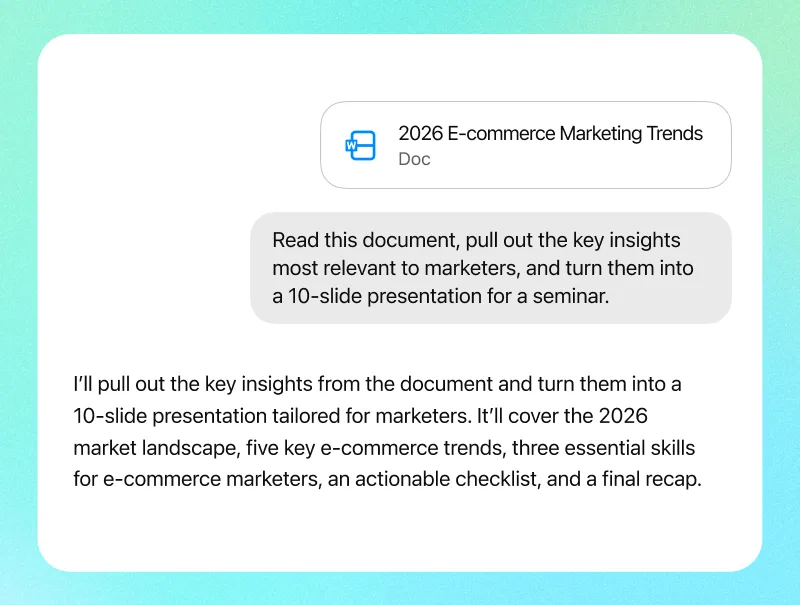
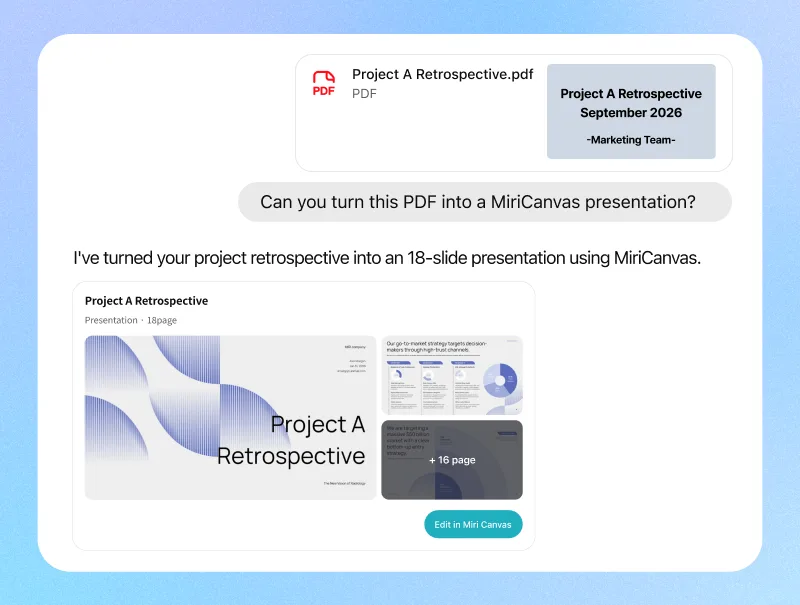
Upload your existing files directly. MiriCanvas can give an old PPTX a fresh look with a new template while preserving its content, turn key points from PDF reports into slides, and visualize CSV data with charts.
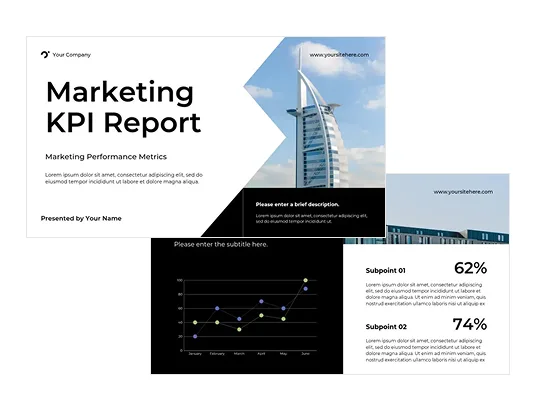
Professional at First Glance
Start with a professionally designed presentation and fine-tune the details to make it your own. Give your audience a strong first impression with slides that look polished and credible.
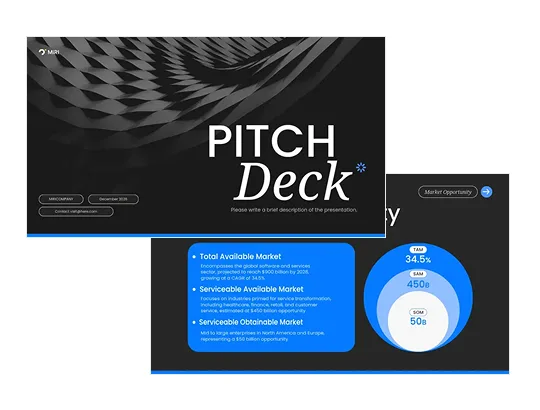
Client-Ready Proposals
Create polished proposals without the cost of outsourcing, and easily tailor them for each client by updating only the key details.
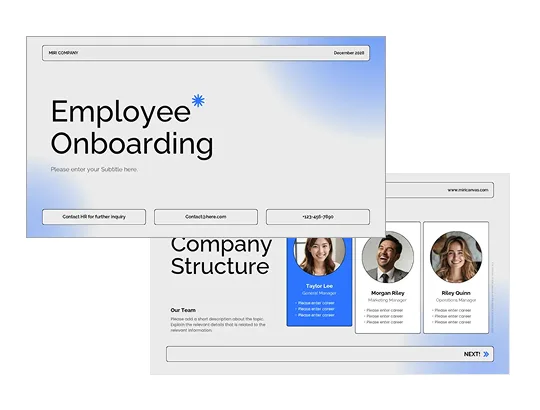
Flexible Lesson Presentations
You don't have to spend hours creating dozens of slides with similar content or turning complex concepts into diagrams and charts.
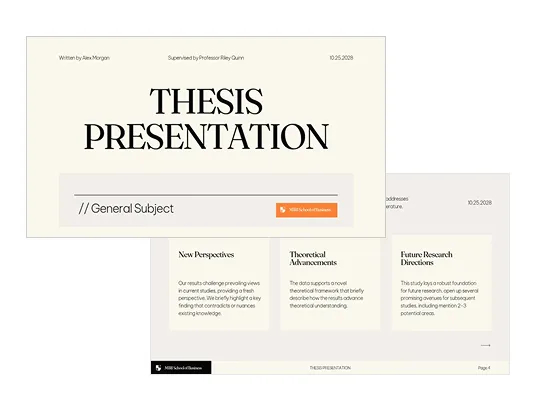
Unified Group Presentations
Create presentations directly in the AI chat where you organize your content, without having to piece together and redesign individual sections. You can also collaborate in real time in the MiriCanvas editor.

No need to move content from ChatGPT or Claude into PowerPoint. Connect MiriCanvas to create slides directly in the chat with a one-time setup that takes about 3 minutes.