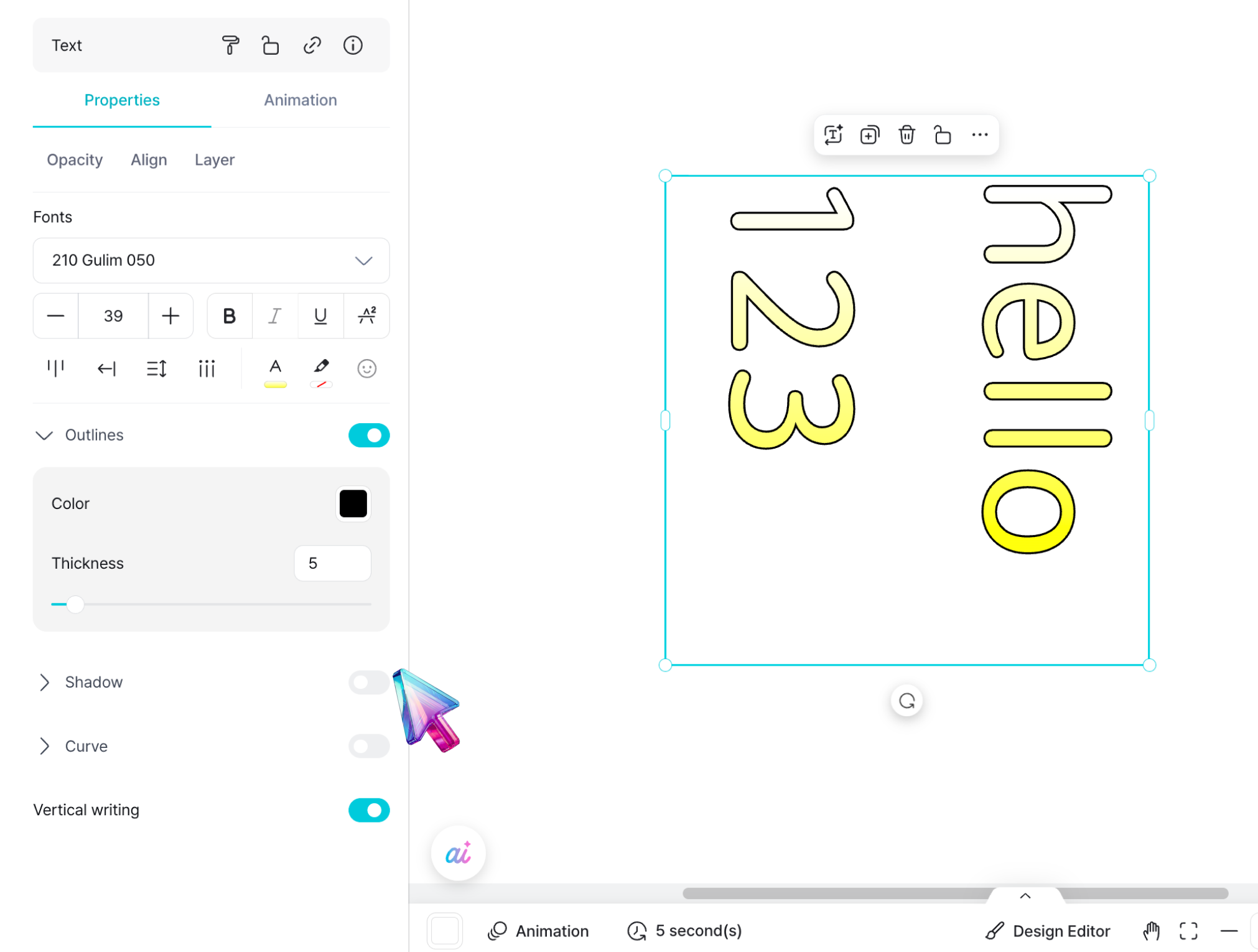
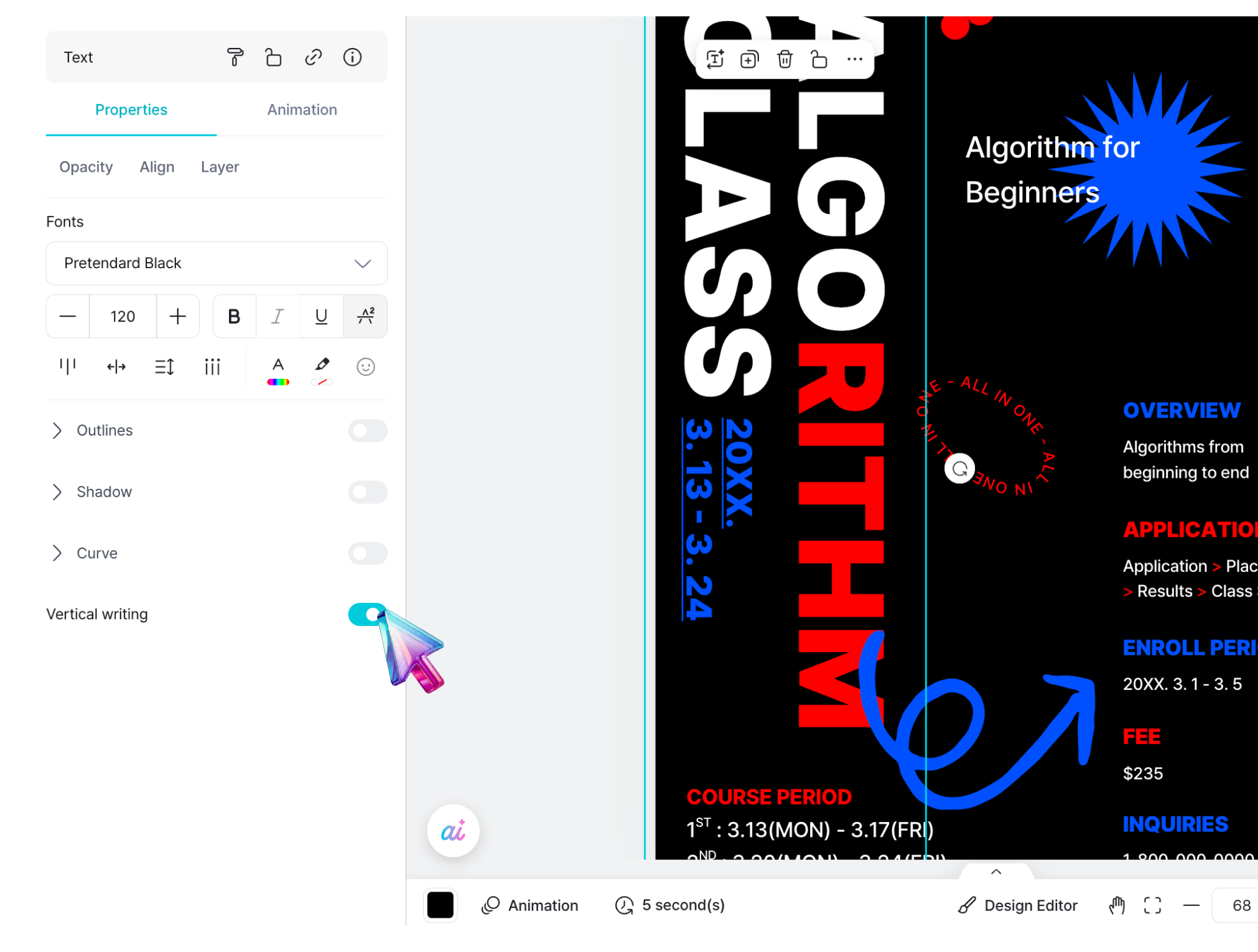
Select the text you want to write vertically.
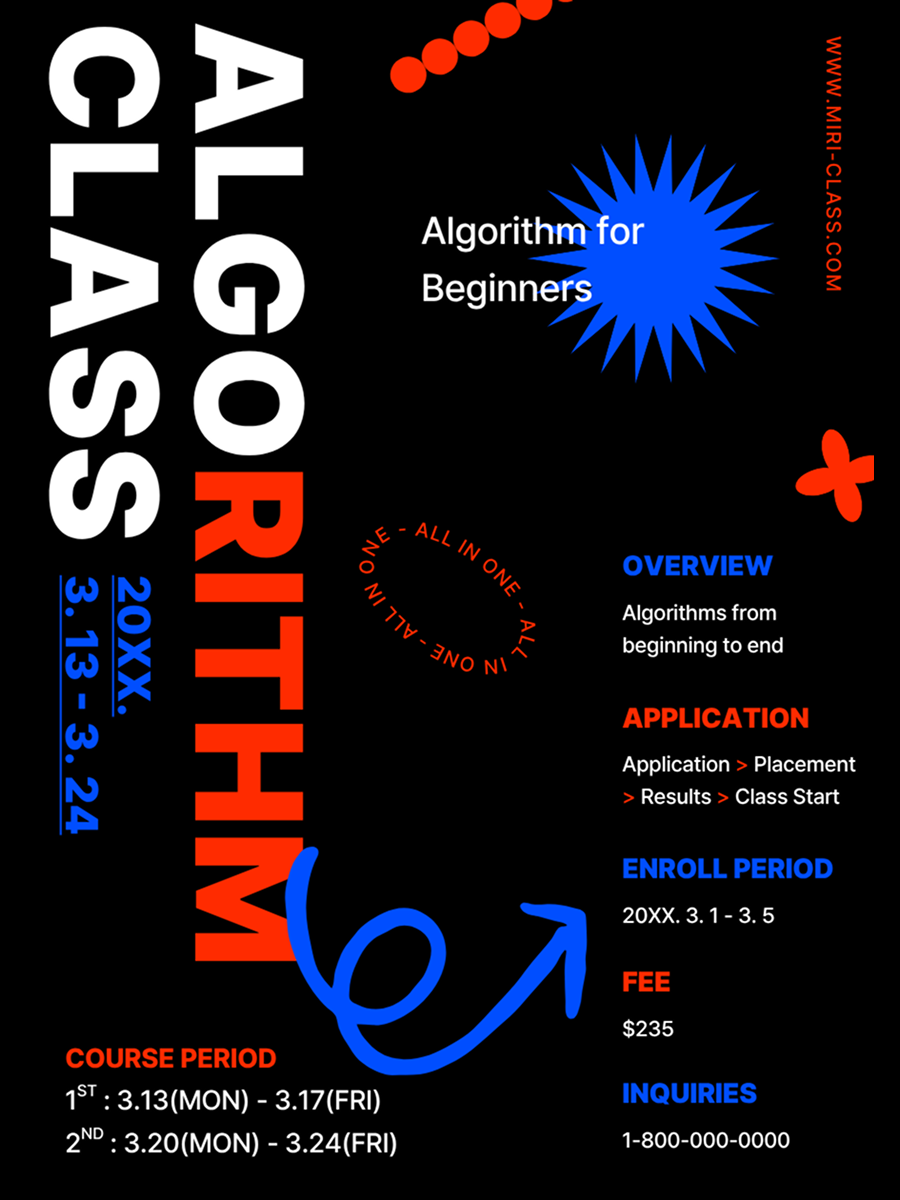
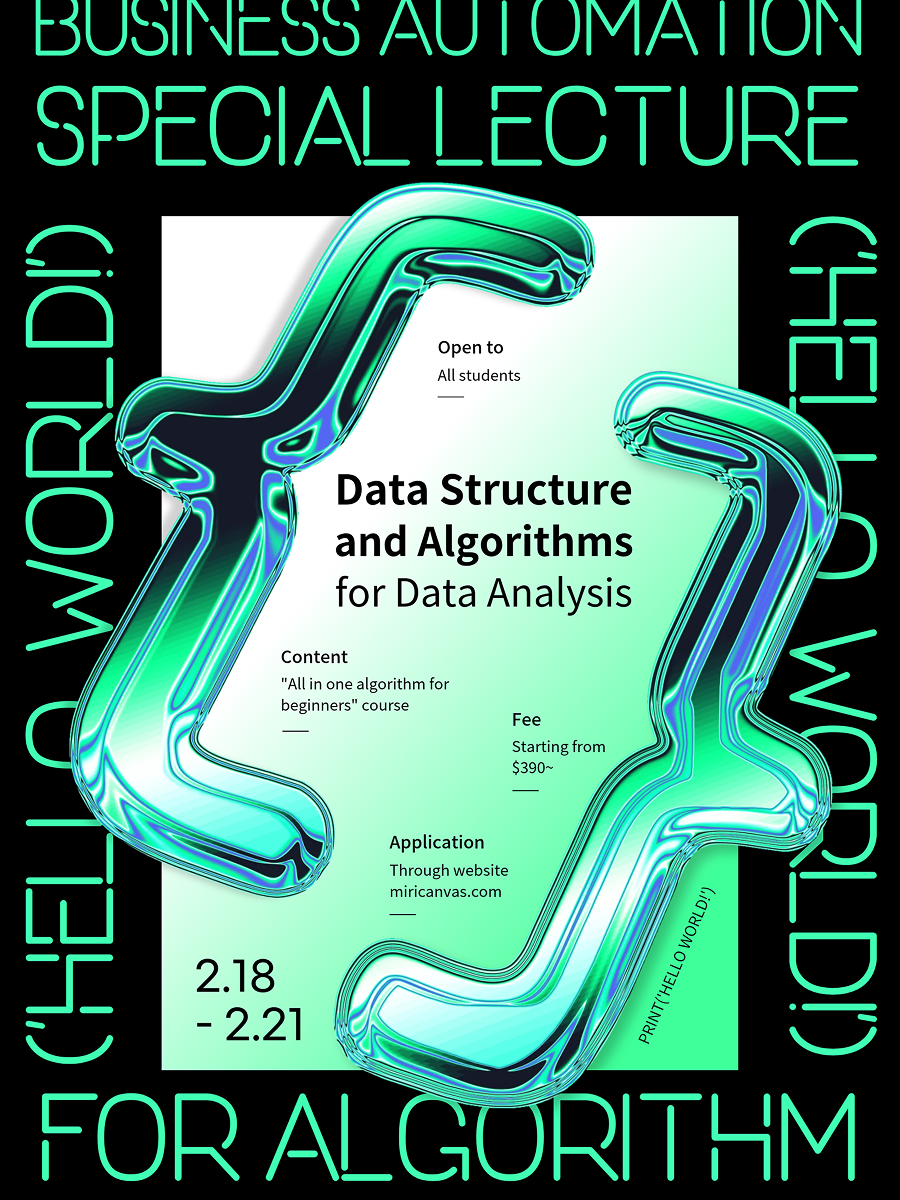
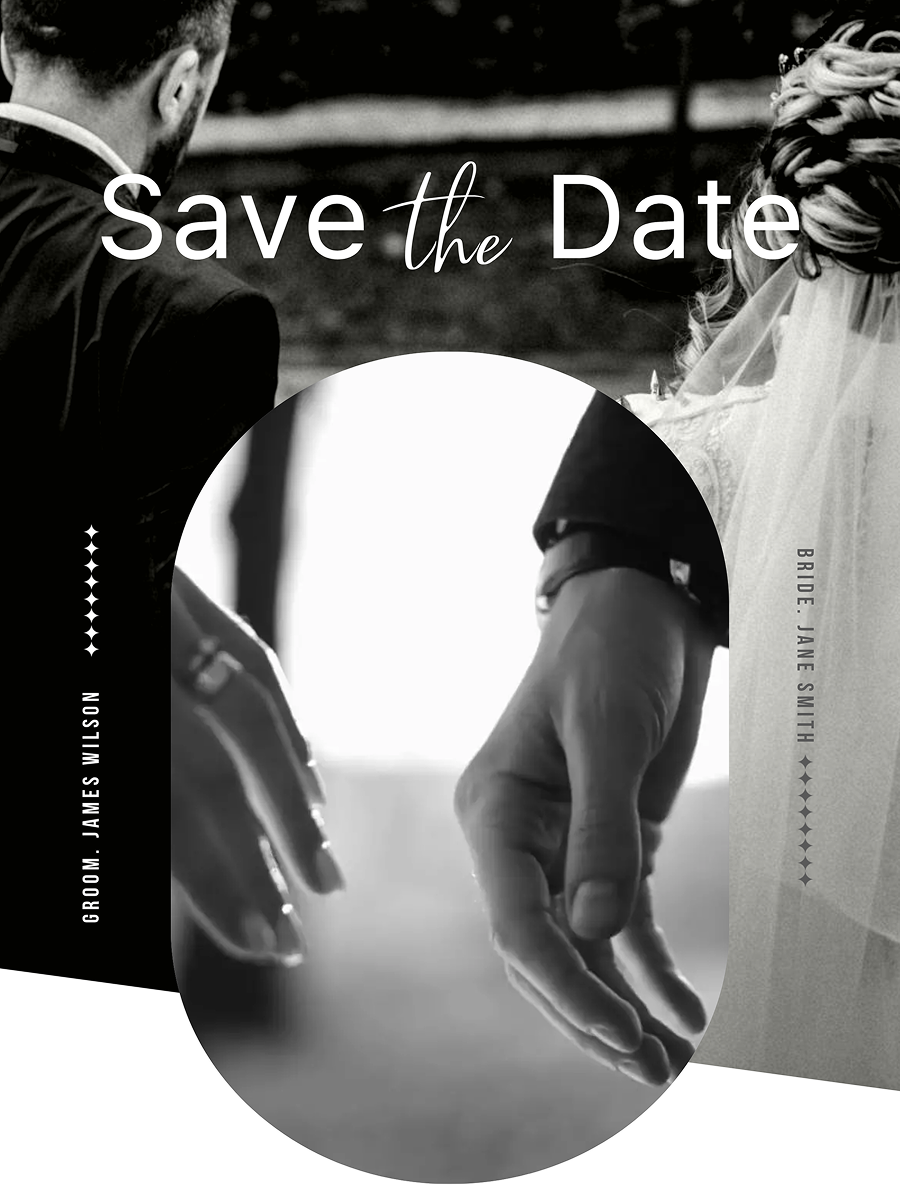
Turn wedding invitation, poster, and book cover titles into vertical text with vertical writing. Select your text and turn on vertical writing, and characters flow from top to bottom. You can switch back to horizontal writing anytime.


Switch horizontal text to vertical writing, and switch it back if you don't like it.

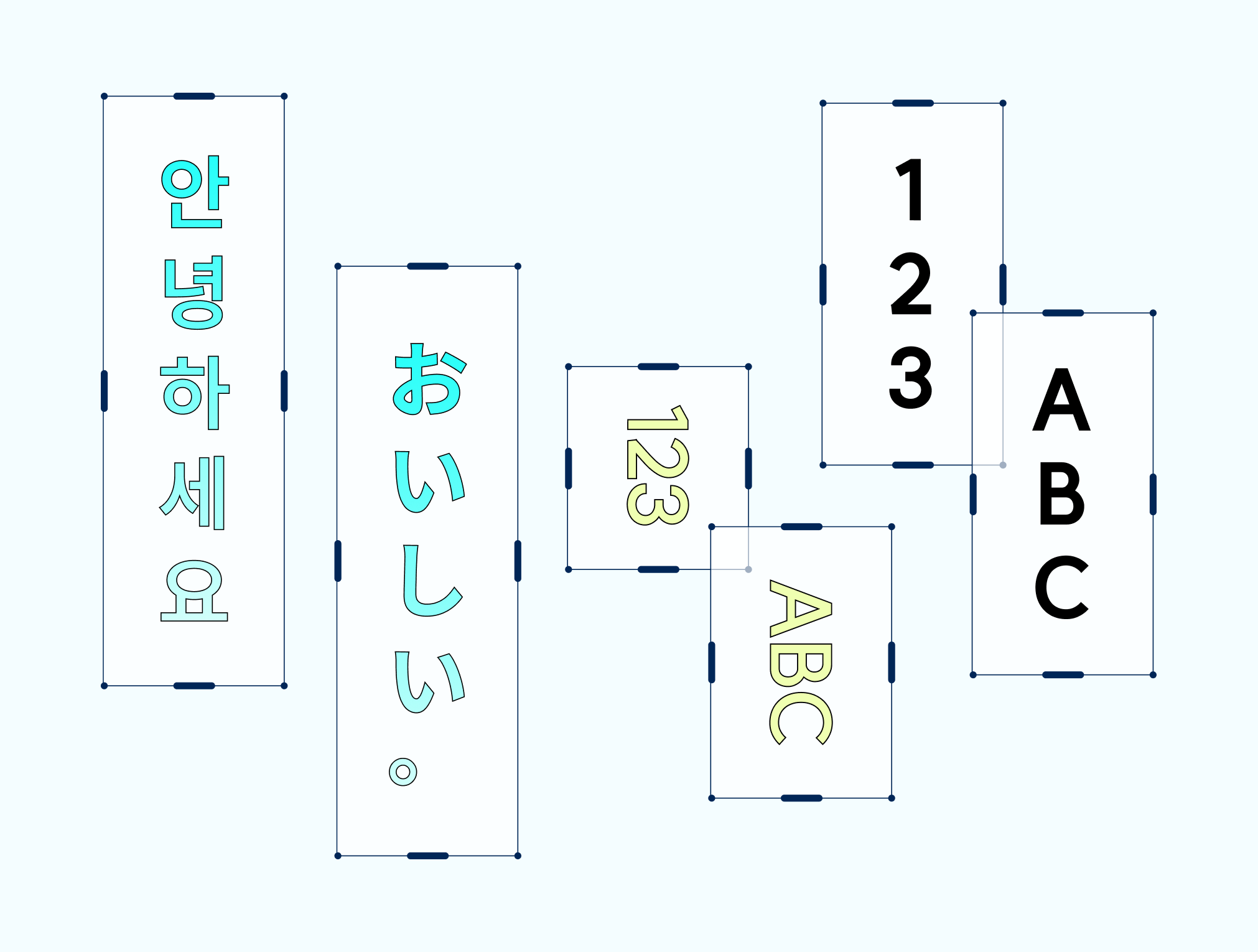
Korean, Japanese, and Chinese characters stand upright, while Latin letters and half-width numbers are rotated sideways to fit vertical layouts.

Use styling like outlines, gradients, background colors, and bullet points with vertical writing too.

Vertical writing stays as it is when you download as PDF or PPTX.

Select the text you want to write vertically.

Click the Vertical writing button in the editor toolbar, or turn on the Vertical writing switch in the Properties panel on the left. Characters run from top to bottom, and lines run from right to left.
Drag the top and bottom handles of the text box to adjust the length of each line.
Click the same button or switch again to return to horizontal writing.
Vertical writing runs characters from top to bottom and lines from right to left. It's used in print where vertical layouts are familiar, such as newspapers, book covers, and menus, and to make titles stand out by setting them upright.
Vertical writing on MiriCanvas lets you set the same text vertically just by selecting it and turning it on. You can create vertical text without workarounds like breaking lines after every character or narrowing the text box.

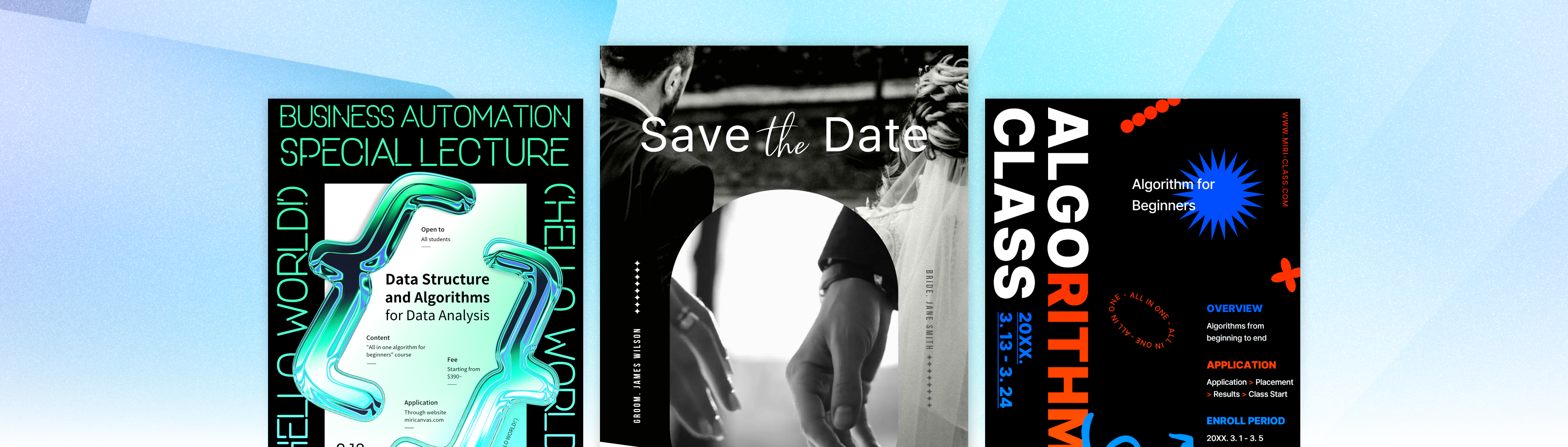
Lay out magazine or book cover text to fit a vertical layout.

Stand your poster title upright so it catches the eye at a glance.

Set your invitation text vertically to add atmosphere to your design.
Korean, Japanese, Chinese, and full-width characters stand upright, while Latin letters and half-width numbers are rotated sideways rather than stacked. If you want letters and numbers to stand upright too, like in a logo, brand name, or date, type them as full-width characters. Japanese punctuation changes to shapes that fit vertical writing.


Apply bold, underline, strikethrough, uppercase, alignment, letter spacing, line spacing, bullet points, text color, gradients, background color, and outlines to vertical writing. You can also add text animations to vertical text for videos or slides, or switch to serif or handwritten fonts to set the mood.
Set your wedding invitation, poster, and book cover titles upright with vertical writing.