On the Create Video screen, upload one photo or illustration you want to turn into a video. Don't have an image? You can create one first with the AI image generator.

Create a video from a single photo, no filming required. Describe the scene you want, and AI adds motion to your photo to turn it into a video. Requests for inappropriate content aren't turned into videos, so you can get started with peace of mind.
Upload the image you want to turn into a video. Because the video is built from an image you already have, it's much easier to get the scene you have in mind.
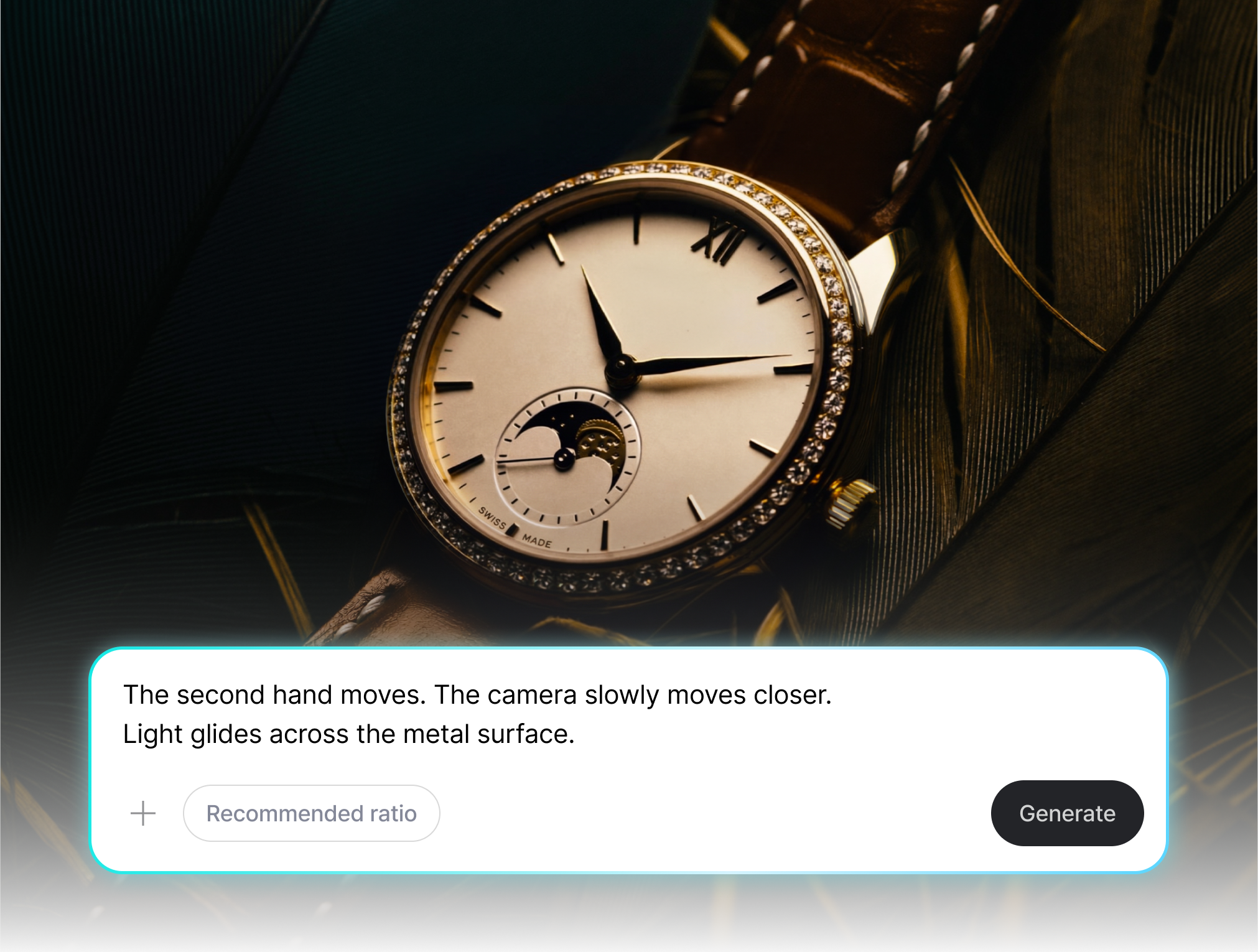
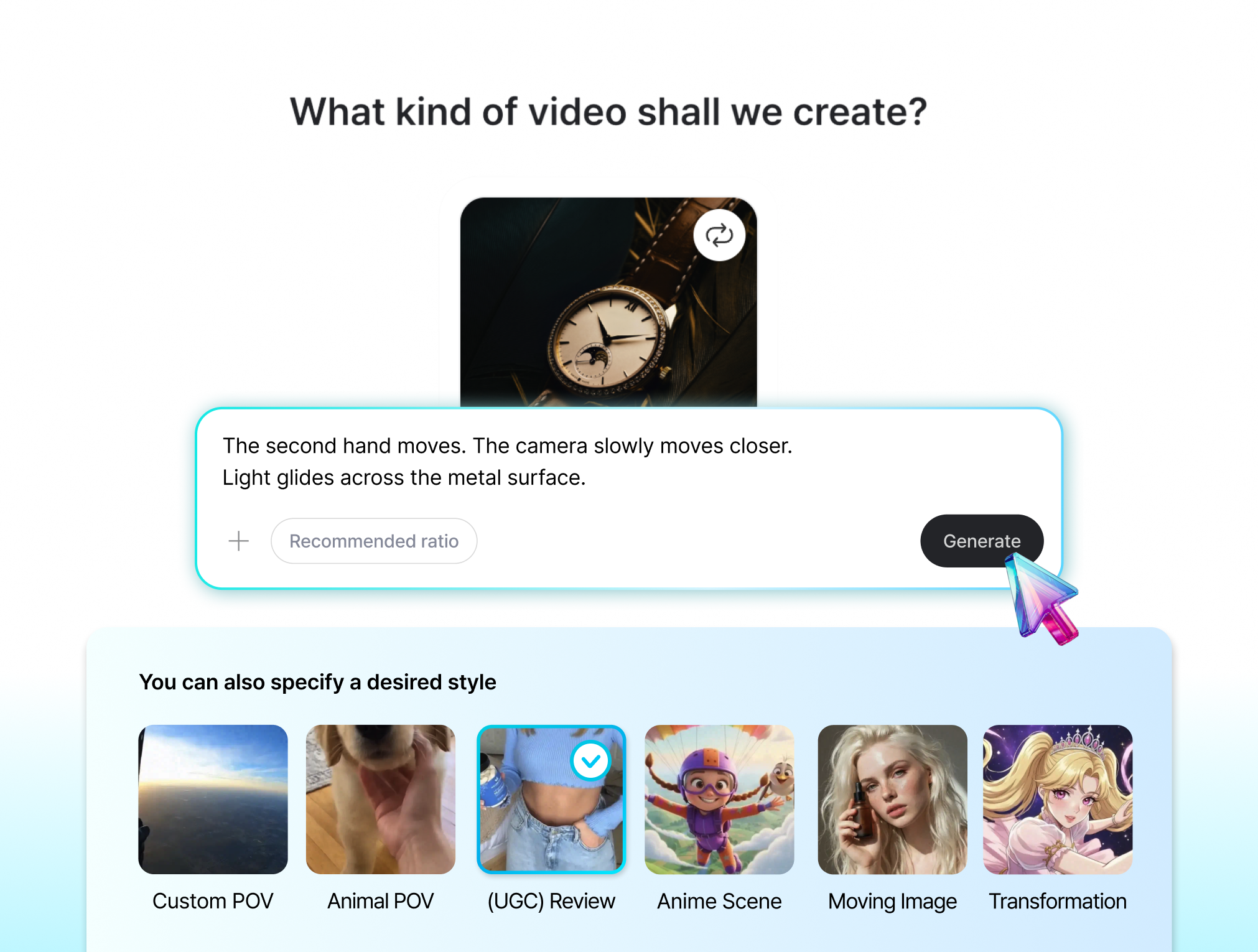
The better you describe the scene, the closer the video will be to what you imagined. Try describing the subject, camera, and lighting separately. If you're not sure what to write, you can pick a style option and get started right away.


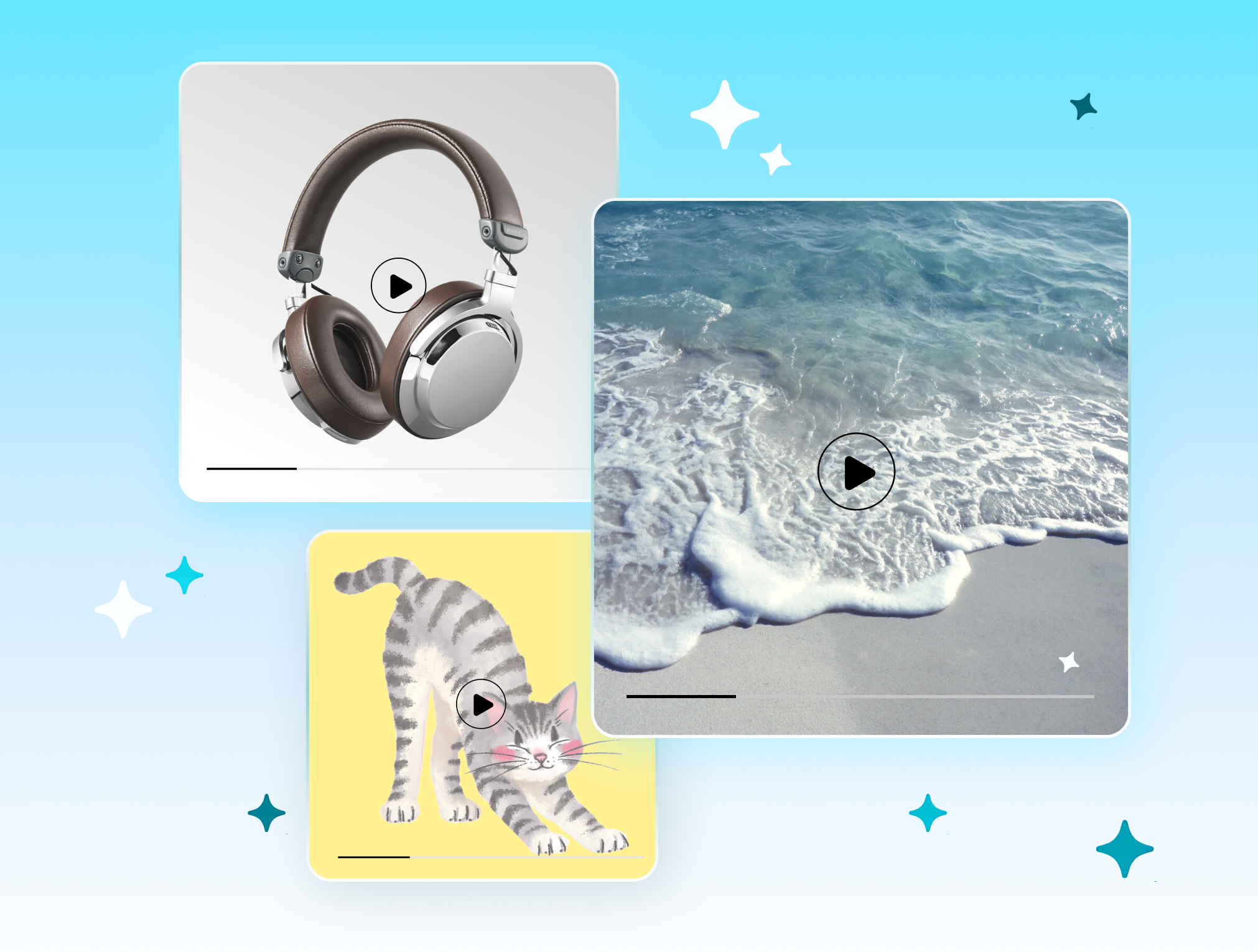
Product photos become promotional videos that show off what makes your product special. Landscape and travel photos become videos that capture the mood of the day. Illustrations you've drawn become animations with characters that move. A single everyday photo of your food, space, or pet is all it takes.
Use your finished video right away on product detail pages, presentations, social media posts, in-store screens, and more. Don't have a photo to start with? Create the image you want with the AI image generator first, then turn it straight into a video.
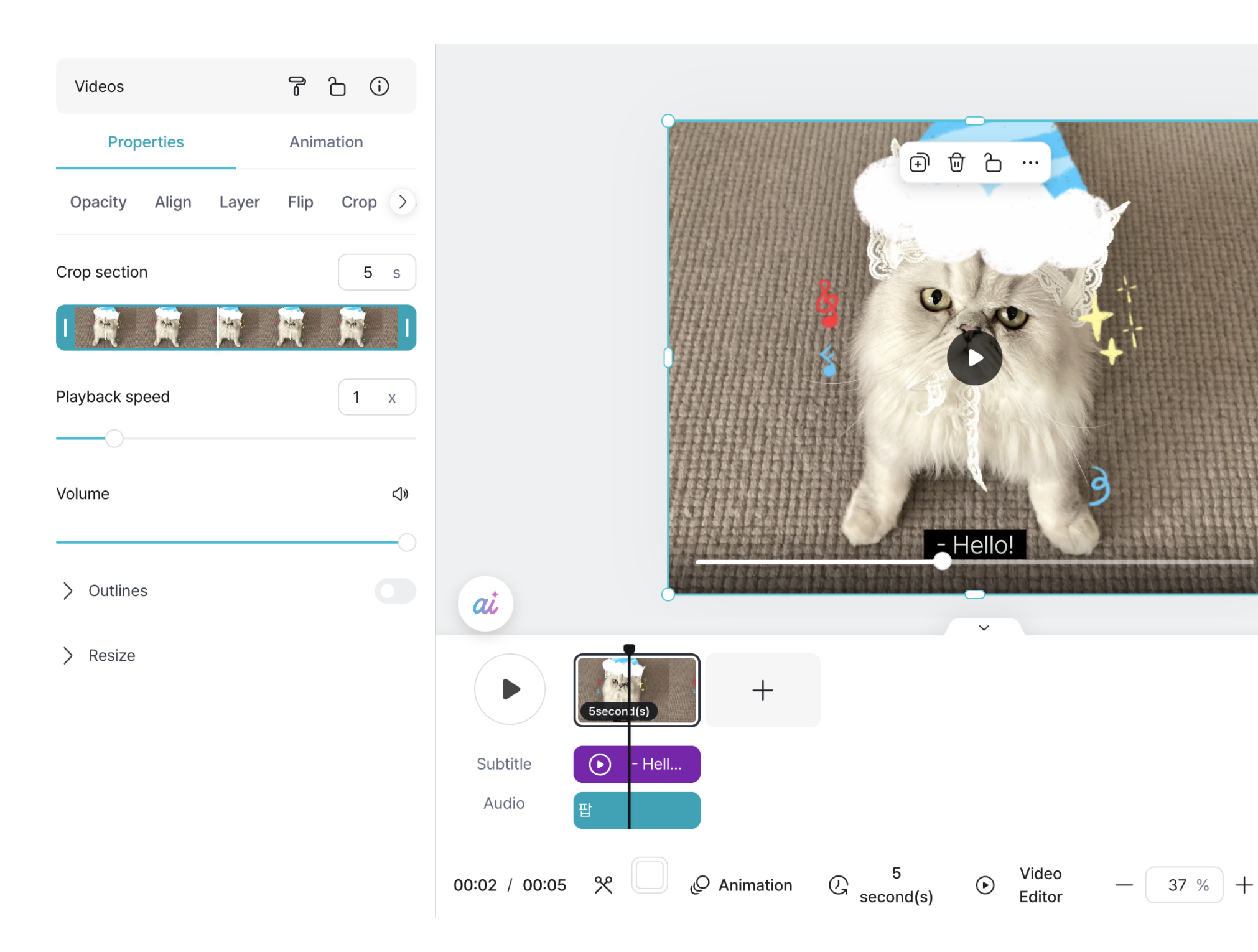
Upload your AI video to the MiriCanvas editor to keep editing. Add subtitles and text animations, include your brand logo and background music, and join it with other video clips to create one complete piece of content. Not sure what to write for your subtitles? Get suggestions that fit with AI writing.
Download your finished video in the format that suits how you'll use it. Save it as an MP4 for social media or presentations, or as a GIF for product detail pages and emails where videos are hard to upload, so your content still shows in motion. There's no complicated software to install. You can go from creating to editing and saving, all in your web browser.

New to MiriCanvas? Try Pro features free for one month with a free Pro trial. You can sign up for the free trial after adding a payment method. See the Help Center for details.
During your free Pro trial, you get 1,000 credits every day. Download the videos you like as MP4s or GIFs with no limit, and decorate them with premium templates and elements to create content that's ready to use. Start your free trial now and create your first AI video.
MiriCanvas has safeguards in place so everyone can create AI videos safely. Before a video is created, the text you enter and the images you upload are reviewed in multiple stages. Requests that could lead to sexual or violent content, or content that infringes on the rights of others, are not turned into videos. You can find the detailed criteria in the MiriCanvas AI Tools Terms.
When using images that contain other people's faces or works, be sure to check portrait rights and copyright. If you use an AI video somewhere people might mistake it for something made by a person, let them know it was made with AI. If you come across inappropriate results, let us know by submitting a request through the Help Center.
No filming equipment or editing skills needed. All it takes is a single photo and a short description, and anyone can create a video. Think about what you could create with the photos you already have.

Describe motion like light sweeping across or the camera moving in, and add it to banners or product images you've already made. With motion added, even the same image becomes a fresh, eye-catching ad creative.

Create videos of dishes with steam rising, or stores and rooms that feel like you're taking a slow look around. Post them on your store's social media or booking page to bring your shop's atmosphere to life.

Use a moving background instead of a still image on your presentation cover or section dividers. A single landscape or illustration can change the first impression of your reports, class materials, and presentations.

Add life to photos of travel destinations or your pets. From birthday cards and anniversary videos to messenger profiles, keep and share your precious moments as videos that move.

On the Create Video screen, upload one photo or illustration you want to turn into a video. Don't have an image? You can create one first with the AI image generator.
Write what you'd like the video to look like. The more specifically you describe what should move and how, the closer the result will be to the scene you want. If it's hard to put into words, you can choose one of the style options below.
Click Generate to create your video. If you're not happy with the result, use Regenerate to create it again, or change just the description for the same photo to make a new one. You can download the finished video or upload it to the editor to add subtitles and music.