Tools

AI資料作成
AIプレゼンテーション
BEST
AI文章作成·作文
AI ポスター
AIかんたん作成
AI画像生成
AI動画生成
HOT
AI キャラメーカー
AI アイコン作成ツール
AI アイコンメーカー
AIイラスト生成
AI ロゴメーカー
AI フリー背景素材
AIクイック編集
AI画像編集
背景除去
高画質化
写真イラスト化
HOT
New!

イラスト一覧を見る
幅広いシーンで使える高品質イラストをご用意しています。
Plans


Explore 14 free teacher slide templates for lesson agendas, concept explanations, classroom activities, timelines, and quizzes. Find slides that fit your next lesson.
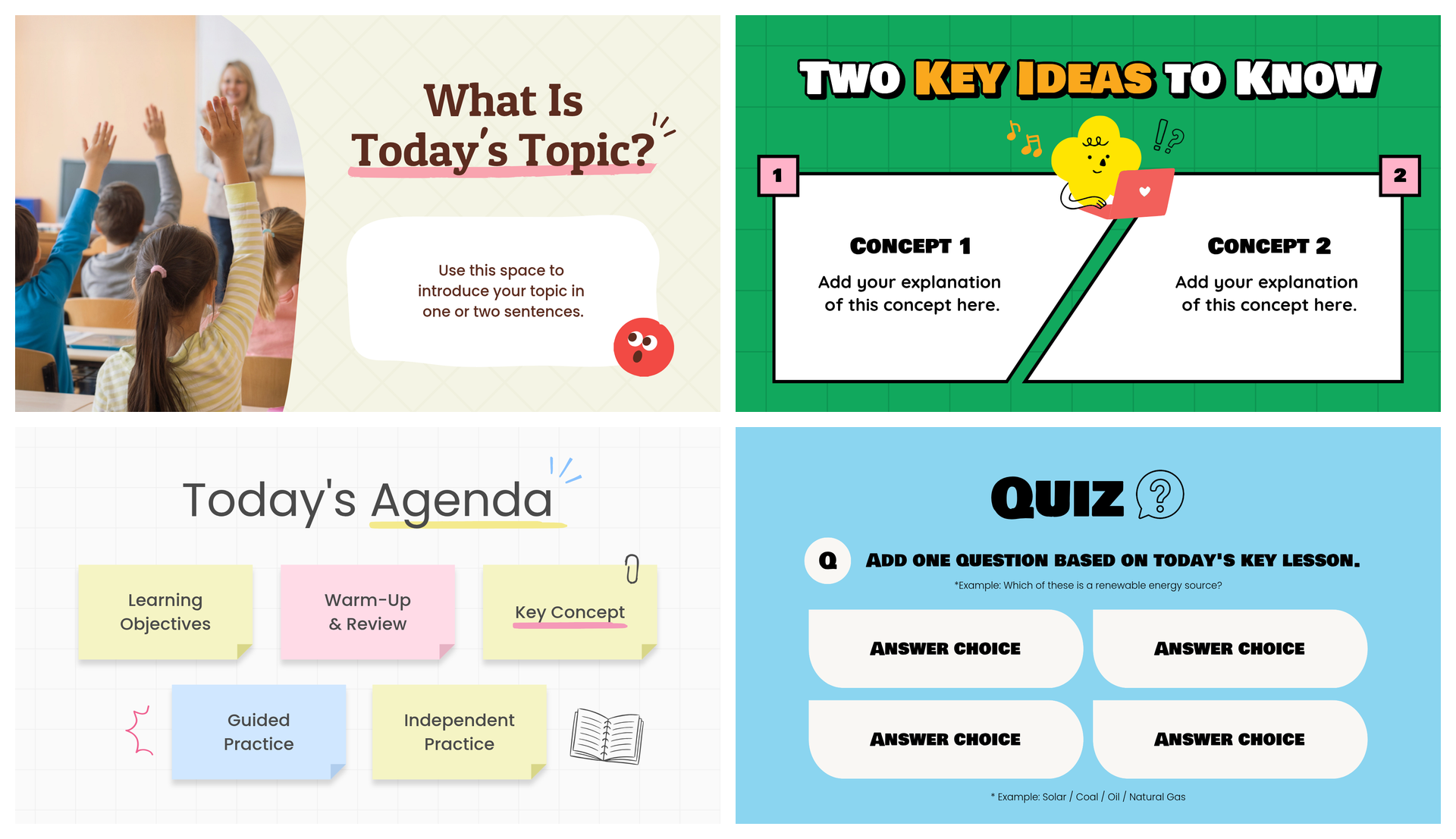
Great lessons take planning. Your slides shouldn’t have to start from scratch every time.
Whether you’re introducing a new topic, explaining a tricky concept, or checking what students learned, the right teacher slides can make lesson prep a little easier.
Below are 14 free, editable teacher slide templates for different parts of your lesson, from daily agendas and classroom activities to timelines, quizzes, and complete lesson decks. Pick the ones that fit your class, add your content, and focus on teaching.
Not every lesson needs the same slides. Some days you need a clear explanation of a new concept. Other days, you need an activity to get students talking or a quick quiz to check their understanding.
The templates below are grouped by what you want students to do. Each example highlights a slide from an editable presentation, so you can choose a design that fits your lesson and adapt the content to your class.
Start with a clear introduction, then break down the ideas students need to understand.
A new lesson is easier to follow when students know what they’re about to learn.
This template uses a classroom photo, a large topic heading, and a short text area to introduce the lesson. Its warm, welcoming design makes it a good choice for elementary and middle school classrooms.
Use it at the beginning of a lesson or unit to introduce the topic before moving into examples and activities.
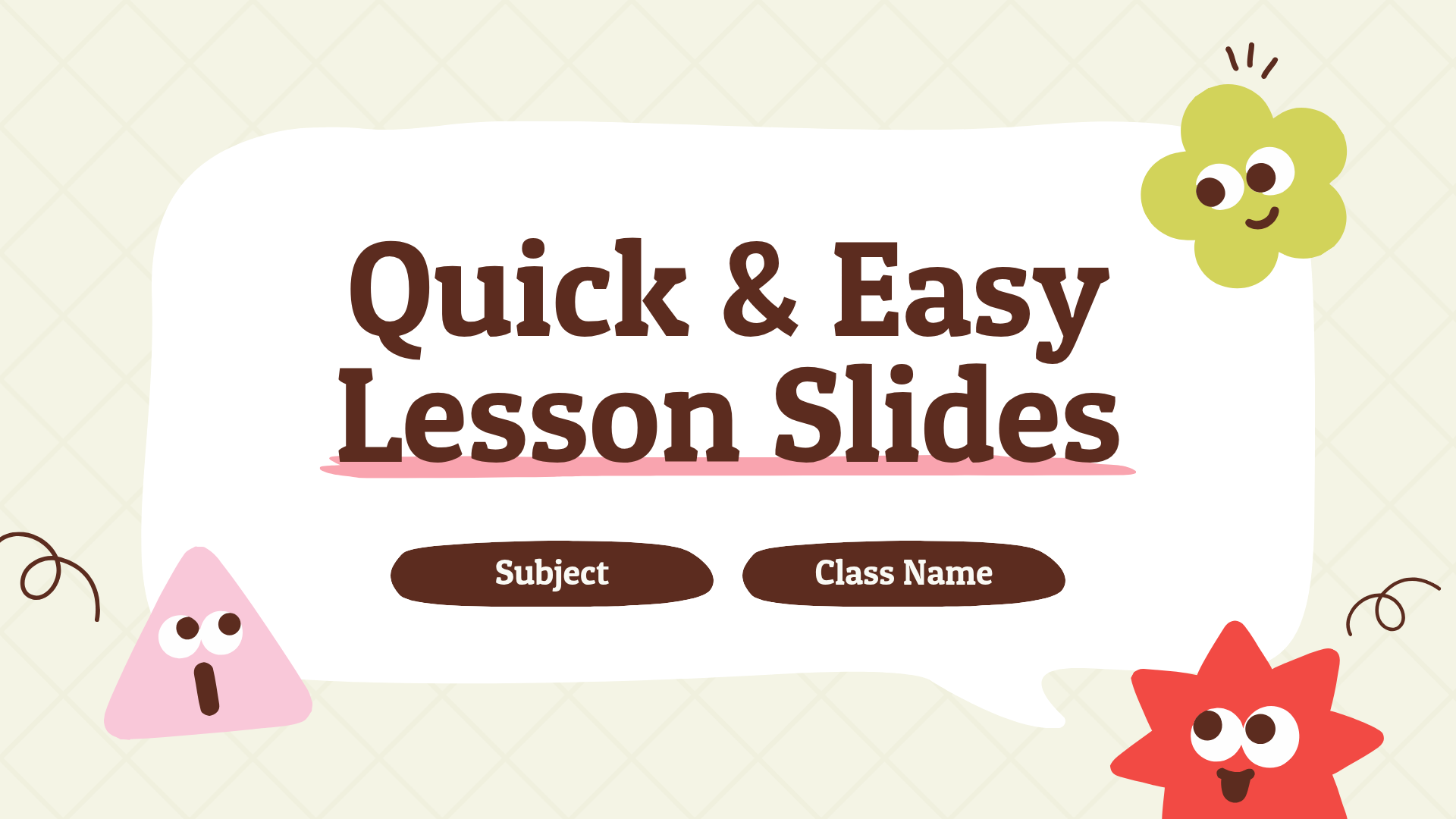

What to include: Your lesson topic and one or two sentences explaining what students will learn.
When students need to understand two related concepts, showing them side by side can make the lesson easier to follow.
This bright green teaching slide has two numbered sections, each with space for a concept and a short explanation. The playful illustration adds personality without taking attention away from the lesson content.
It’s especially useful for introducing related ideas in science, language arts, or social studies.

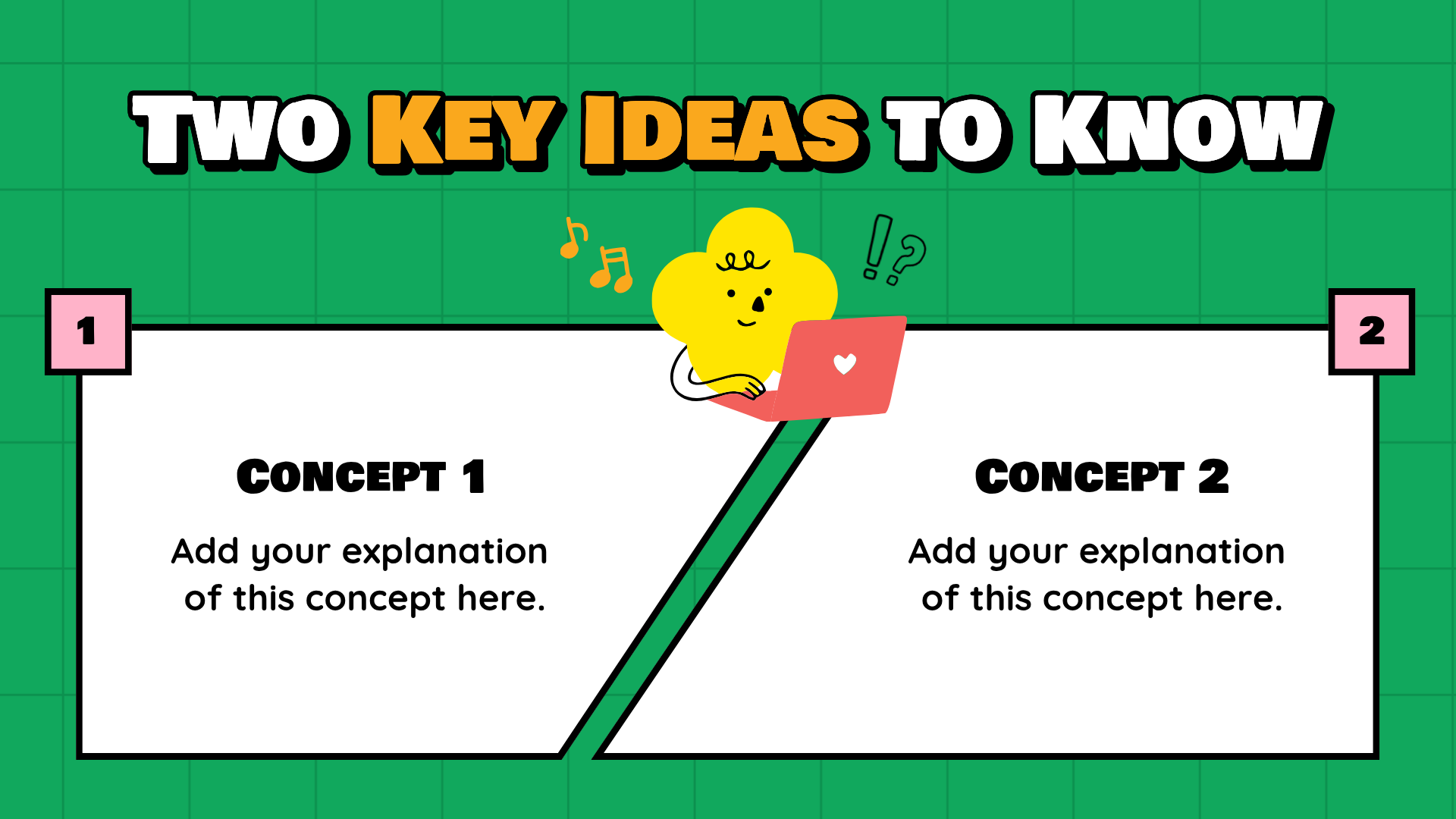
What to include: Two key concepts and a brief explanation or example for each.
Some topics need more than a quick definition.
This black-and-red slide uses a magnifying glass image and a structured text layout to help students examine a topic in more detail. Its more restrained design makes it a good fit for middle school, high school, and adult learners.
Use it when you want to explain a concept, connect it to a real-world example, or guide students through a more detailed discussion.
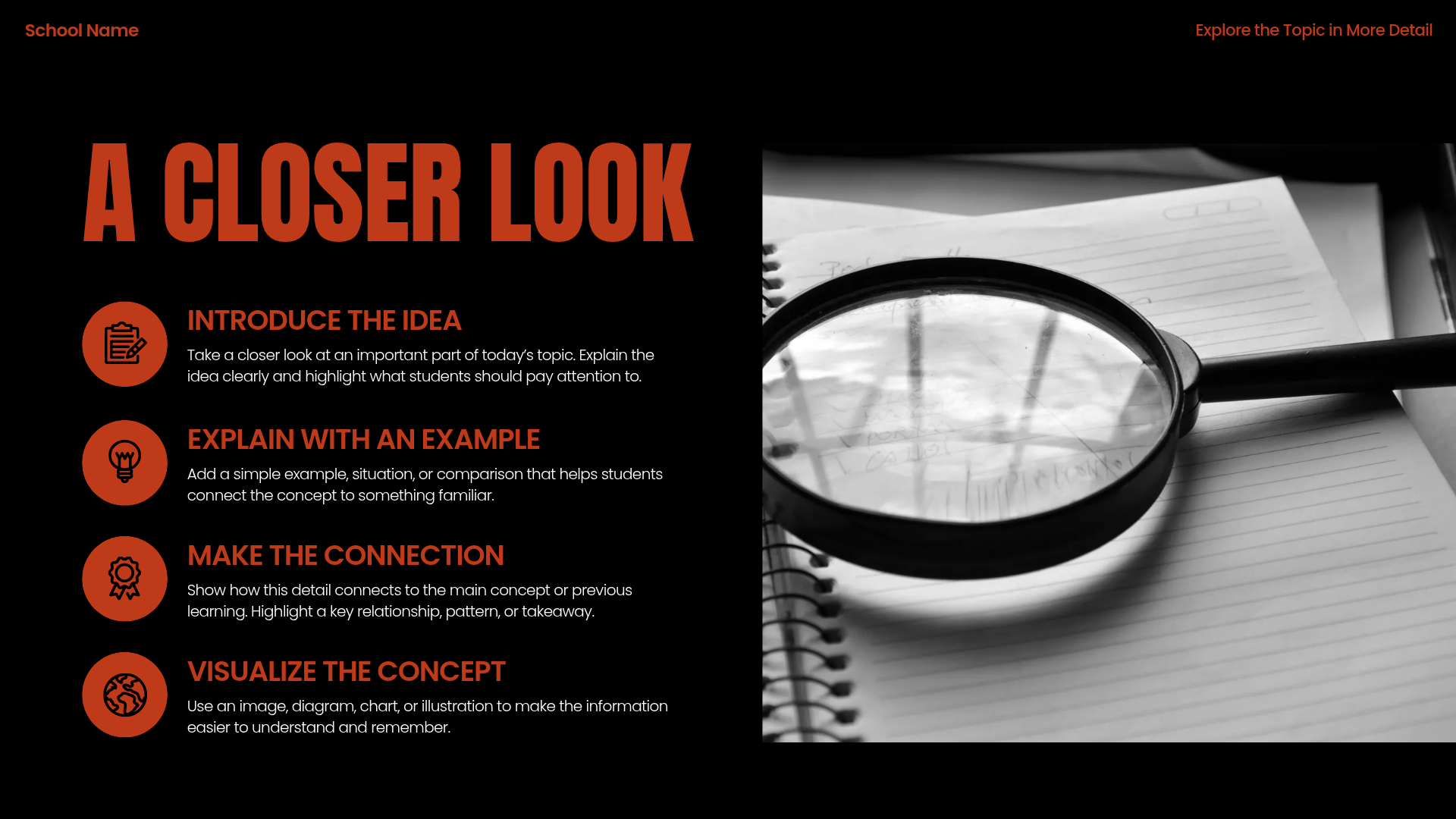
What to include: The concept you’re exploring, a short explanation, and an example that helps students understand it.
Not every slide needs to explain something. Some of the most useful classroom slides get students participating.
These two templates work well for quick activities that help students recall information, share opinions, or get ready for the lesson.
Need a quick way to review vocabulary without handing out another worksheet?
This Vocabulary Race slide turns a key term into a short classroom challenge. Students can compete individually or in teams to define a word, explain its meaning, or use it in a sentence.
The pink-and-cream design includes an activity heading, instructions, and a space for the key term.
It’s a practical option for ESL classes, language arts, and any subject that introduces new terminology.


What to include: A vocabulary word, instructions for the activity, and any rules you want students to follow.
Sometimes a simple question is all you need to get students talking.
The “Which Would You Choose?” slide presents two visual options side by side. The sample design uses contrasting photos, making it easy for students to understand the choice before sharing their opinions.
Use it as a warm-up, an ESL speaking activity, or a quick discussion starter.
You can replace the sample images with choices related to your lesson, such as two historical decisions, different environments, or competing solutions to a problem.

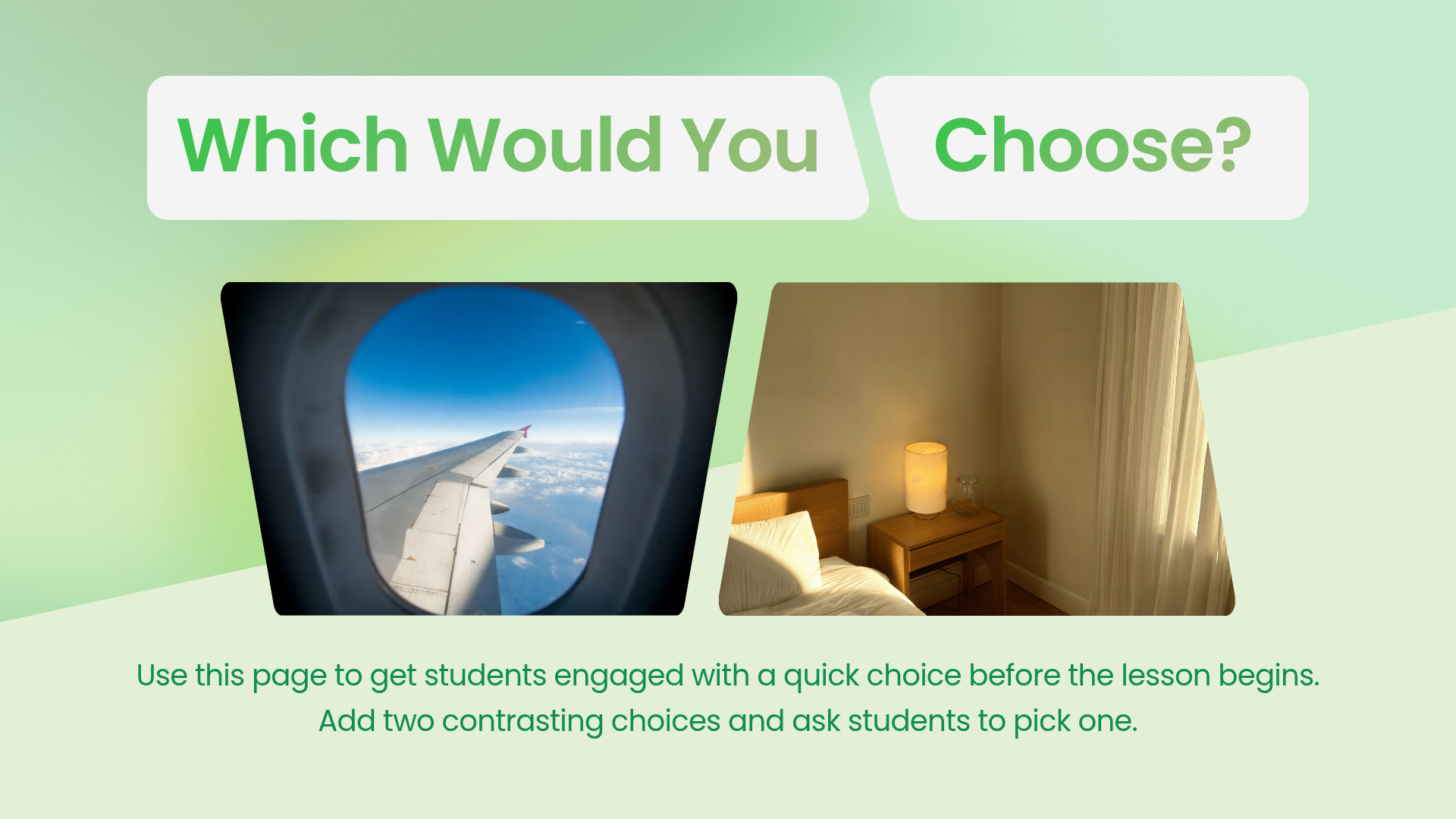
What to include: Two choices students can compare and a follow-up question, such as “Why would you choose this one?”
A clear agenda helps students know what to expect. Learning objectives give them something specific to work toward.
These templates are useful for everyday classroom routines, especially when you want to keep your lesson structure consistent.
Give students a quick overview of the lesson before class begins.
This agenda slide uses five pastel sticky notes to organize the lesson into sections, including learning objectives, warm-up and review, key concepts, guided practice, and independent practice.
The color-coded layout makes it easy to distinguish each part of the lesson.
Use it as your opening slide while students settle in or prepare their materials.

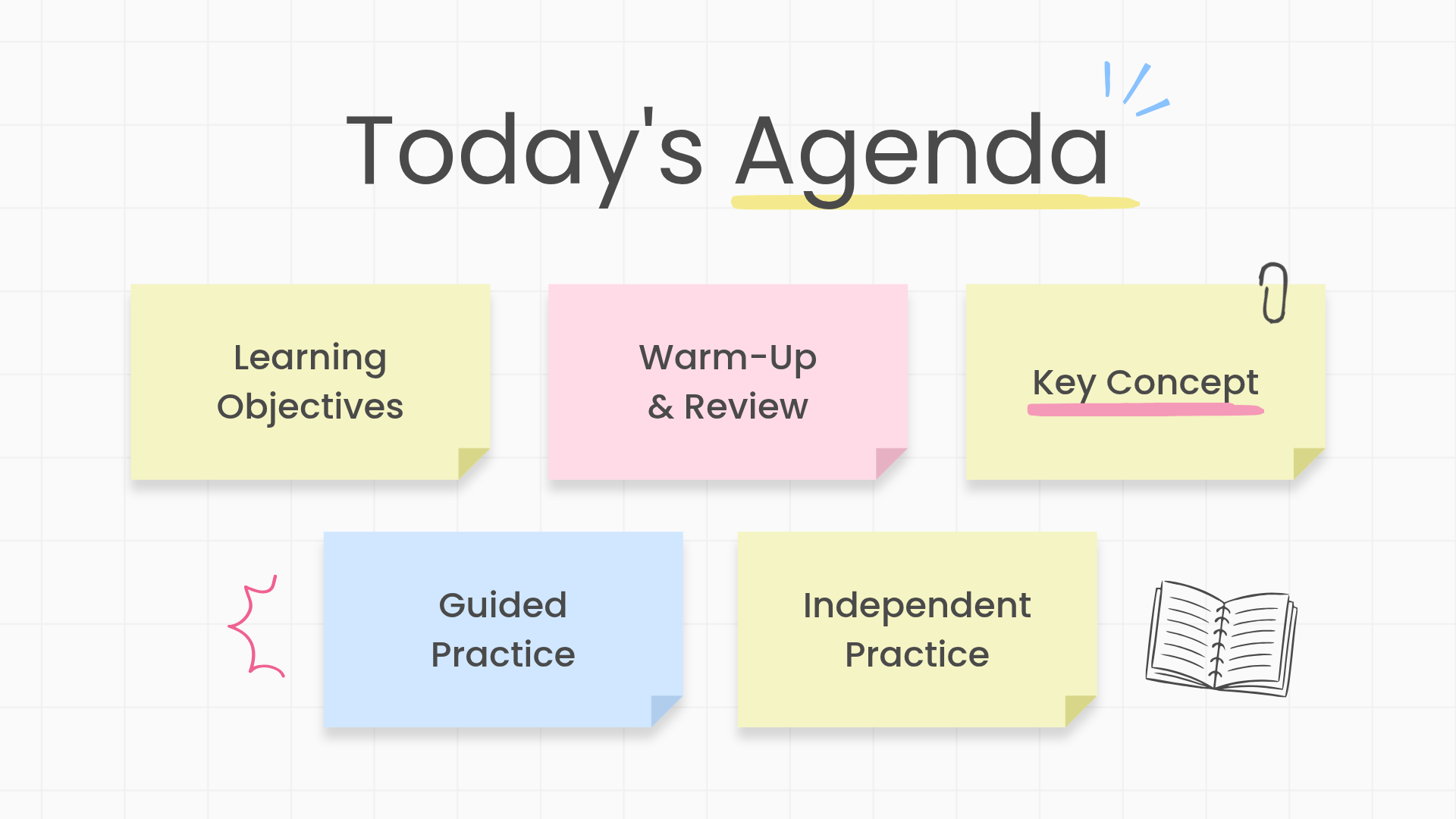
What to include: The main activities for the day, listed in order. You can also add estimated times if your class follows a timed schedule.
Help students understand what they’re working toward before the lesson starts.
This template has a simple white background, a handwritten-style heading, and space for short learning objectives. The minimal layout keeps the focus on the goals rather than decorative elements.
It’s particularly useful for displaying two or three learning goals that students can revisit at the end of class.
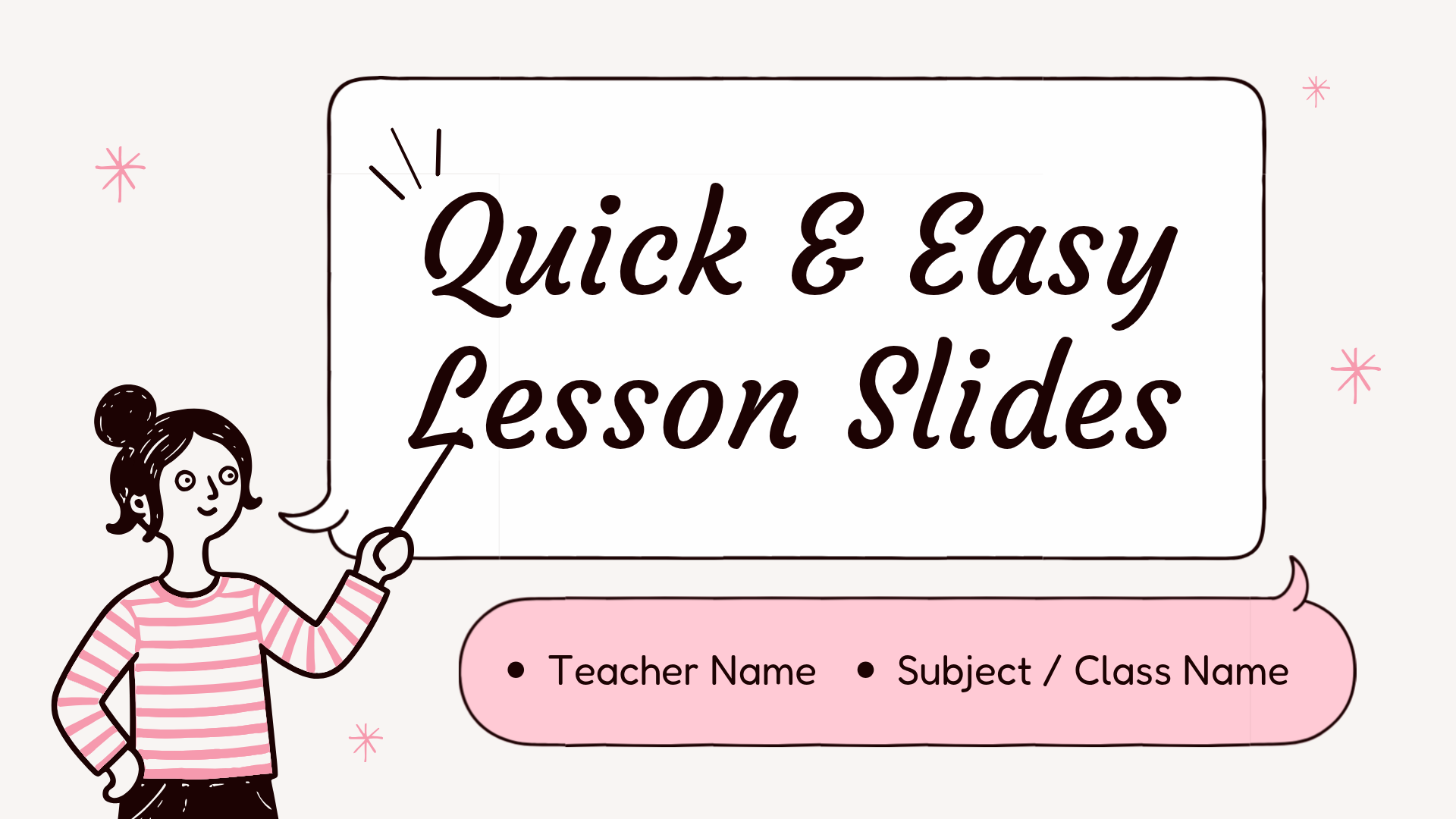
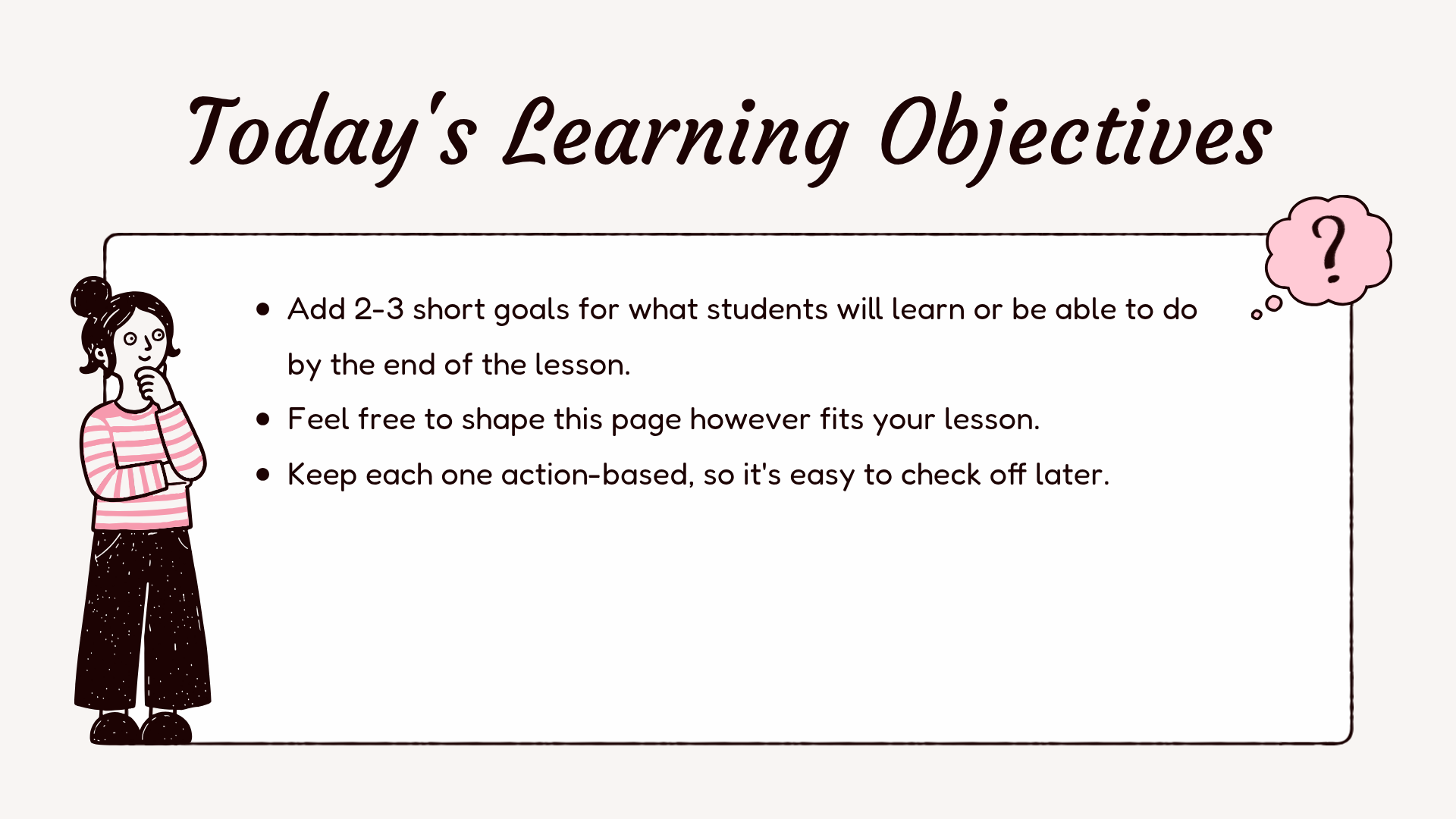
What to include: Two or three specific learning objectives, such as “I can explain the water cycle” or “I can compare two characters.”
Timelines aren’t just for history lessons.
They can help students follow a scientific process, understand the order of events in a story, or work through a math problem step by step.
These two teaching slides offer different ways to organize information in sequence.
When the order of events matters, a timeline helps students see how one stage leads to the next.
This blue-and-white slide has five numbered points connected along a horizontal arrow, with room for short explanations underneath.
Its clean, structured layout works well for older students or lessons that need a little more detail.
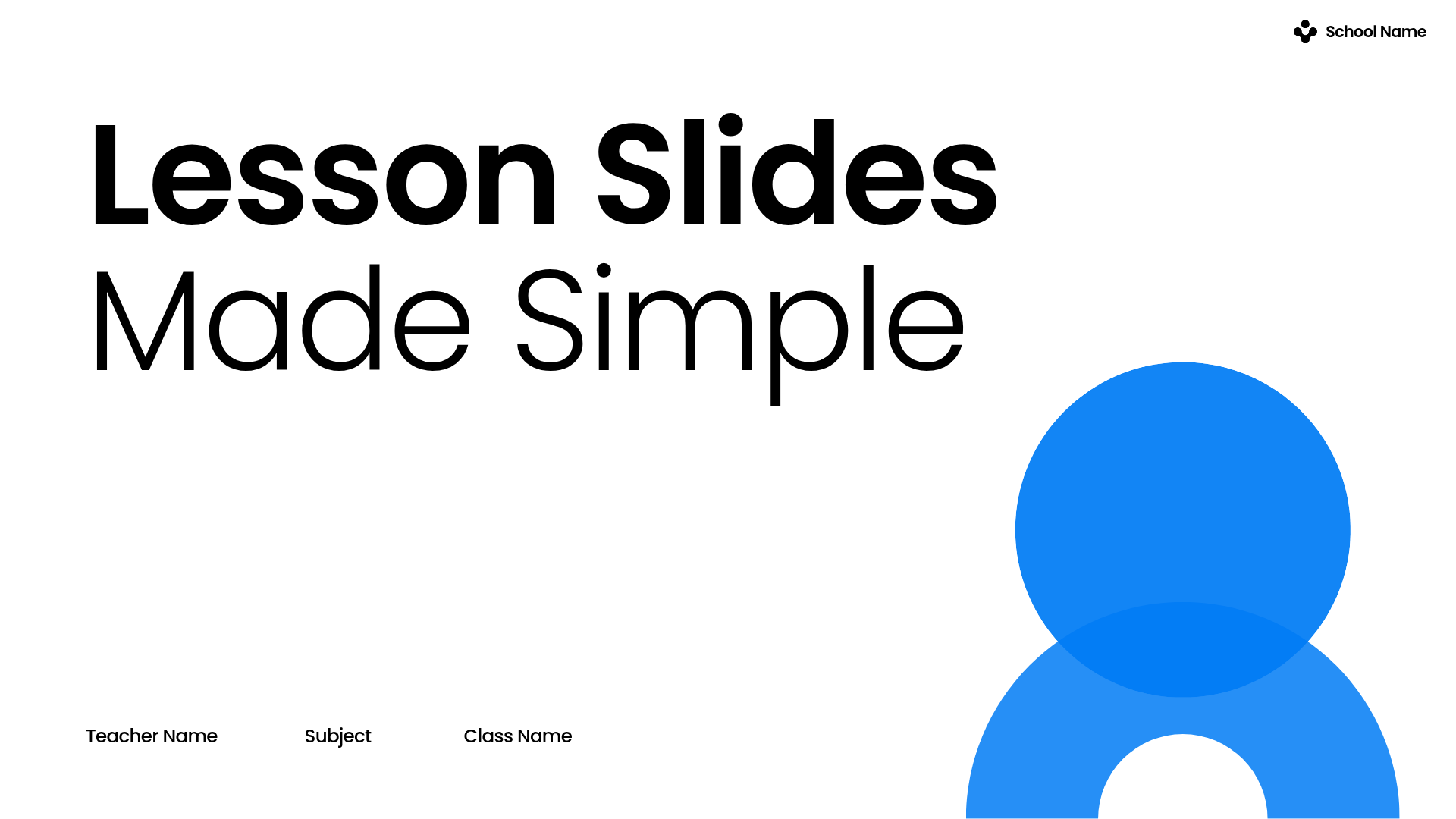
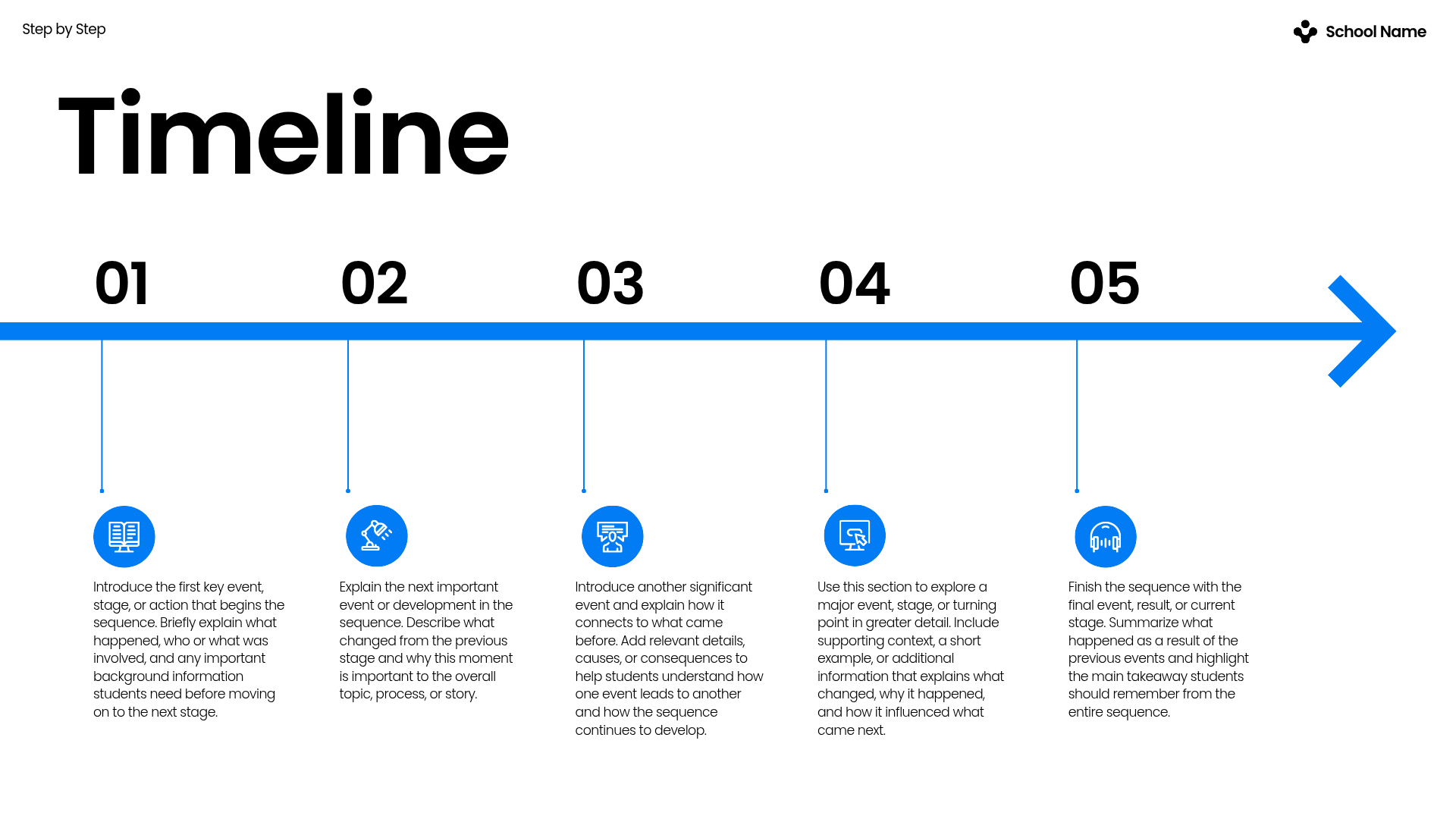
What to include: Five events, stages, or steps in order, with a short explanation for each.
For a history or cultural studies lesson, you can also use a timeline to introduce important events and milestones. Explore our Hispanic Heritage Month presentation for another classroom presentation example.
For a shorter process or a younger class, a simpler visual can be more effective.
This bright yellow slide uses four circles connected along a curved line to show a sequence. The bold colors and minimal text areas make it suitable for short explanations or quick recaps.
Use it to introduce the steps of an experiment, explain a classroom procedure, or summarize a sequence of events.
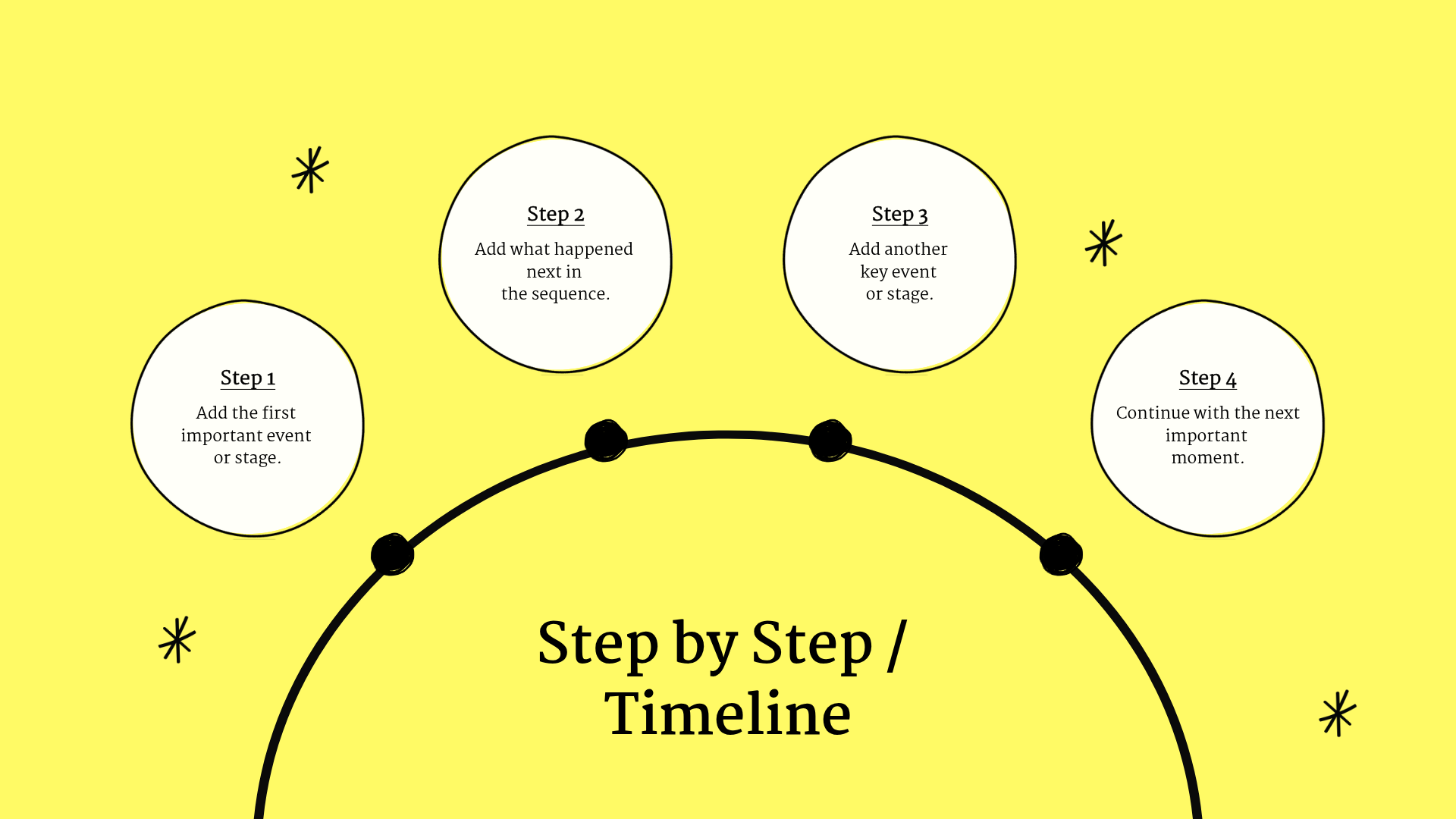
What to include: Four steps or events, each described in a few words.
Which should you choose? Use the five-step timeline when students need more explanation. Choose the four-step version for a shorter sequence or a more visual overview.
A quick quiz can help you see what students understood before moving on.
These templates make it easy to turn review questions into classroom activities without creating a new layout for every question.
Use this slide when you want students to choose an answer from four options.
The light blue design includes a large question area and four answer boxes. It’s simple enough for students to follow from a classroom screen.
You can use it for a quick knowledge check, a review activity, or a short end-of-lesson quiz.
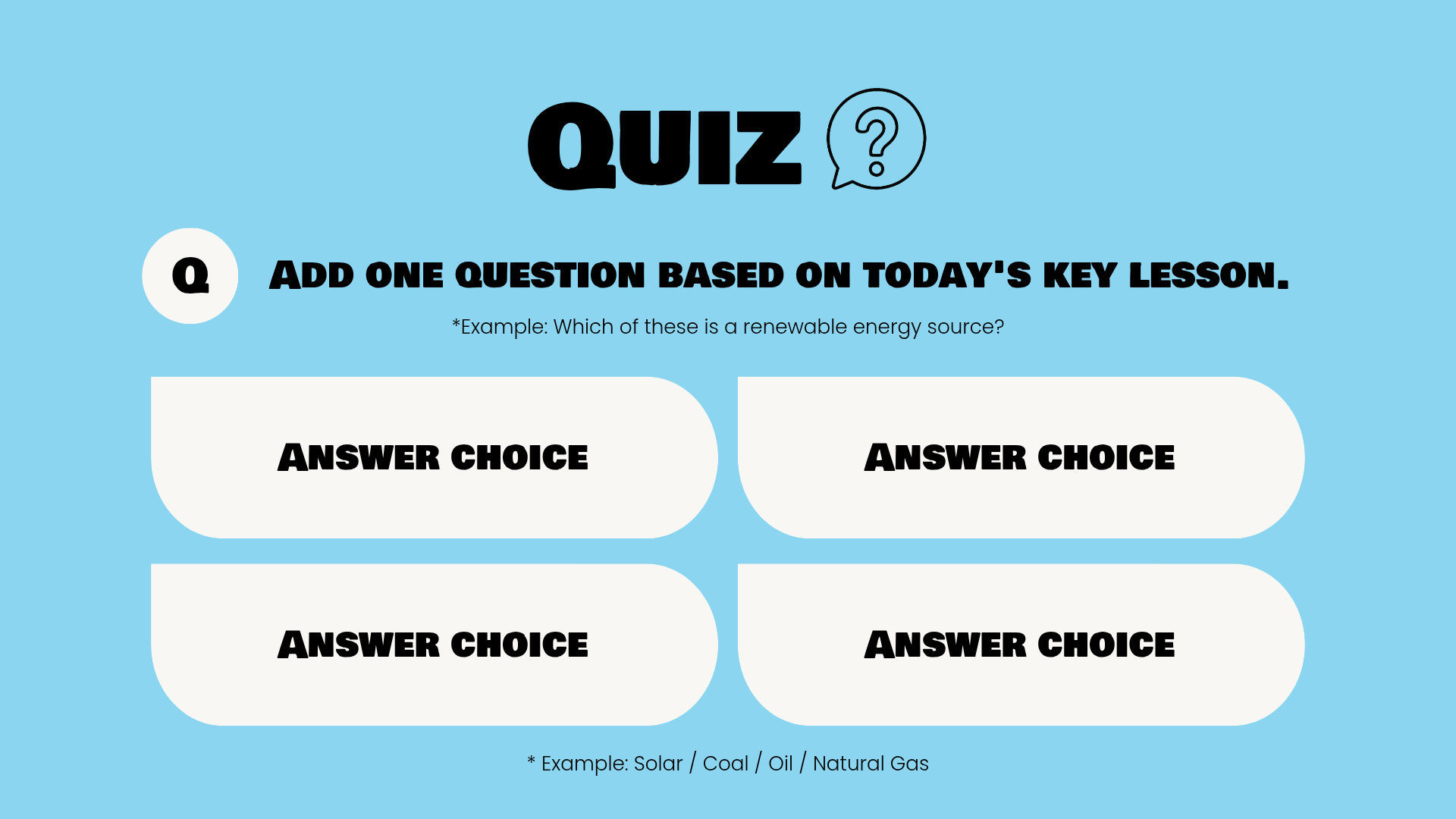
What to include: One question, the correct answer, and three plausible incorrect answers.
Want something that feels a little more like a classroom game?
This “Quiz Time” slide uses a bold coral question card with three answer choices. Its colorful layout works well for short review rounds or informal classroom competitions.
Duplicate the slide to create several questions in the same style, or use one question as a quick check before moving to the next topic.

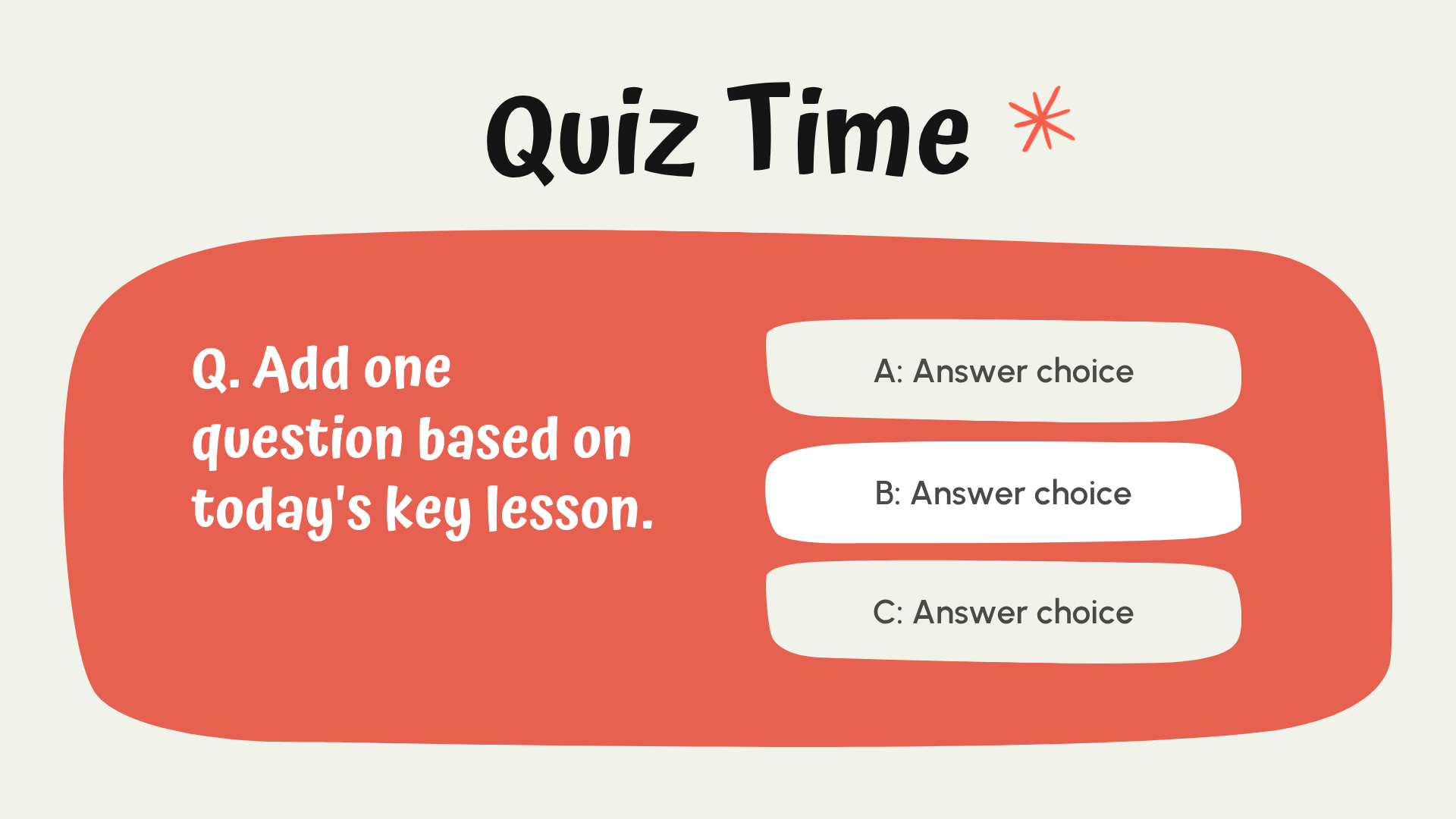
What to include: One review question and three possible answers. You can discuss the correct answer with students after they respond.
Looking for a seasonal classroom activity? Try our Christmas trivia questions for a holiday quiz you can turn into a classroom slideshow.
End the lesson by bringing students back to the ideas that matter most.
This soft green slide uses three checklist sections to organize a summary, a key takeaway, and a preview of the next class.
It’s a useful closing slide when you want students to leave with a clear understanding of what they learned.

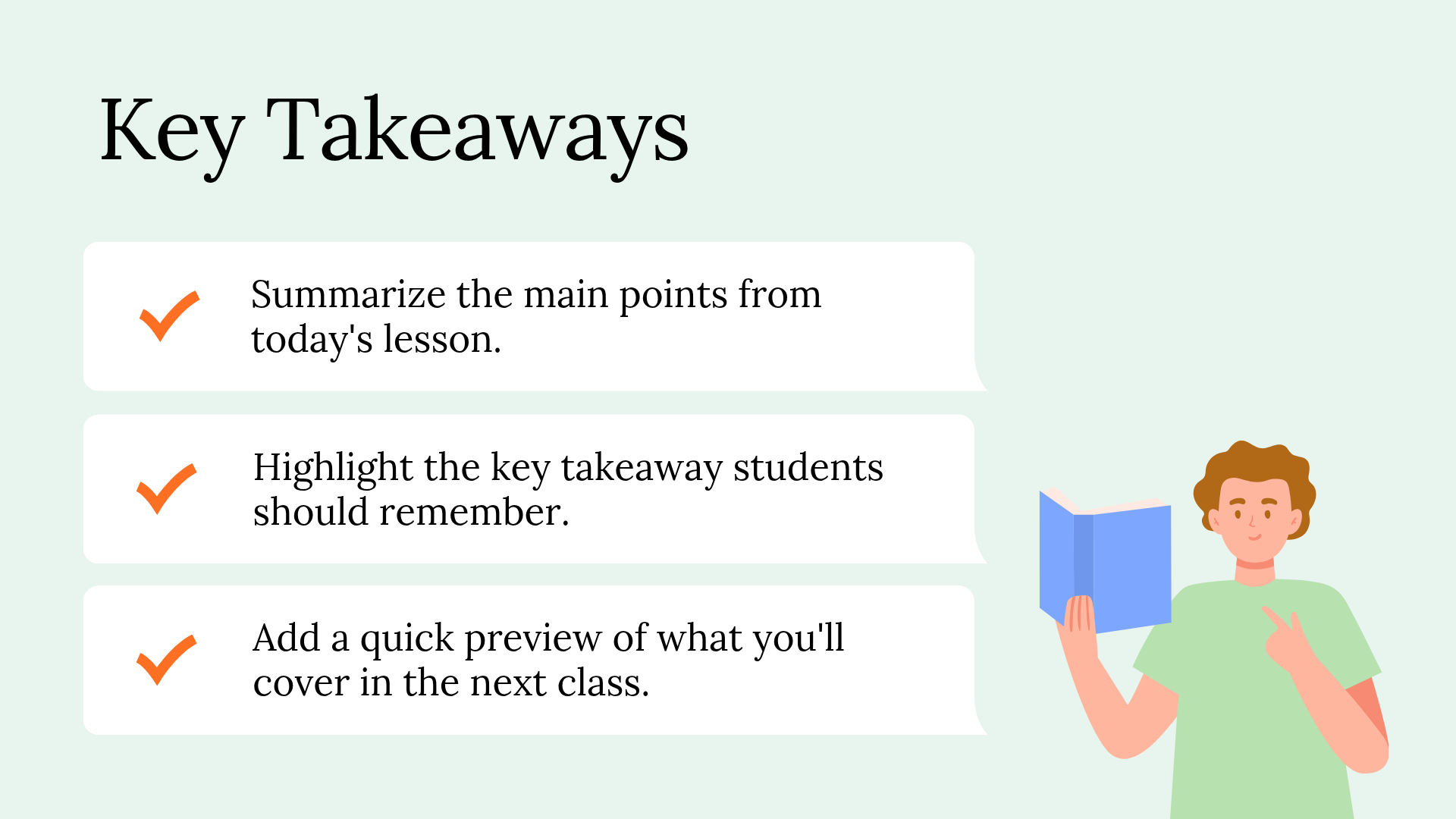
What to include: A short summary of the lesson, the most important takeaway, and a preview of what students will learn next.
Sometimes you need more than a single slide.
If you’re preparing a full lesson presentation, starting with a complete deck can help you keep your design consistent from the opening agenda to the final review.
These two free lesson decks offer different styles depending on your students and subject.
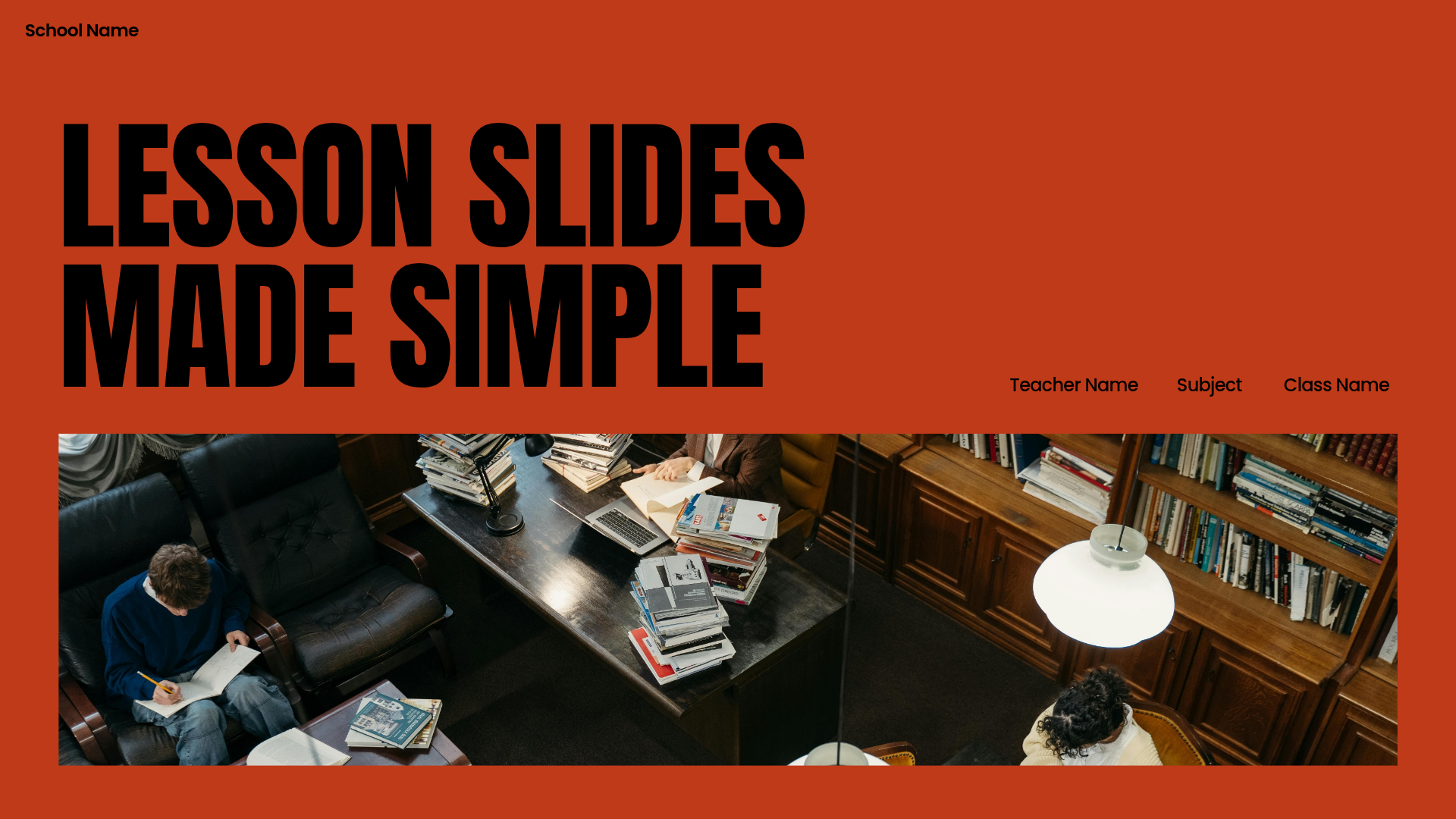
For teachers who prefer a simple, more formal presentation style, this black-and-white lesson deck offers a clean starting point.
The dark cover, white serif typography, and minimal design make it a good match for middle school, high school, or adult education.
The deck includes slides for introducing a topic, explaining key ideas, presenting examples, and running classroom activities.
Use it when you want a consistent presentation style without adding unnecessary decoration.
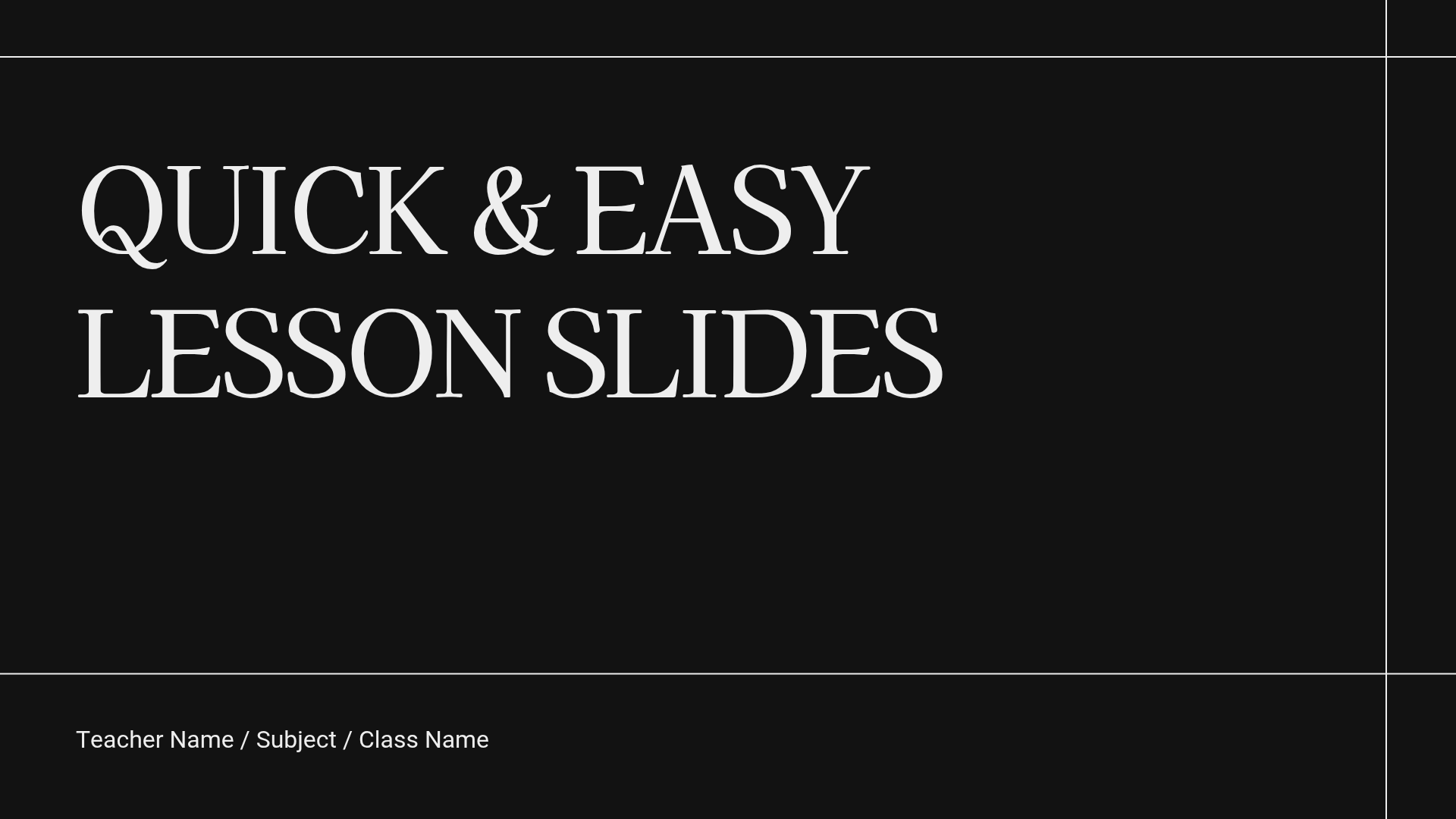
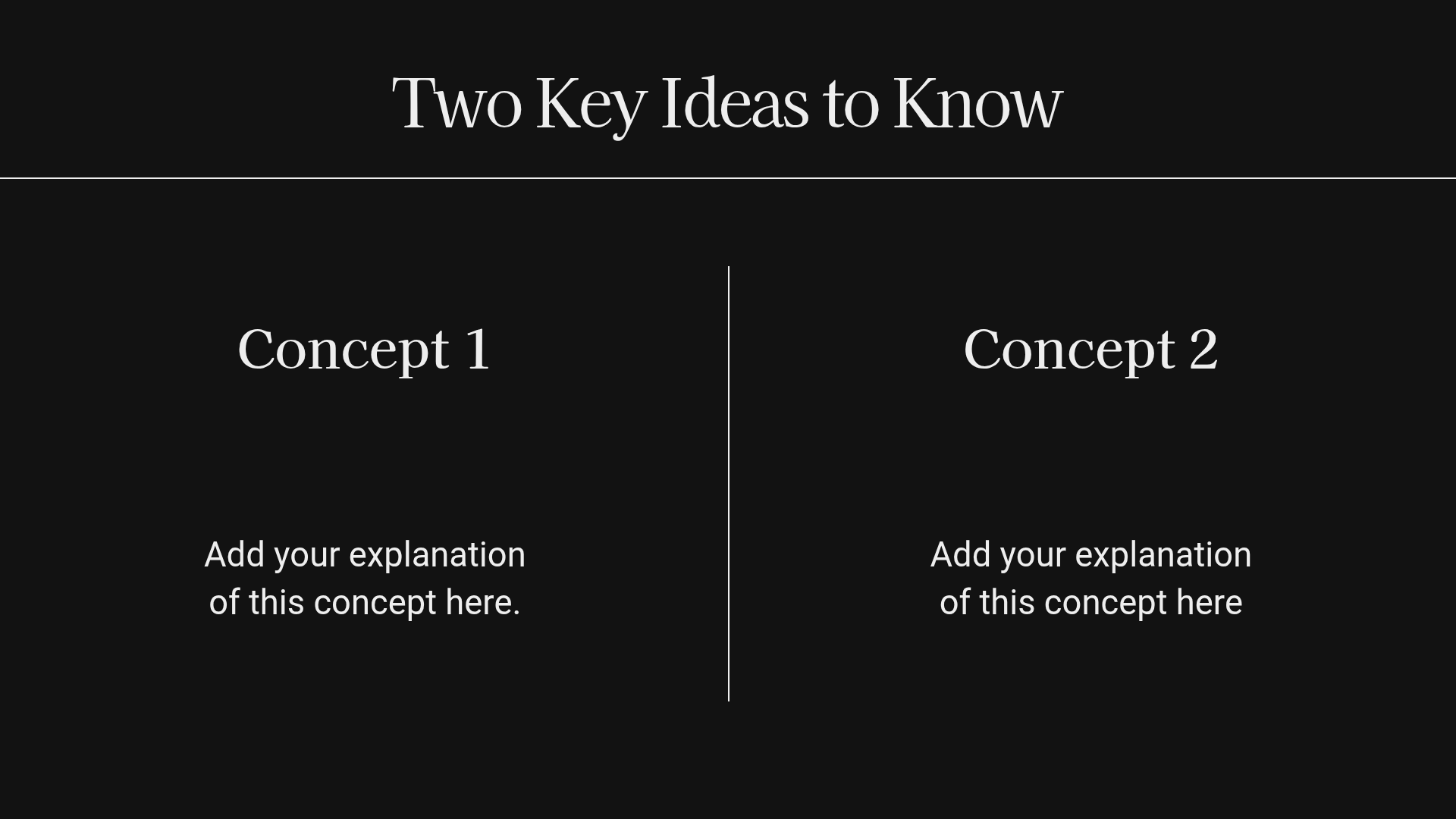
What to include: Your subject, class name, and lesson topic, followed by the concepts, examples, and activities you plan to teach.
If you’re teaching younger students, a warmer and more playful design may feel more inviting.
This lesson deck uses a blue gingham border, a cream background, and handwritten-style typography to create a friendly classroom look.
It includes layouts for organizing lesson content, sharing learning objectives, and guiding students through activities and review questions.
The consistent design makes it a practical option for teachers who want their slides to feel connected throughout the lesson.
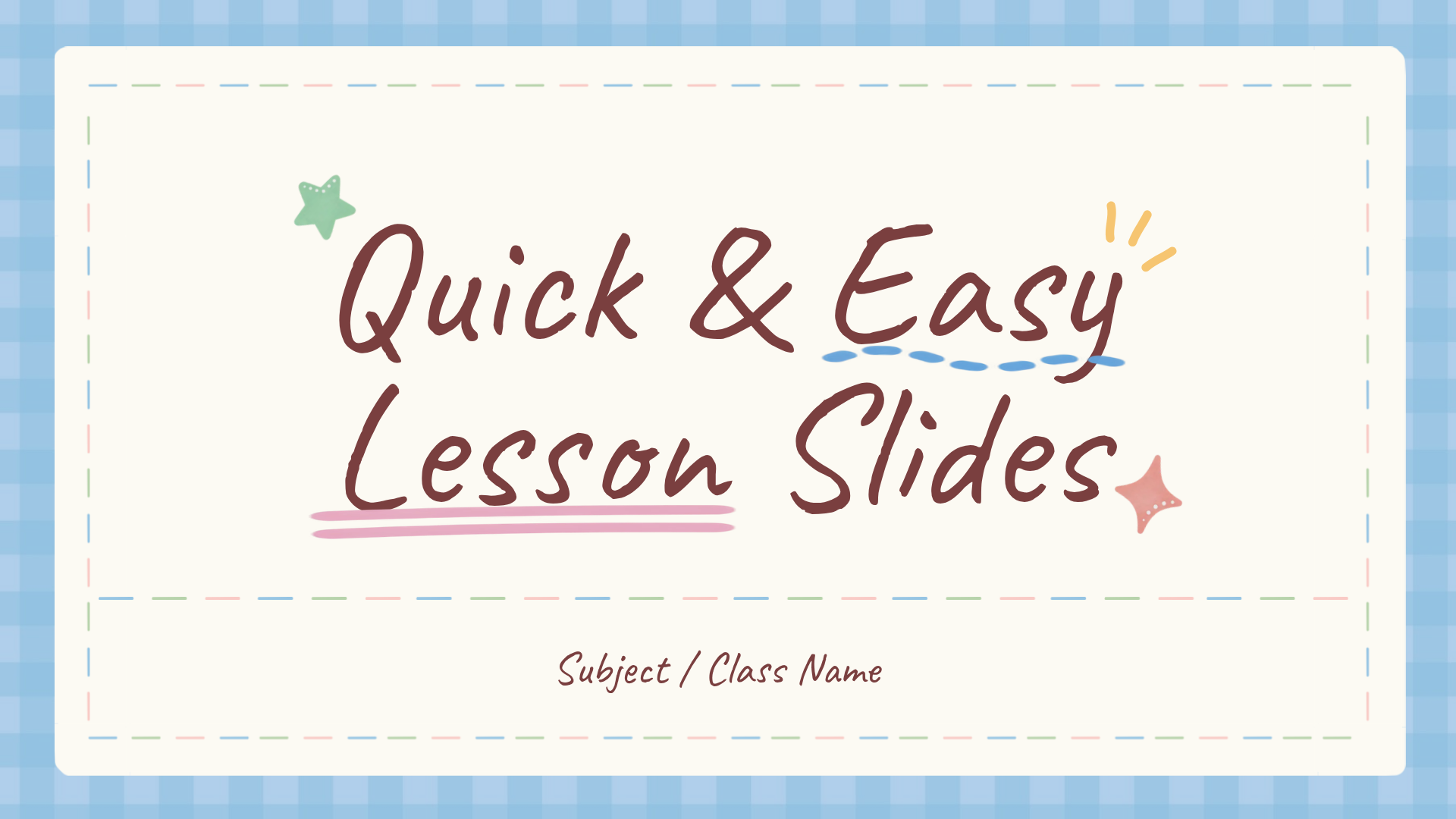
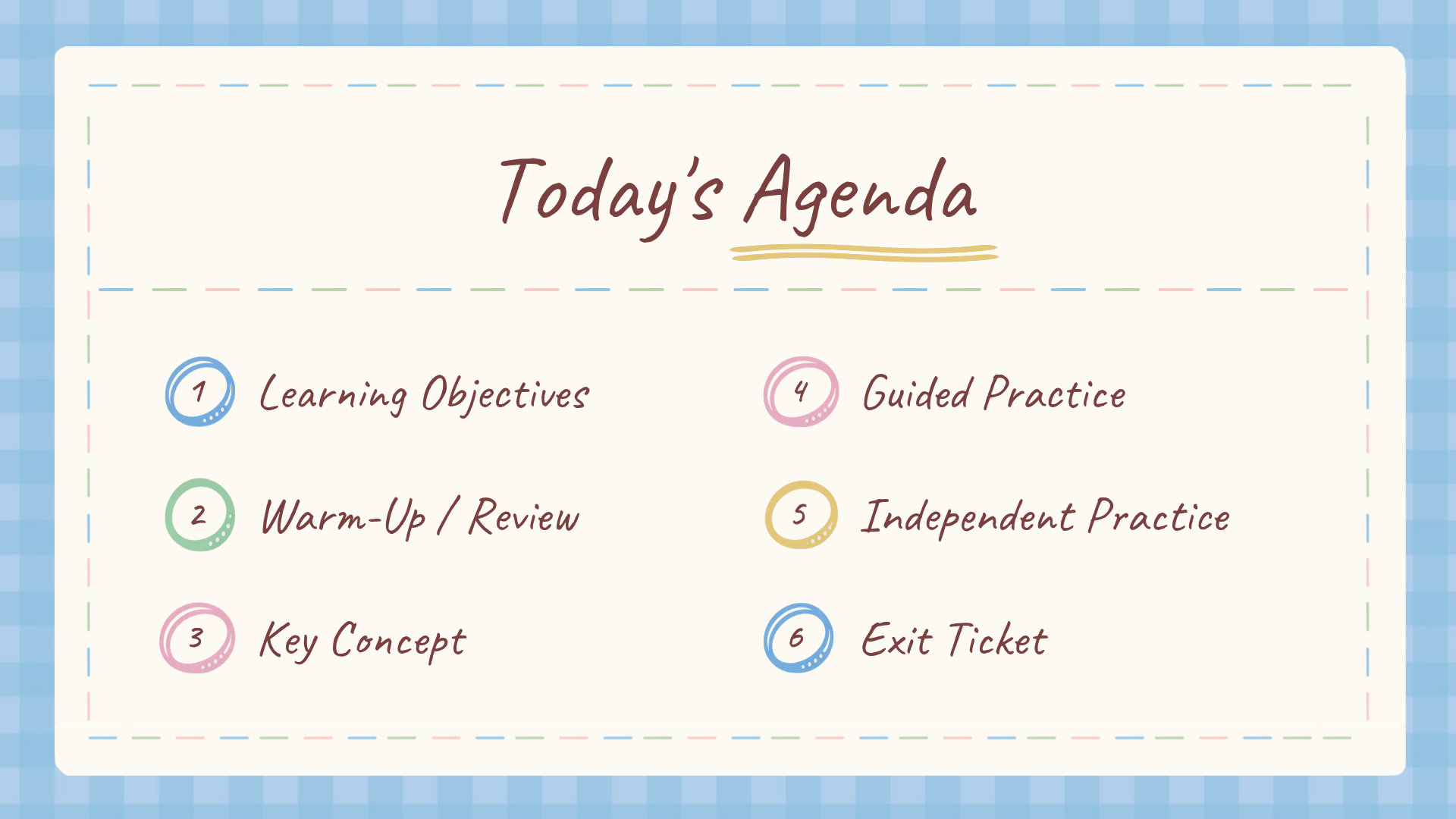
What to include: Your class name, lesson topic, learning objectives, activities, and review questions.
Which lesson deck should you choose? The black-and-white deck offers a more minimal, academic look. The blue gingham version is better suited to a warm, playful classroom style.
Even a well-designed template needs a few adjustments to work in a classroom.
Here are four things to keep in mind when preparing your teaching slides.
1. Keep one main idea per slide.
Use a clear heading and short text blocks so students know where to focus. If you need more examples, add another slide instead of squeezing everything into one.
2. Make text easy to read from a distance.
A slide that looks readable on your laptop may be difficult to see from the back of the classroom. Use large text and strong contrast, especially when presenting on a projector.
3. Use visuals to support the lesson.
Photos, diagrams, and timelines can help students understand information that would be harder to follow in a long paragraph. Choose visuals that explain the topic rather than simply decorate the slide.
4. Match the design to your students.
Bright colors and playful illustrations can work well for younger students, while simpler layouts may be more appropriate for detailed explanations or older learners.
The goal isn’t to make every slide look impressive. It’s to make the lesson easier to follow.
You don’t need to build a new presentation every time you prepare a lesson.
Choose a template in MiriCanvas, replace the sample text with your lesson content, and update the images or colors as needed. You can also add, remove, or duplicate slides to fit your lesson.
Once your presentation is ready, you can present it from MiriCanvas or download it for use in your classroom.
Want to explore more designs? Browse our ready-to-use teaching slide templates to find a style that works for your next lesson.
Yes. All 14 teacher slide templates featured in this article are free to use in MiriCanvas. You can choose a template and customize it with your own lesson content.
You can create and edit your slides in MiriCanvas, then download your presentation as a PowerPoint (PPTX) file. You can open the file in Microsoft PowerPoint or import it into Google Slides.
After importing, check the fonts and layout to make sure everything displays as expected.
Yes. You can replace the sample text, update images, and adjust the layout for different subjects.
For example, use a timeline for history, a step-by-step slide for science, or a vocabulary activity for an ESL lesson.
A 16:9 widescreen layout is a practical choice for most modern classroom projectors, smartboards, and TVs.
If your classroom uses an older projector or a different display format, check its aspect ratio before preparing your slides.
Yes. You can present your slides using MiriCanvas’s slideshow feature or download your presentation to use in PowerPoint.
Connect your computer to your classroom display or projector and check that your slides are readable before class begins.
Pick a free classroom slide template, add your lesson content, and present it in minutes.
Browse templates