
Tools

AI資料作成
AIプレゼンテーション
BEST
AI文章作成·作文
AI ポスター
AIかんたん作成
AI画像生成
AI動画生成
HOT
AI キャラメーカー
AI アイコン作成ツール
AI アイコンメーカー
AIイラスト生成
AI ロゴメーカー
AI フリー背景素材
AIクイック編集
AI画像編集
背景除去
高画質化
写真イラスト化
HOT
New!

イラスト一覧を見る
幅広いシーンで使える高品質イラストをご用意しています。
Plans


Find your Halloween look with 11 poster ideas for school nights, trunk-or-treat, shops, and parties, plus editable templates and tips for each event.
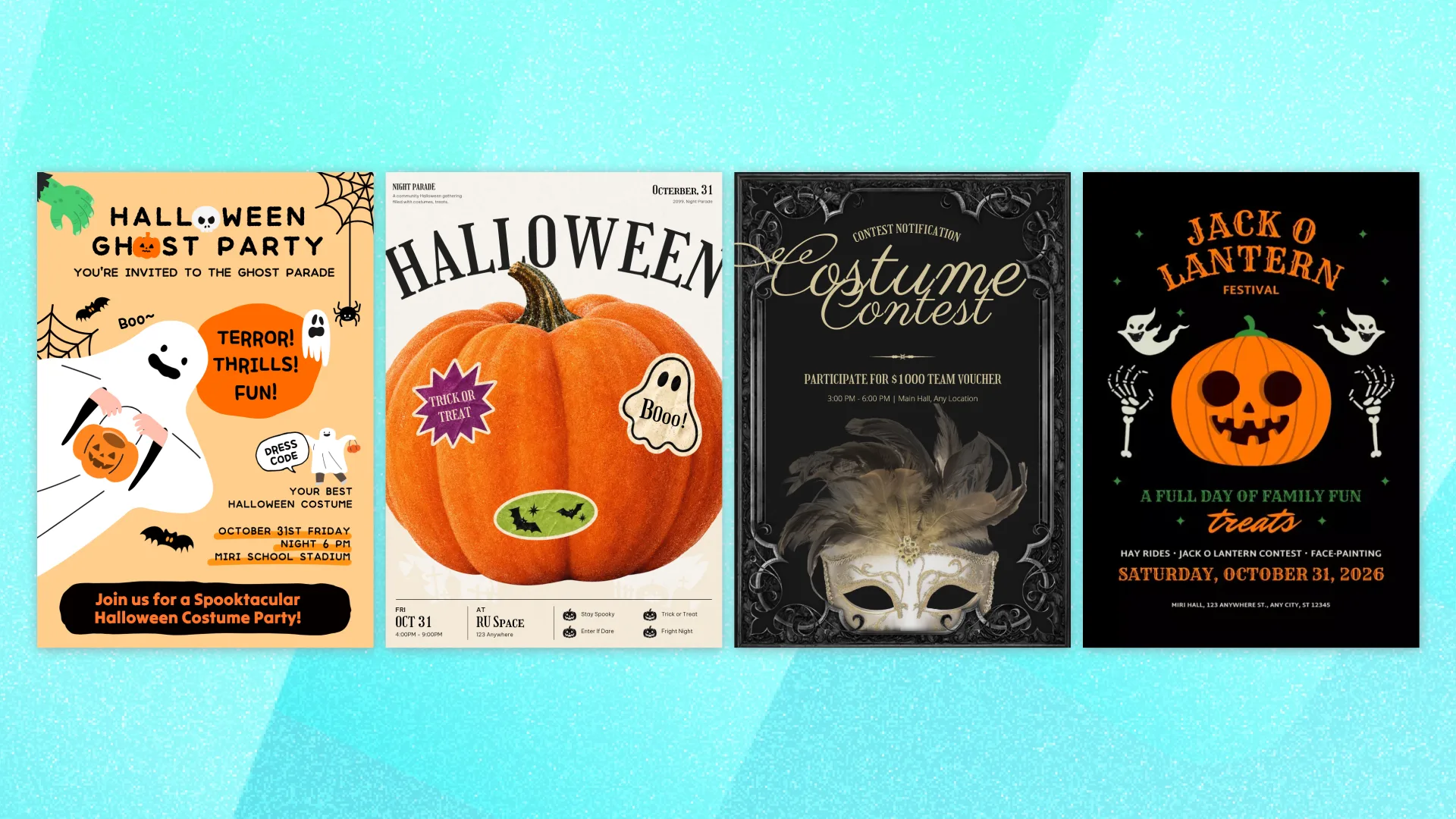
A grinning pumpkin for a school night. Vampire teeth for a late-night party. A bold seasonal menu that makes someone stop outside your cafe.
The best Halloween poster ideas start with the event you’re planning. The design should make people curious, then help them find the details without hunting for them.
These 11 ideas pair different occasions with editable templates and suggestions for what to put on each one. Browse the examples, find your Halloween look, and make it your own.
Before choosing a design, gather the details it needs to hold.
What’s happening? Give your event a short, clear name. “Halloween Family Night” or “Costume Swap” helps readers understand the invitation right away.
When is it? Include the date, day of the week, and start time. An end time is helpful for families planning their evening. Halloween falls on Saturday, October 31, in 2026, but make sure the poster shows your event’s actual date.
Where should people go? Include the venue and street address. Add a room, entrance, or parking area if visitors might need help finding you.
Who’s invited? State whether the event welcomes families, a particular age group, or adults only.
What should readers do next? Tell them to register, buy a ticket, bring a costume, or simply show up. Include prices and deadlines when relevant.
For a menu or shop promotion, focus on the offer, prices, availability dates, and any conditions customers need to know.
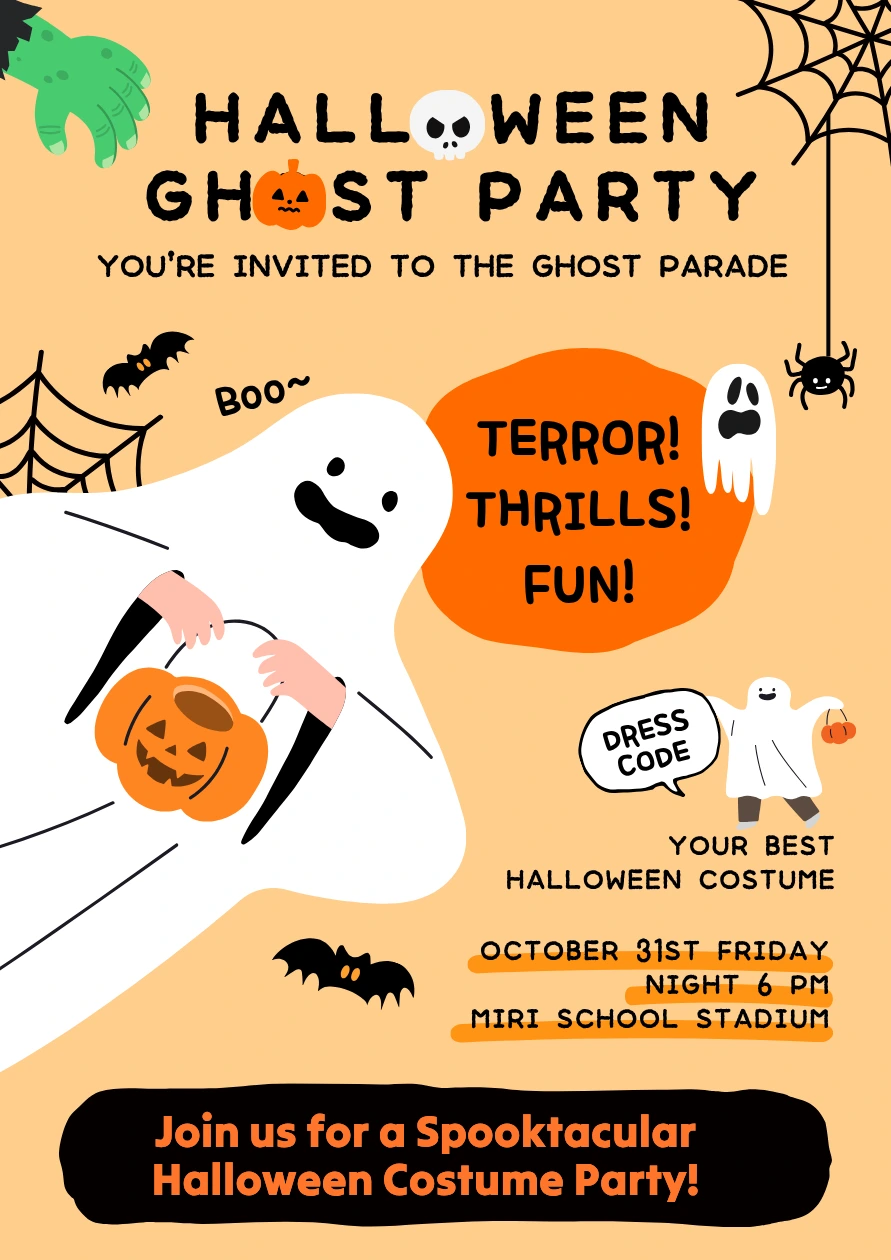
Friendly characters and playful lettering can make a school event feel welcoming. Leave enough space for the details parents need before adding extra decorations.
A smiling ghost and a candy bucket give this poster a playful starting point. The costume callout also gives you a clear place to explain whether dressing up is encouraged.
Use it for a school celebration with games, treats, or activities. Make it clear whether parents should stay and whether siblings are welcome.
What to include: Start and end time, school address, costume guidance, and who can attend.
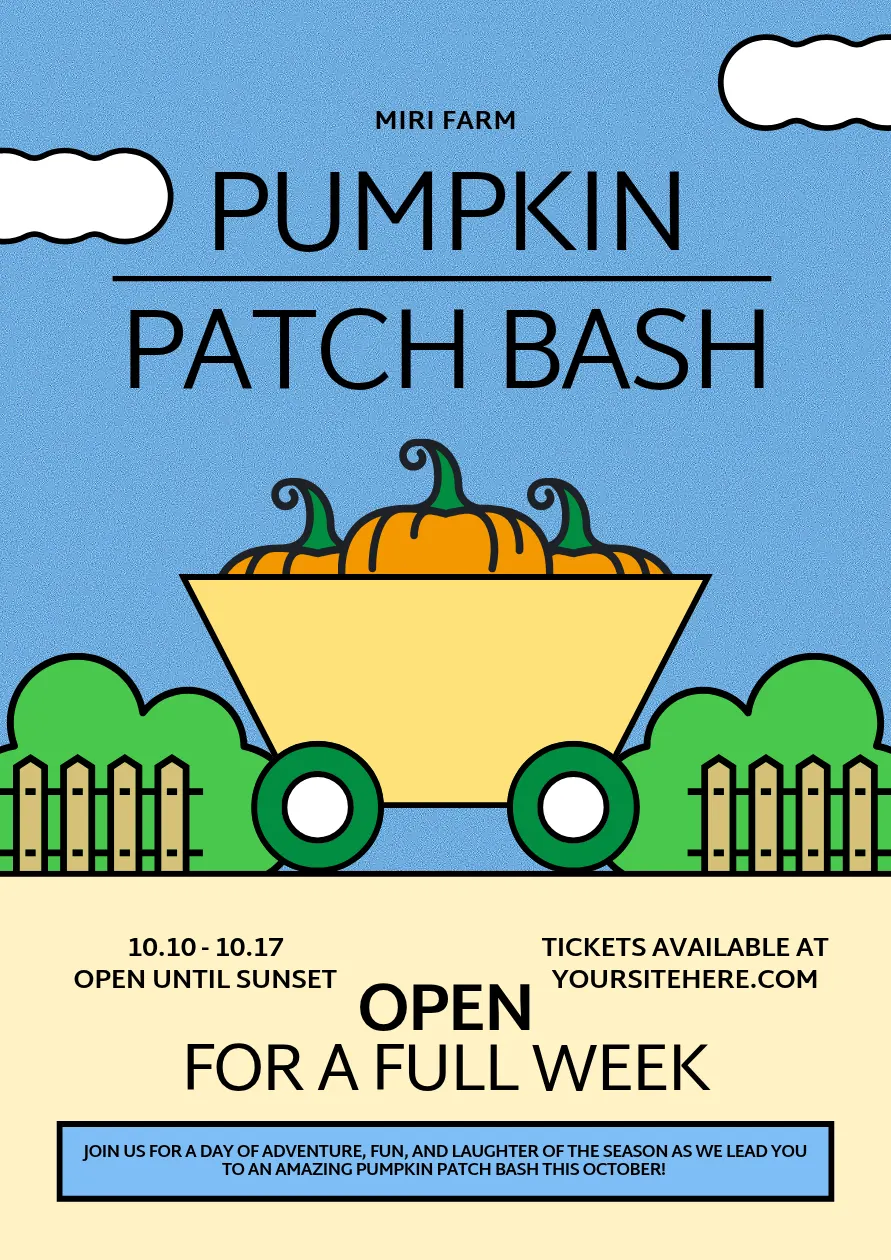
Pumpkins, outdoor activities, and a few seasonal treats can give families plenty to look forward to. Your poster should help them picture the visit and understand how to book it.
For an event running across several days, make the date range and opening hours easy to spot. Highlight a few attractions, and explain which activities are included in admission.
What to include: Dates, opening hours, location, admission price, ticket link, and a few main attractions.
A large jack-o-lantern gives this design a clear Halloween theme, while the activity line helps introduce what’s happening at the event.
Choose a few highlights, such as hayrides, a pumpkin contest, and face painting. If an activity starts at a particular time, include it or direct readers to the full program.
What to include: Event date, opening hours, venue, activity highlights, and admission details.

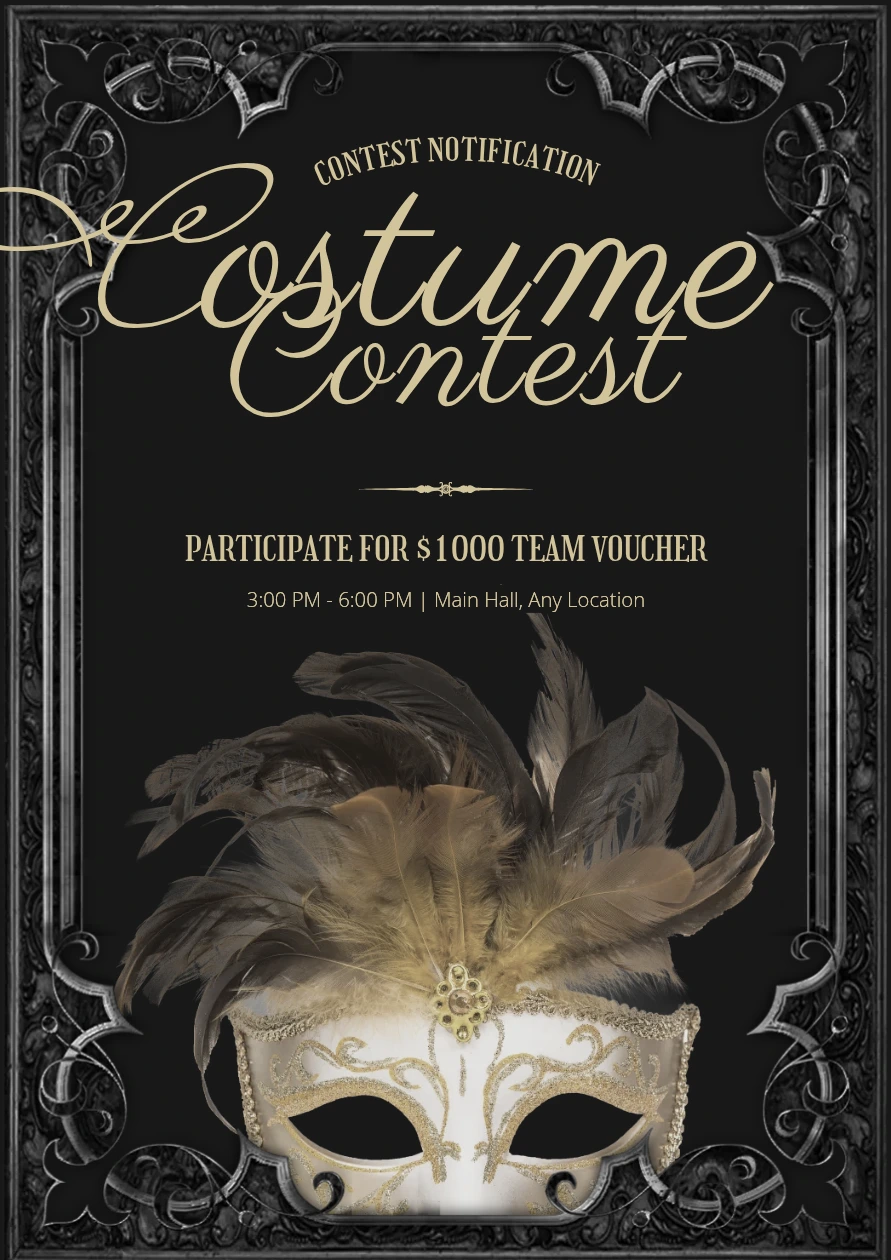
A costume contest is an invitation to show off a little. Let the design build that excitement while making the entry details easy to understand.
Give the contest name and prizes a prominent place. Then explain when judging happens, which categories are available, and how people can enter.
What to include: Judging time, entry deadline, categories, prizes, and a link to any detailed rules.
For community events, clear directions matter as much as the theme. Help people understand where to go, when to arrive, and how to participate.
A bold pumpkin can catch attention on a community bulletin board. Use the supporting text to explain the event’s hours and participating area.
Be specific about whether trick-or-treating takes place in a park, along a business district, or at participating homes. If there’s a route map, link to it rather than squeezing every street onto the poster.
What to include: Hours, meeting point or participating area, a route link if needed, and any activity fees.

Decorated car trunks and candy stations bring the Halloween experience into one shared space. A trunk-or-treat poster may need to reach both visiting families and volunteers hosting a trunk.
Adapt this community template by changing the headline to “Trunk or Treat” and naming the parking lot. Keep host registration separate from the information for attendees so each group can find what it needs.
What to include: Event hours, parking lot address, admission details, and a clearly labeled host signup link.

A costume swap or donation drive can help families pass along outfits they no longer need. The poster should explain how taking part works.
For a swap, tell people what they can bring and how they can choose a replacement. For a donation drive, explain what you’re accepting and where donations should go.
Use the template’s text areas for practical labels such as “Sizes accepted,” “Drop-off hours,” or “How the swap works.”
What to include: Swap or donation instructions, accepted sizes and condition, location, and deadline.
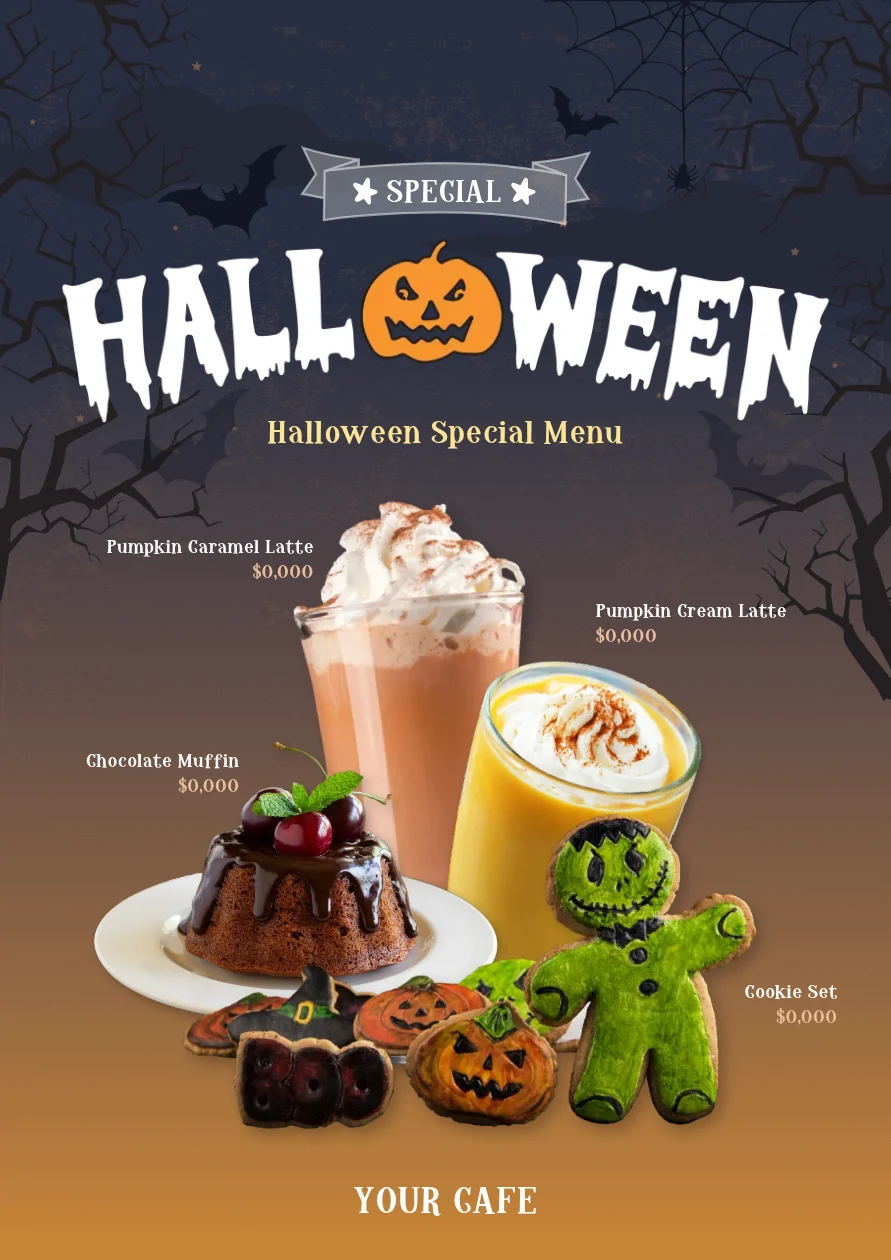
A seasonal poster can introduce a limited-time menu, invite customers to an event, or make a shop window more inviting. Choose how much detail to include based on where people will see it.
Give a few Halloween specials their own moment. Feature a small selection of items with clear names and prices, and use short descriptions when customers need to know what’s in them.
If you include photographs, make sure they represent what you’re serving. Add the availability dates so people know how long they have to try the menu.
What to include: Item names, prices, availability dates, and brief descriptions where useful.
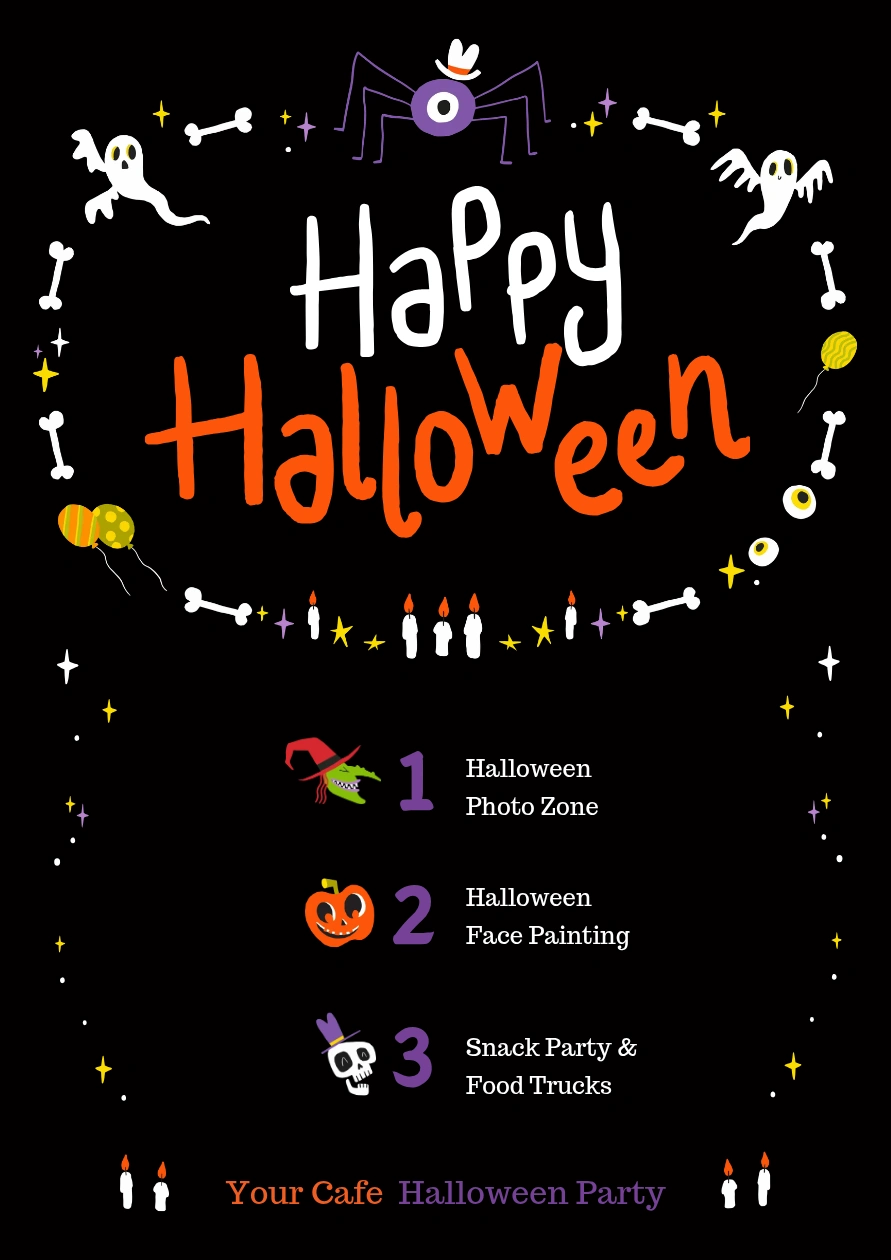
A costume photo booth, a tasting, or a children’s activity can give customers a reason to plan a visit.
This numbered layout can work as a short event program. Keep each activity description brief, and add start times for sessions people need to arrive for.
What to include: Activities, event hours, business name and address, and any booking or purchase requirements.
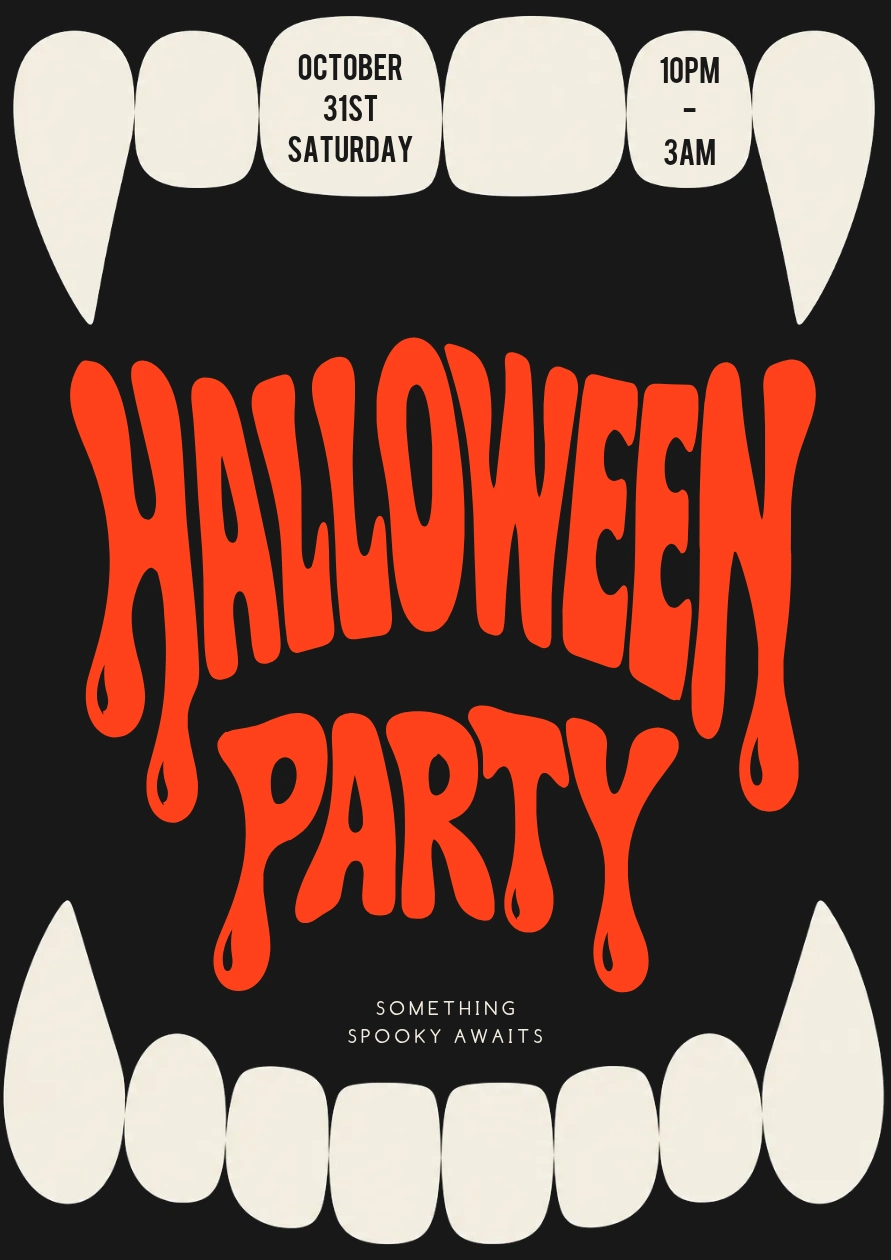
Adult parties give you room for dramatic lettering, darker imagery, and playful themes. Make the atmosphere memorable while keeping the time, location, and entry details clear.
The vampire-teeth frame makes this design a bold choice for a bar or club night. Use the central space for the party name and essential details, and keep extra promotional copy short.
For a party that continues past midnight, clearly state the start date and time range. Include any age restriction, cover charge, and costume policy.
What to include: Date, hours, venue address, age restriction, admission price or ticket link, and costume guidance.
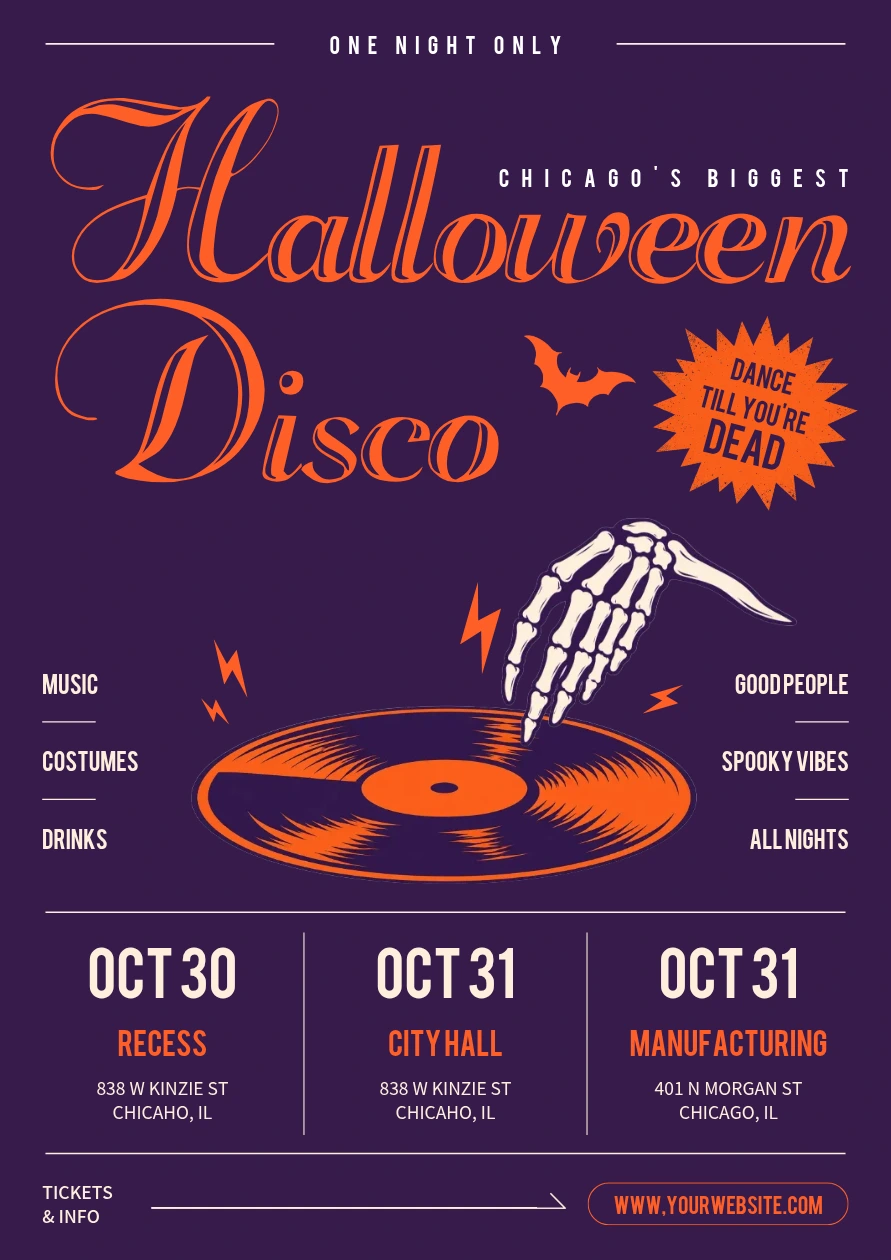
Promoting more than one date or venue? Use repeated information blocks so people can quickly compare their options.
The disco-themed design below offers a starting point for a Halloween event series. Keep each date, time, and location together, and use consistent formatting across the columns.
If ticket prices or booking links vary by venue, place those details within the relevant block.
What to include: A shared event title and a separate date, time, venue, and booking instruction for each event.
Choose your Halloween mood.
Friendly ghosts, smiling pumpkins, and playful lettering suit family celebrations. Darker imagery can work for an adult party or haunted attraction. Match the design to the experience you’re inviting people to.
Keep the color palette focused.
Orange and black are familiar choices, but purple, green, cream, and pale blue can work too. Choose colors that complement the artwork and keep strong contrast behind important text.
Make the details easy to spot.
After the headline catches someone’s attention, they should quickly find the date, time, and location. Use size, contrast, spacing, or a dedicated information block to guide the eye.
Give the message room.
You don’t need a pumpkin, a ghost, a web, and a bat in every corner. If the layout feels crowded, remove a few decorations before shrinking the text.
Check the format you’ll actually use.
Preview the poster at its intended print size and on a phone. You may need to adjust the layout or enlarge the details when adapting it for a different format.
Found a design that fits? Open the template in MiriCanvas and replace the sample wording with your event details.
Start with the headline, date, time, location, and main instruction. For a menu or shop promotion, update the items, prices, and availability dates instead. Delete any text blocks you don’t need.
All 11 templates featured here are free to customize in the MiriCanvas browser editor. Choose your favorite and start adding your event details.
For a complete walkthrough, read how to make a Halloween poster. The guide follows one school family night poster from choosing a template to editing the design and downloading the finished version.
You can also browse more Halloween poster templates to find a layout with room for everything your event needs.
For an event, include the name, date, start and end time, venue address, intended audience, and a clear next step. Add admission prices, registration deadlines, or costume guidance when relevant. For a menu or shop promotion, include prices, availability dates, and any offer terms.
Yes. All 11 templates featured in this article are free to use and customize in MiriCanvas. The platform also offers premium templates, but the designs linked here are free.
Choose the size based on where you’ll use it. US letter size, 8.5 × 11 inches, is a practical option for school handouts and office printing. For a larger poster, confirm the dimensions with your print shop. If you’re sharing the design online too, check the crop and text size for each placement.
Choose a template that fits your event, replace the sample wording, and adjust the colors, fonts, and images for your audience. Check the details and readability before downloading. Follow the full guide on how to make a Halloween poster for a step-by-step example.
For a local school or community event, consider posting it two to three weeks ahead. Allow more time if people need to buy tickets, register, volunteer, or prepare costumes. Include any signup deadline clearly on the poster.
Choose a template that fits your event, add your details, and make it your own.
Browse templates


