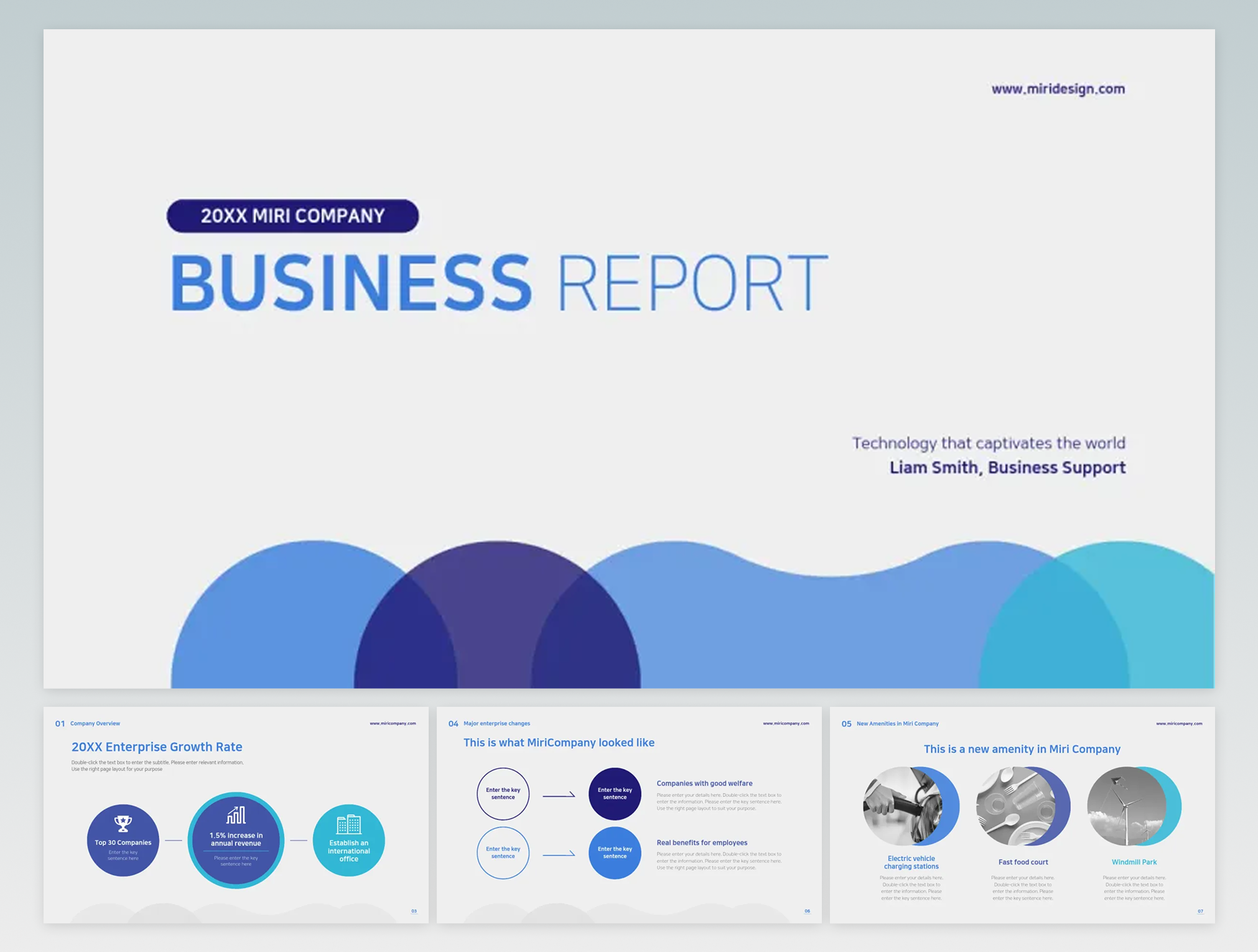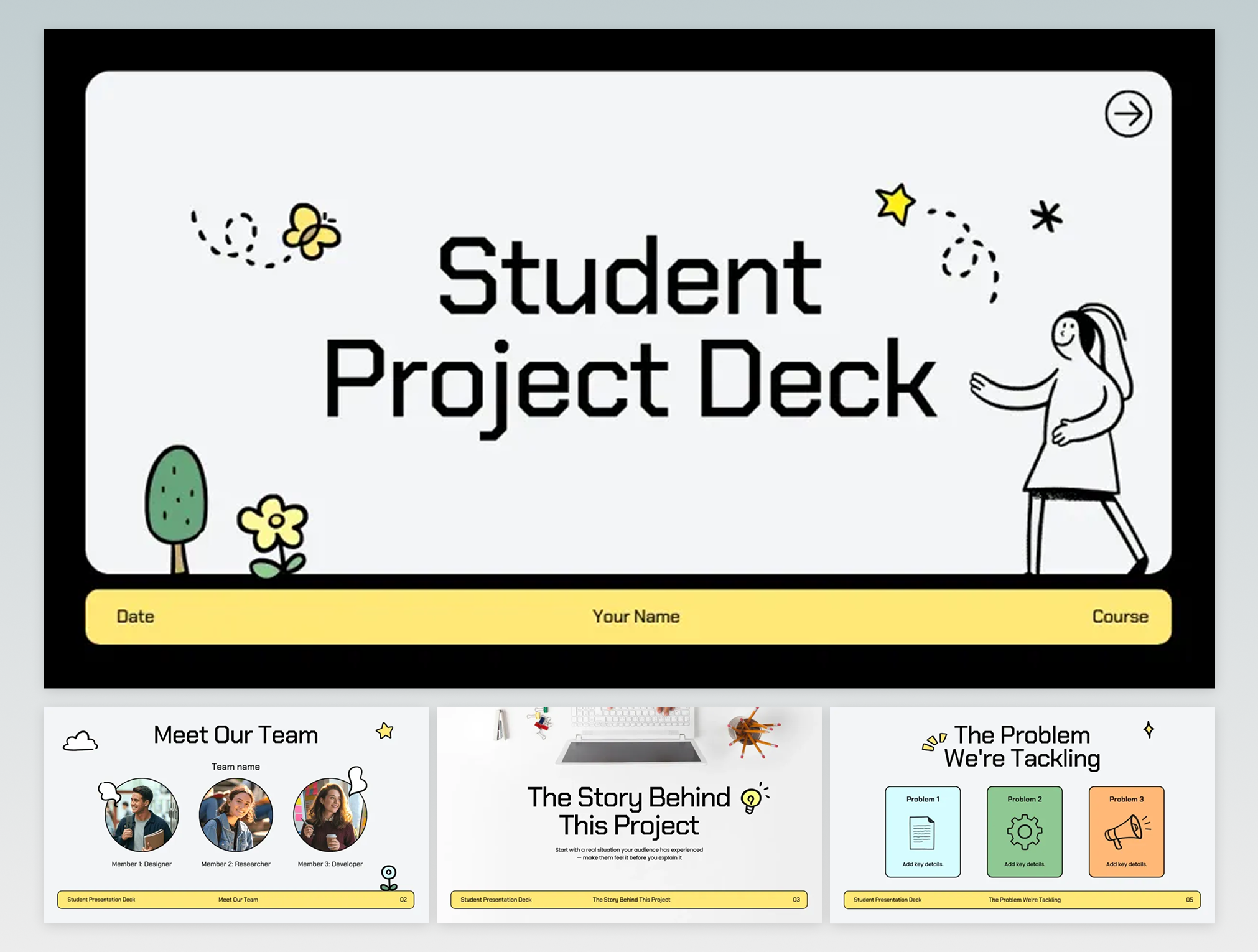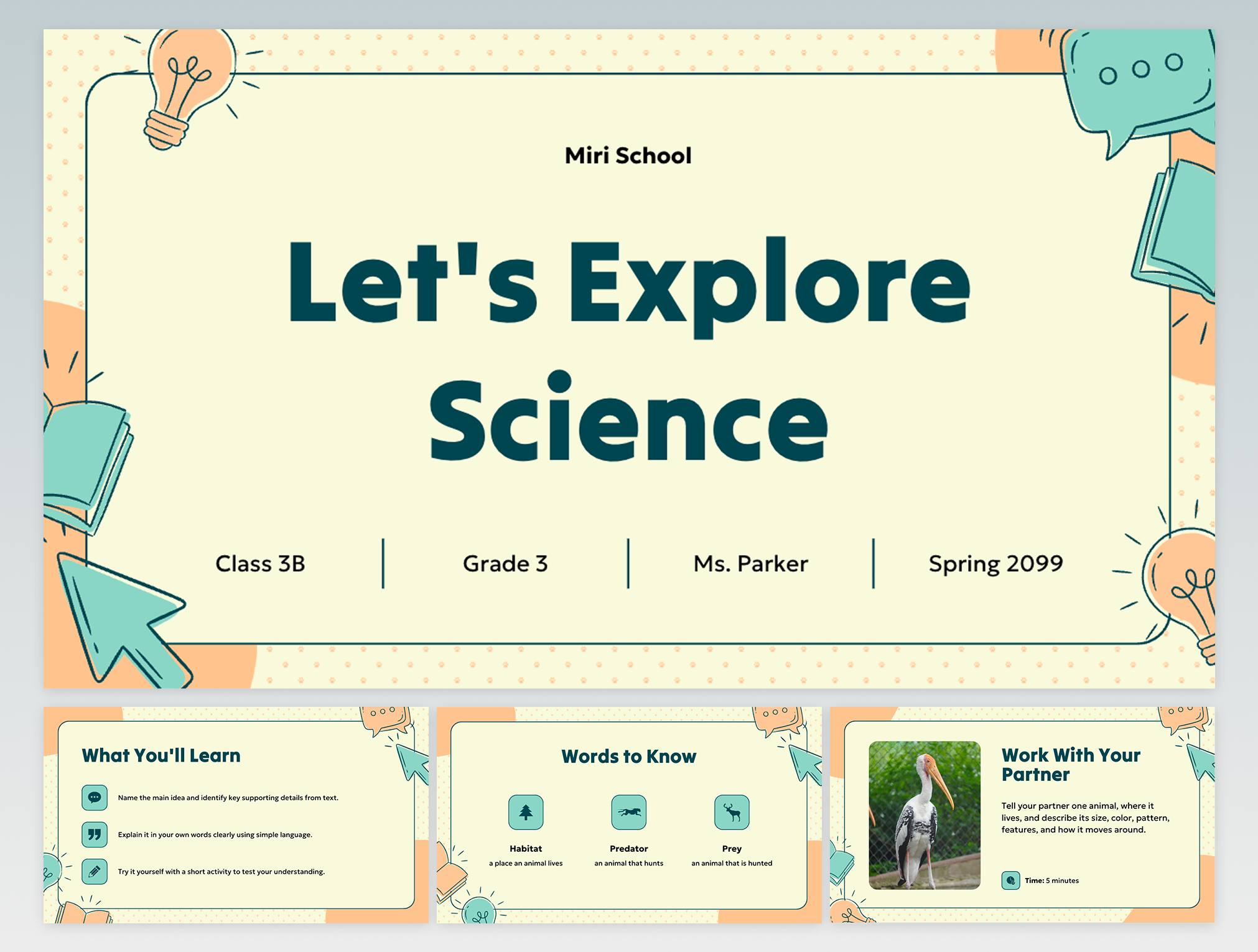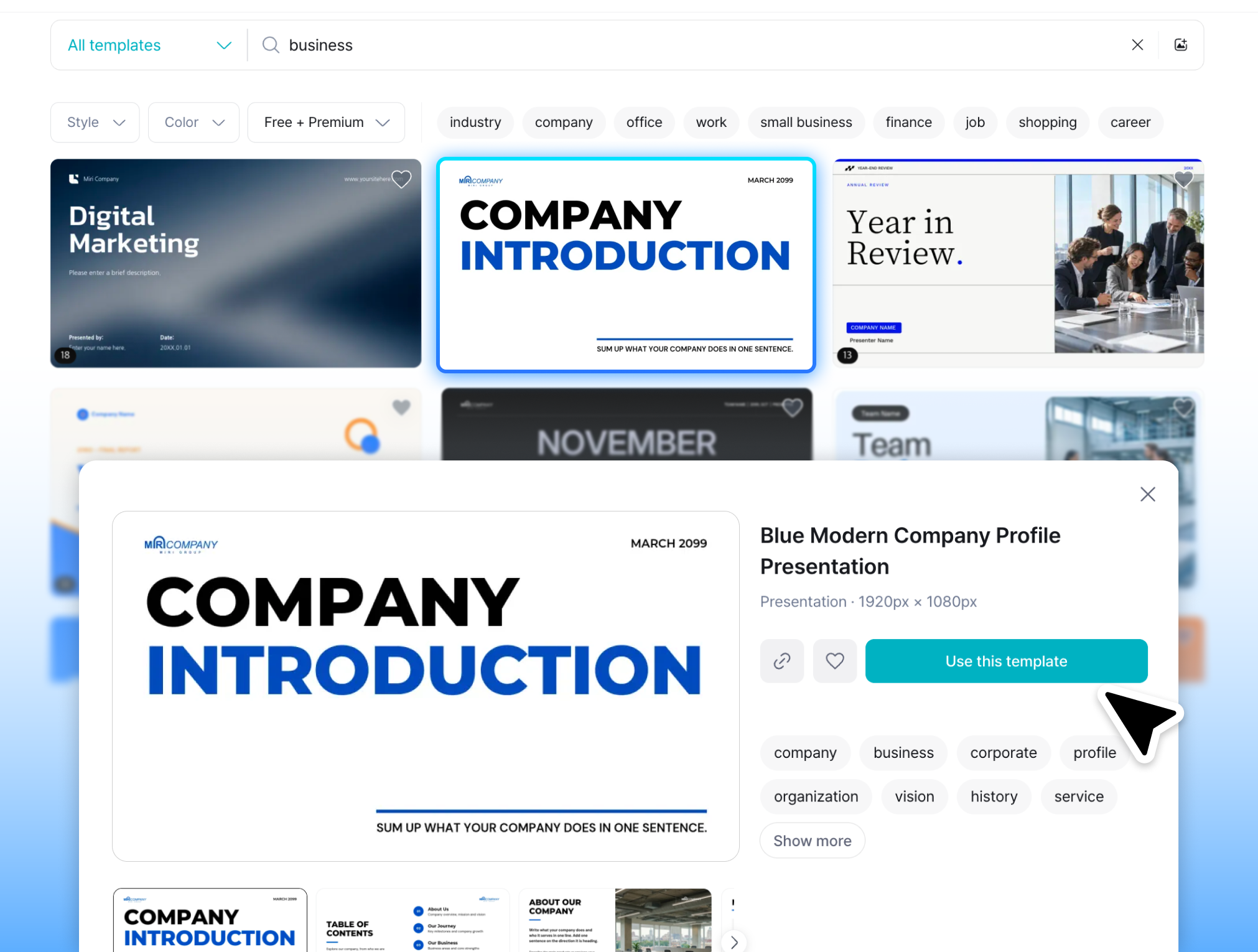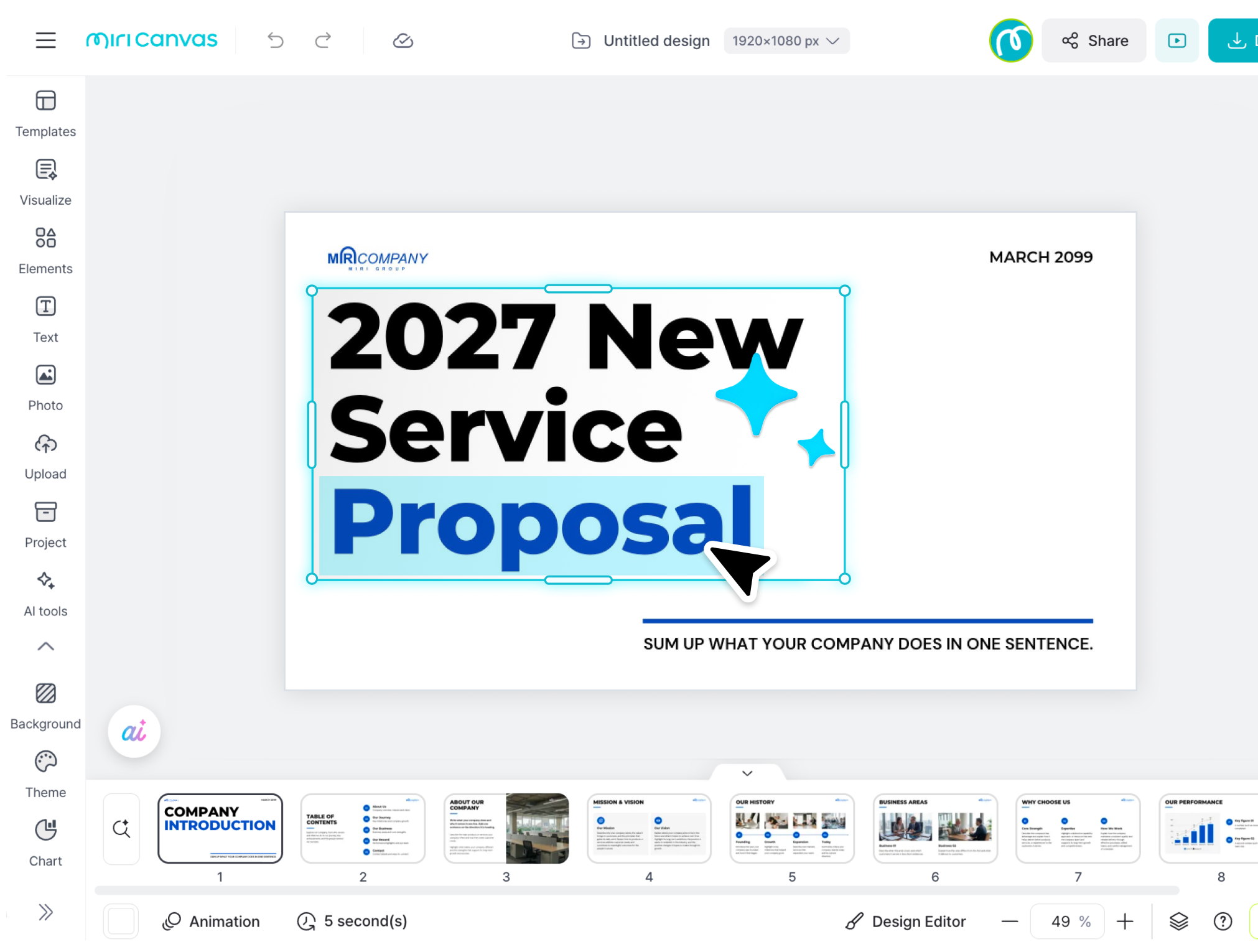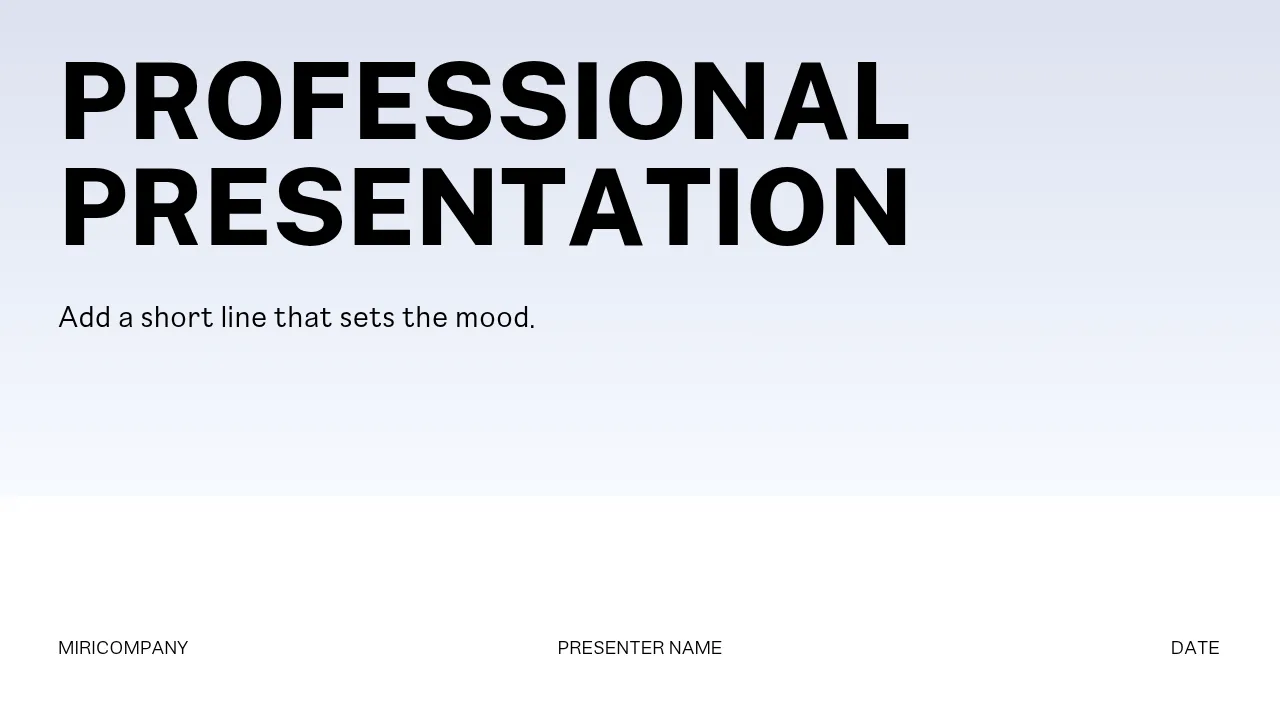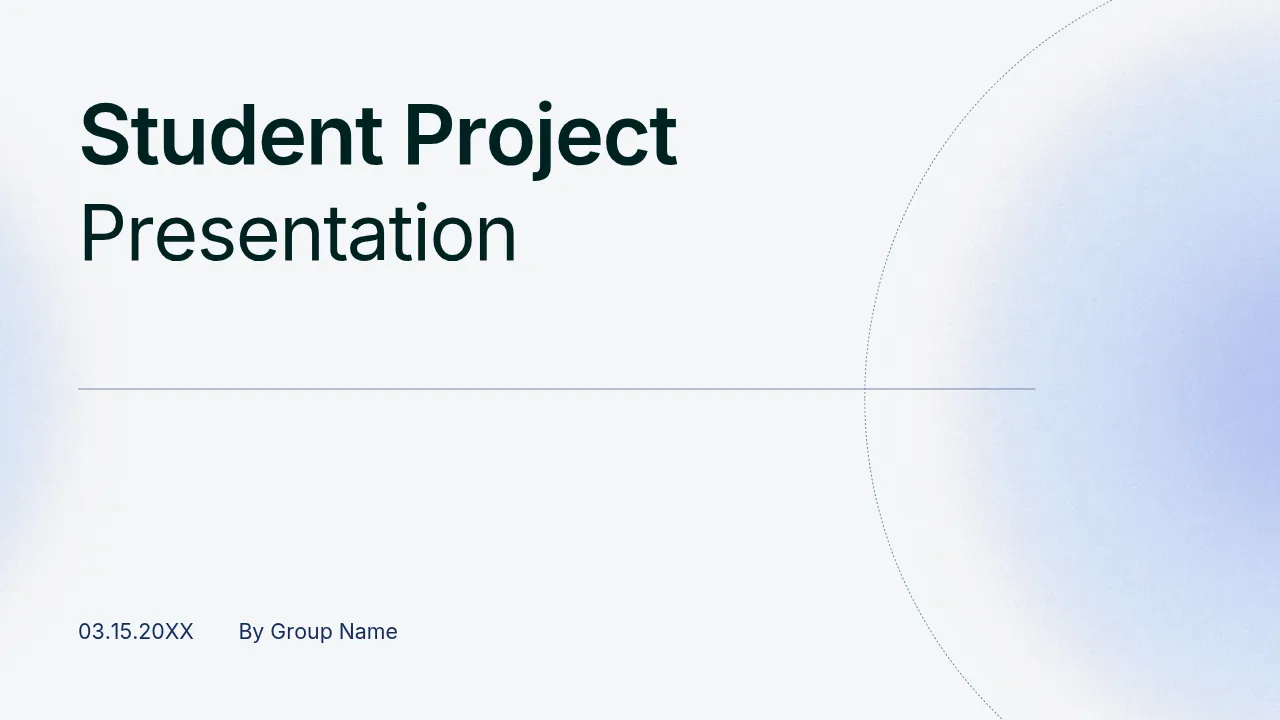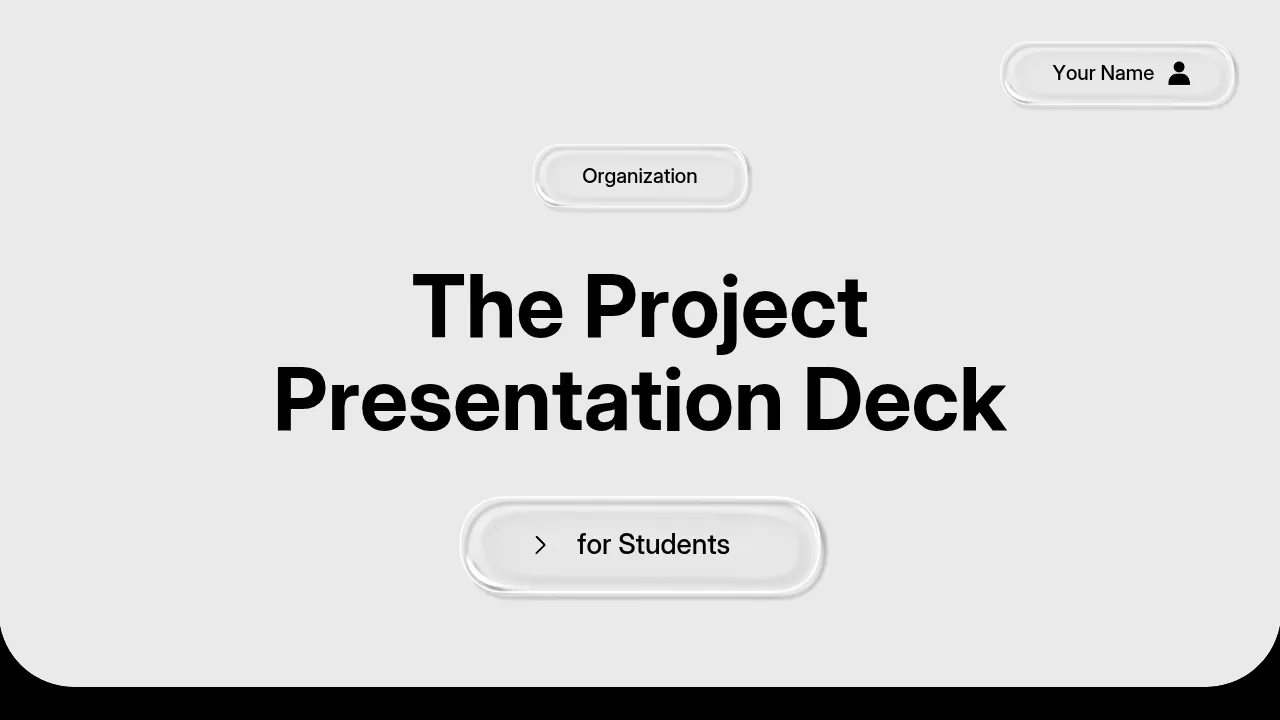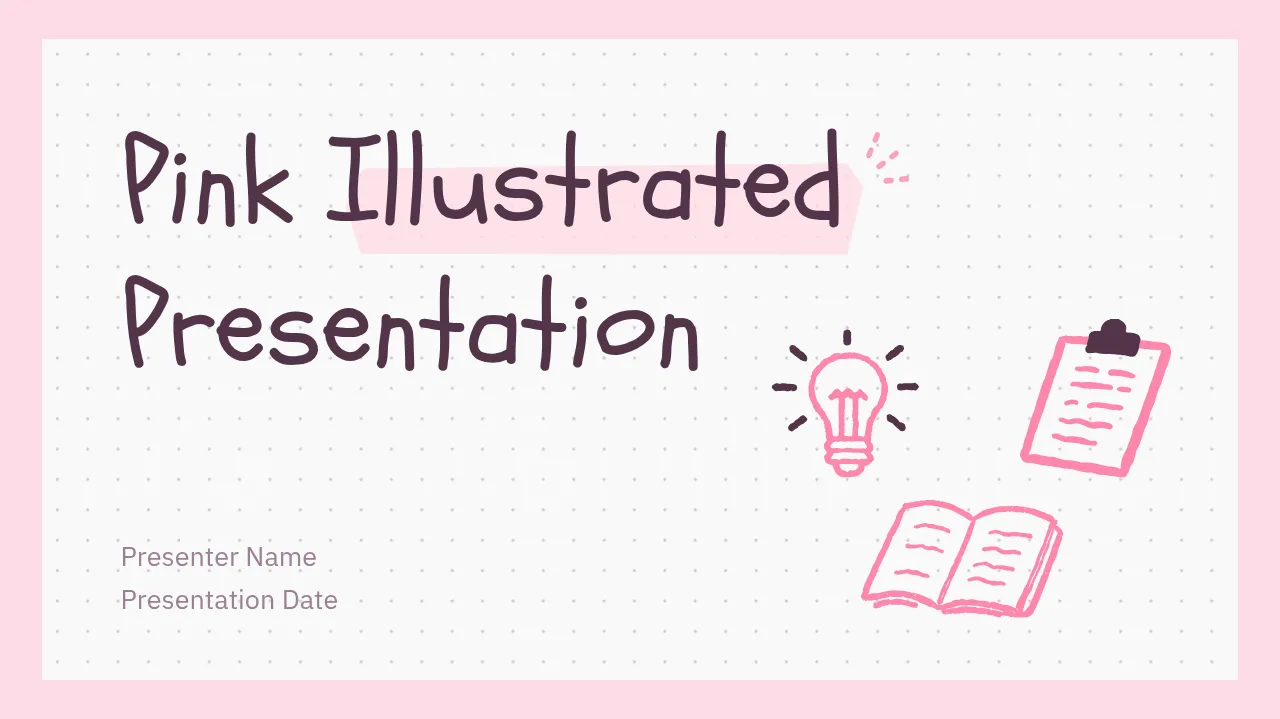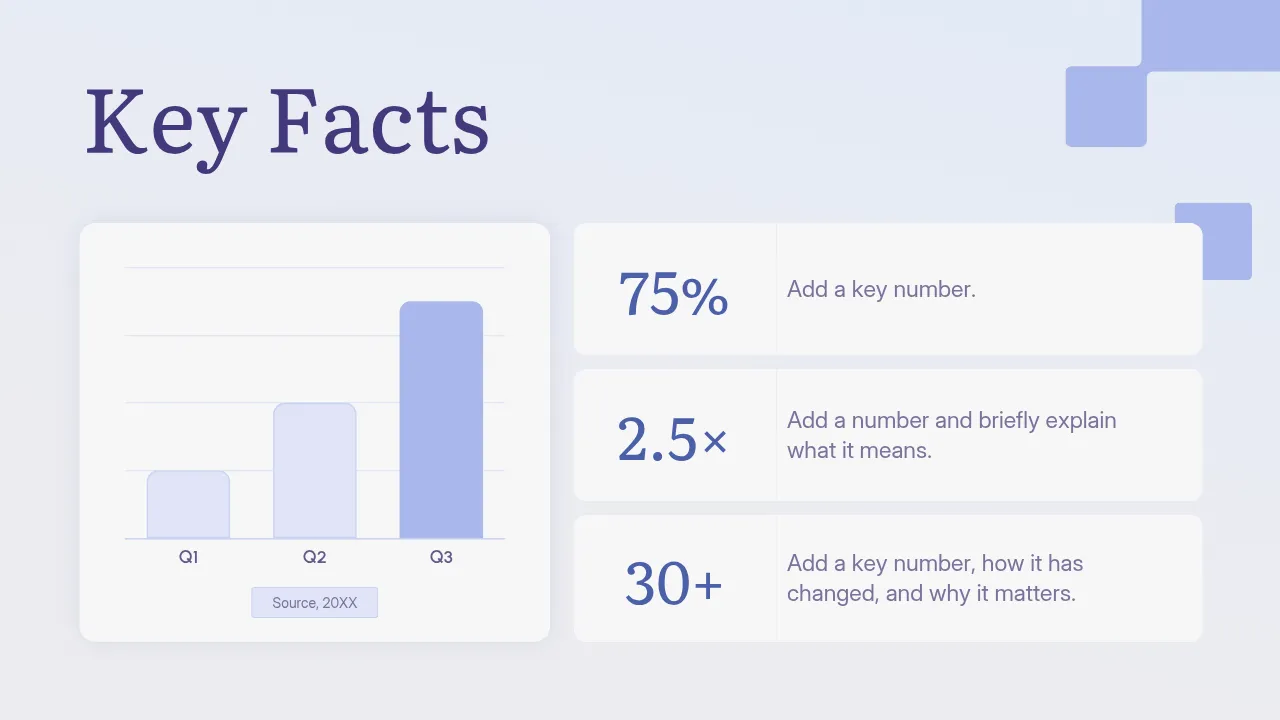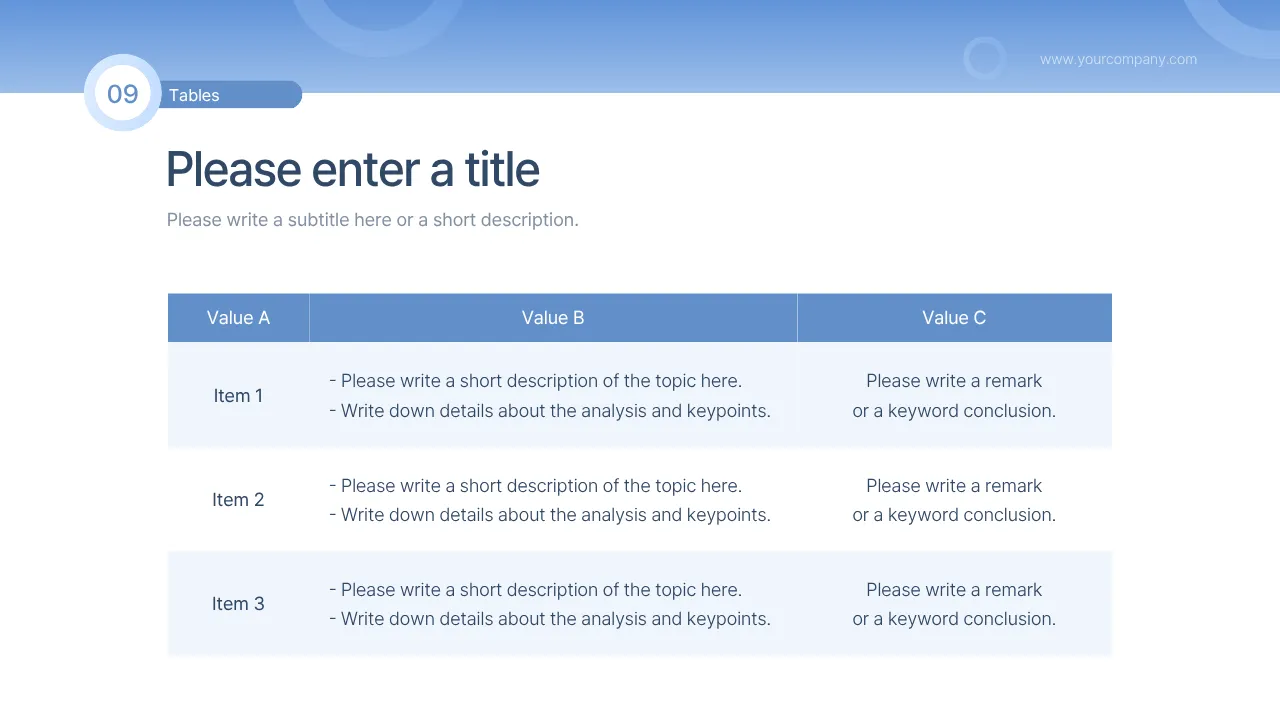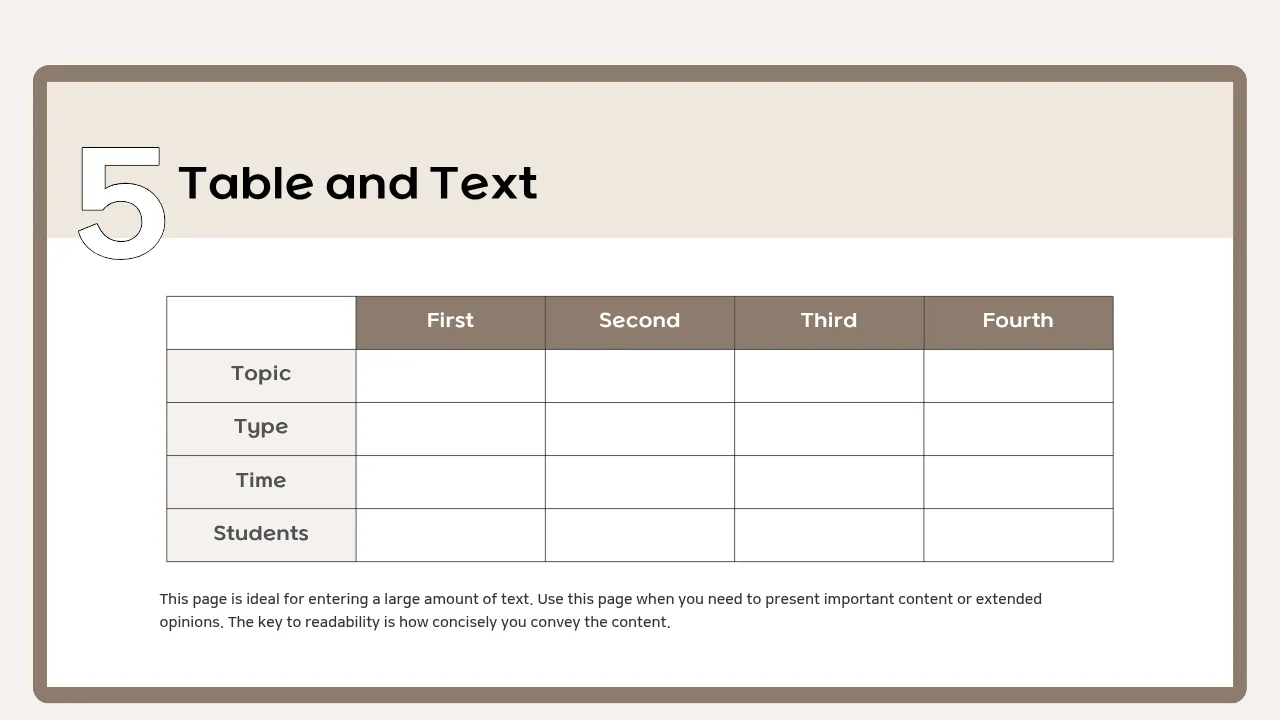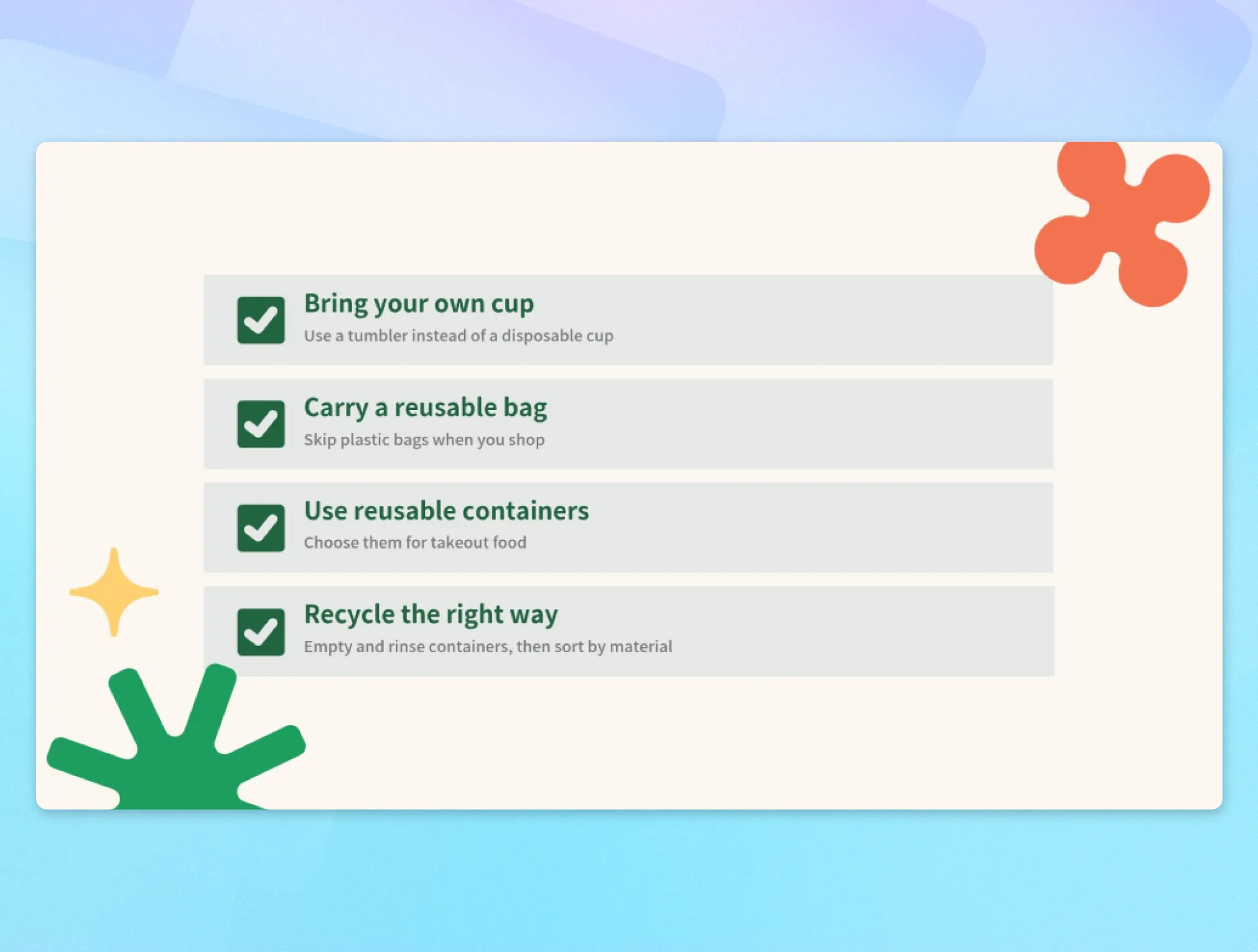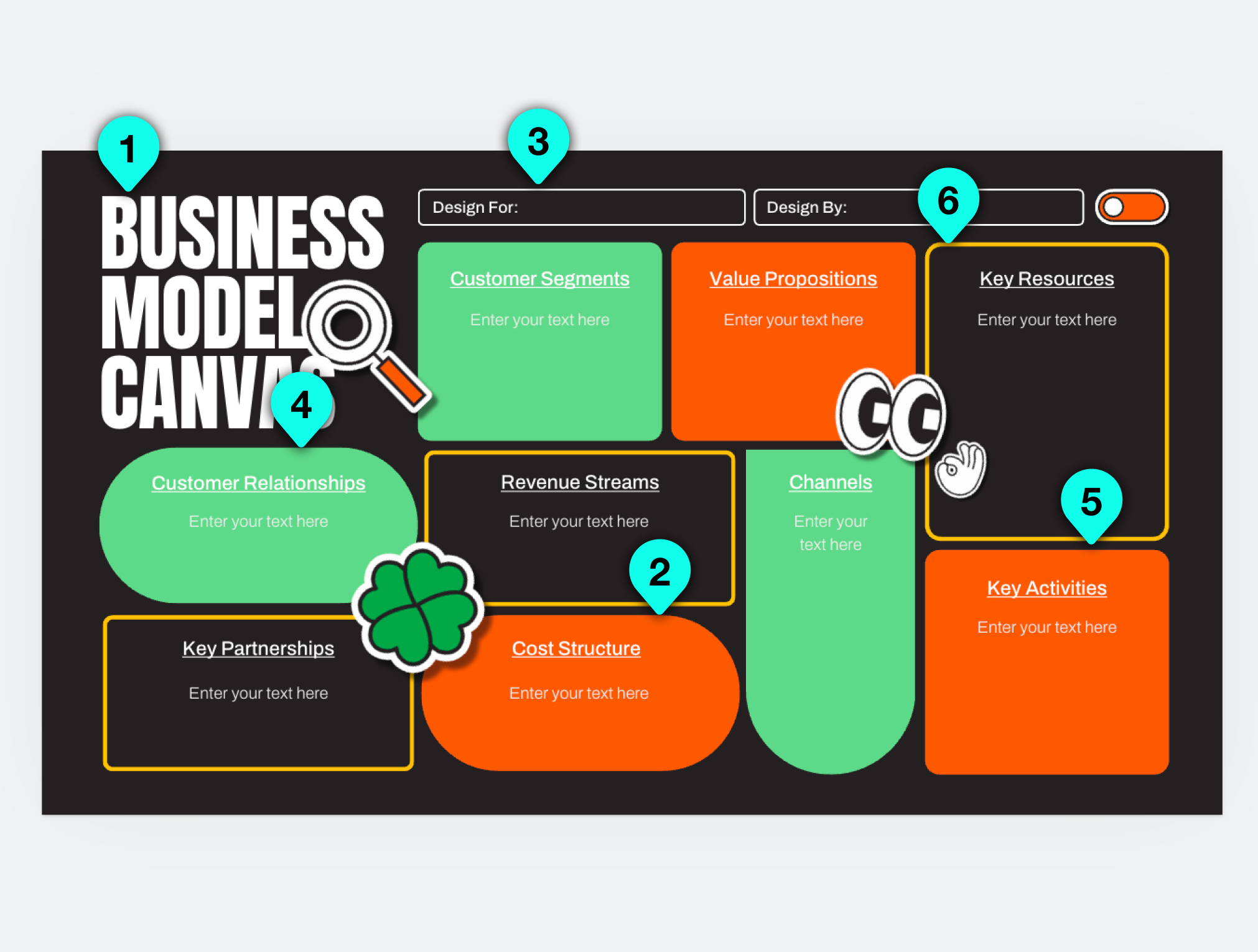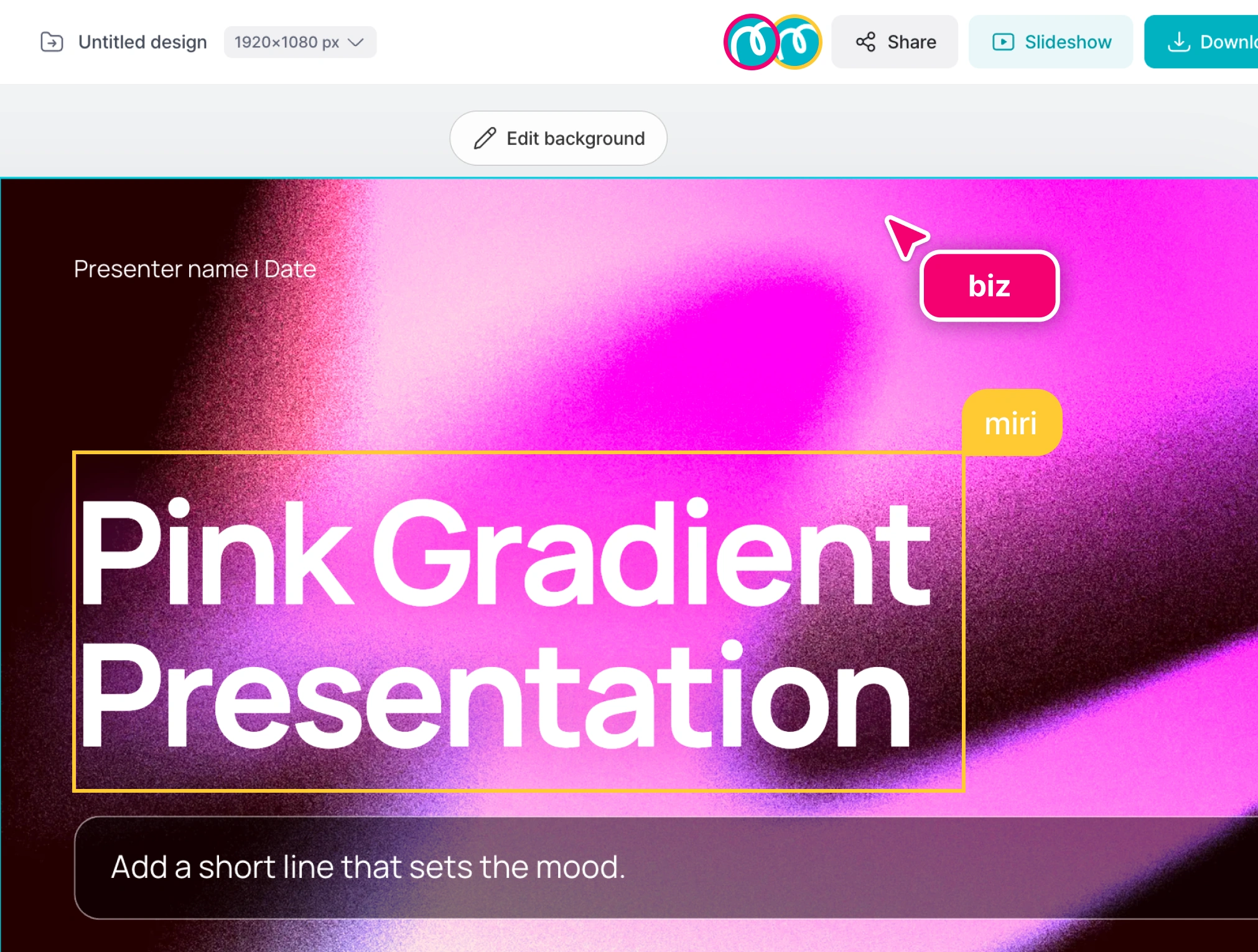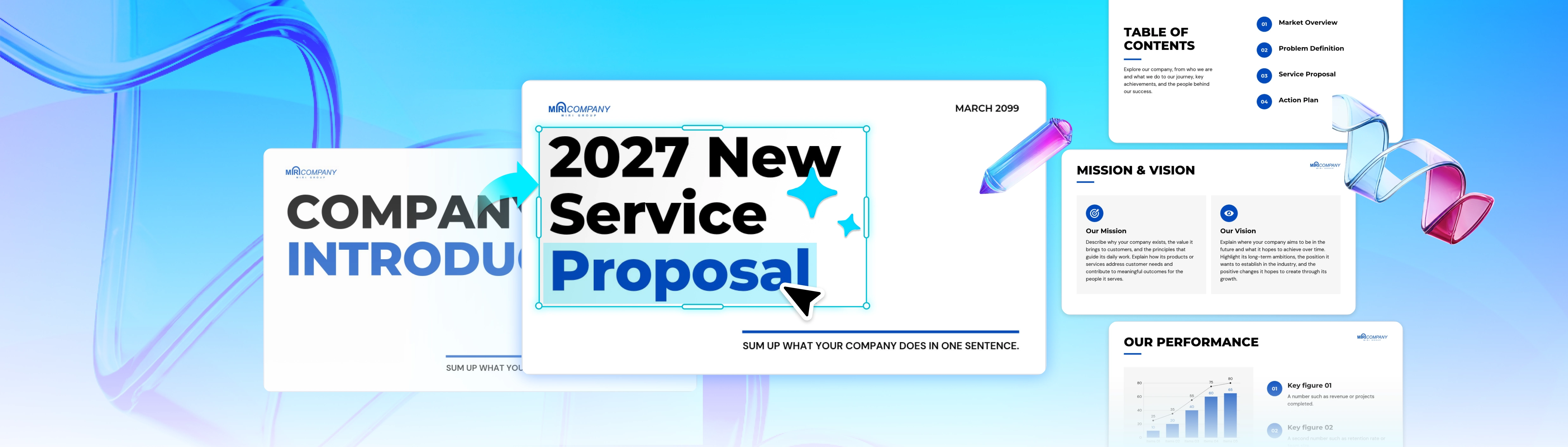

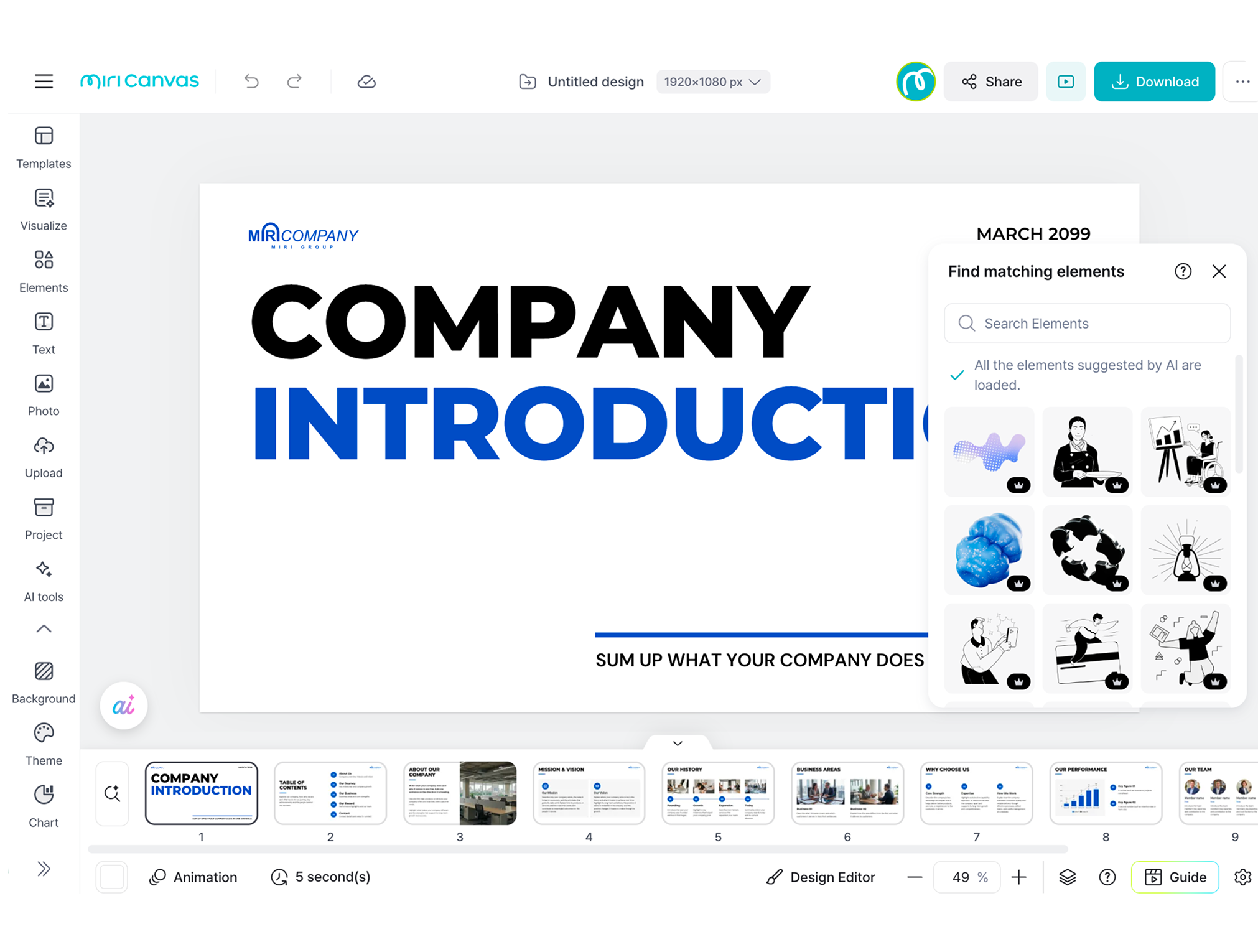
Pick a 16:9 presentation template you like and open it.
With the presentation maker, skip the blank screen and get started right away. Just change the text and images in a ready-designed template, and your presentation is done.


Choose a 16:9 presentation template made by designers and start editing right away.

Change text, images, colors, and fonts, and add or duplicate pages to make the presentation your own.

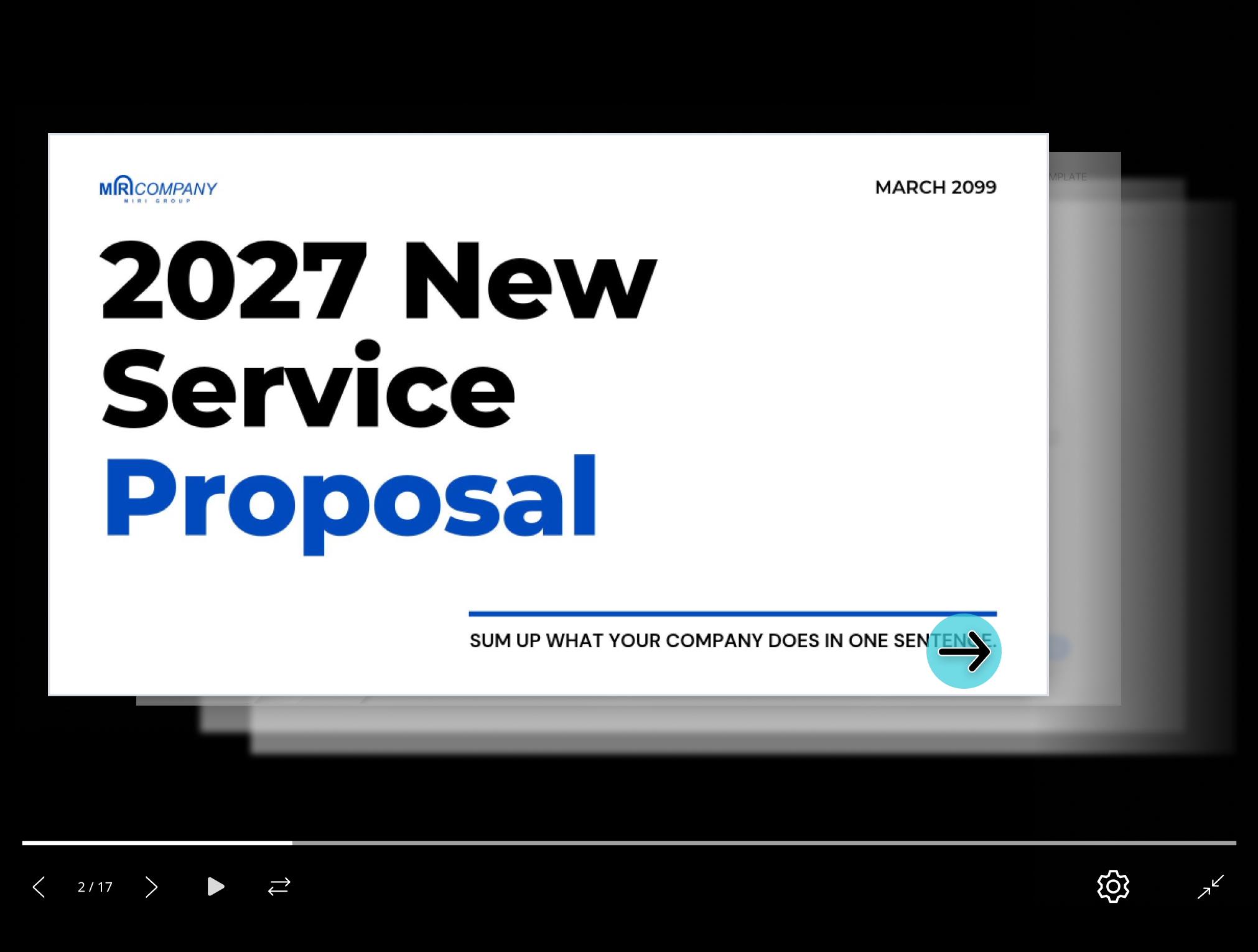
Present your finished slides as a slideshow straight from the editor.

Pick a 16:9 presentation template you like and open it.

Change the text, images, colors, and fonts to fit your presentation.
Add, duplicate, delete, and reorder pages to shape the flow.
Present as a slideshow right from the editor, or download as PDF, PPTX, and more.
A presentation is a set of slides that organizes what you want to say for your audience.
The presentation maker on MiriCanvas lets you finish a presentation by choosing and editing a template yourself. You start from a template with the structure and design already in place, so you can focus on your content instead of spending time on a blank slide.
If you want slides made automatically from just a topic, use AI presentation.

Start from a template to put together team work reports or proposal presentations.

Start from a template and change it to fit your content to finish presentations for class or assignments.

Organize materials for lessons and lectures as slides.
Pick a presentation template and start editing right away. Choose from tens of thousands of templates made by designers, in every style and for every purpose.


Change the text, images, colors, and fonts yourself to make the presentation your own. You can add, duplicate, delete, and reorder pages, so if you need a layout that fits your content, you can combine pages from several templates.
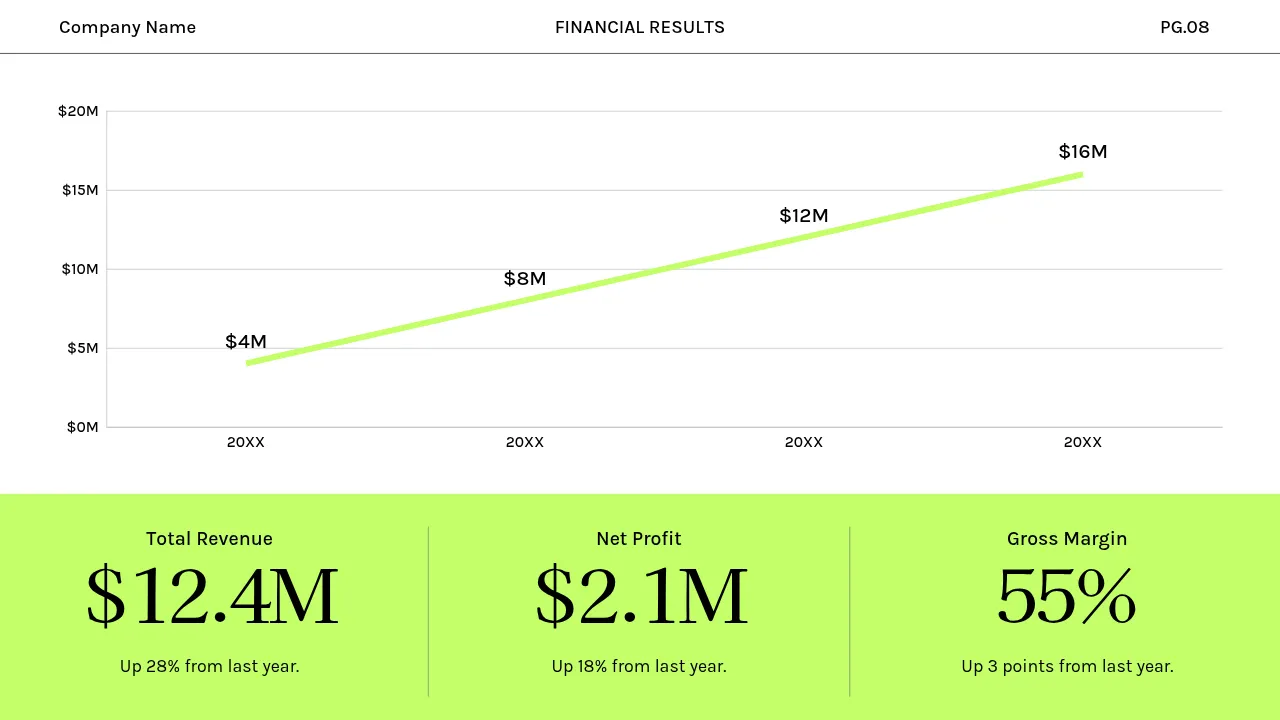
Find and add graphic elements like photos and illustrations right away, edit them, and use them without copyright worries. You can also visualize data for your slides as graphs.
Present your finished slides as a slideshow right from the editor. Download as PDF, PNG, JPG, PPTX, MP4, or GIF, share with a link, and co-edit with others.

Start from a presentation template made for your purpose, like work reports, proposals, or lessons, and just change the content.


Just enter a topic to draft your slides automatically.

Turn your written notes into presentation slides.

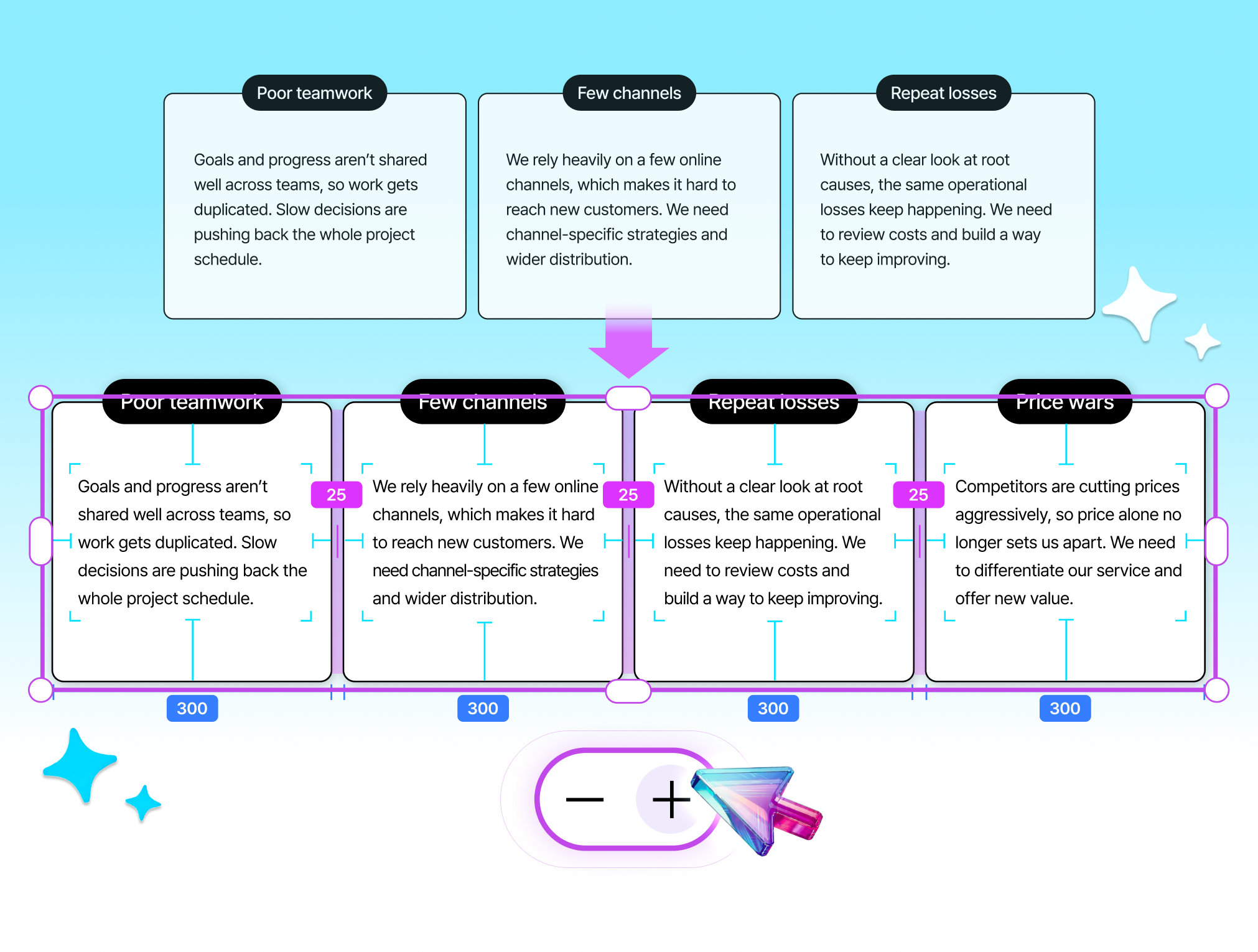
Automatically keep repeated card layouts the same size and neatly aligned.

Add entrance effects to your entire deck in one go.

Edit your deck with teammates and share feedback as you go.
Let templates handle the design so you can put your presentation together with ease. When it’s ready, present it straight from the editor.